Your profile and preferences
The settings screen that belongs to you — name, avatar, language and timezone, theme, pinned projects, notification delivery, skills, shortcuts and your data.
What it is
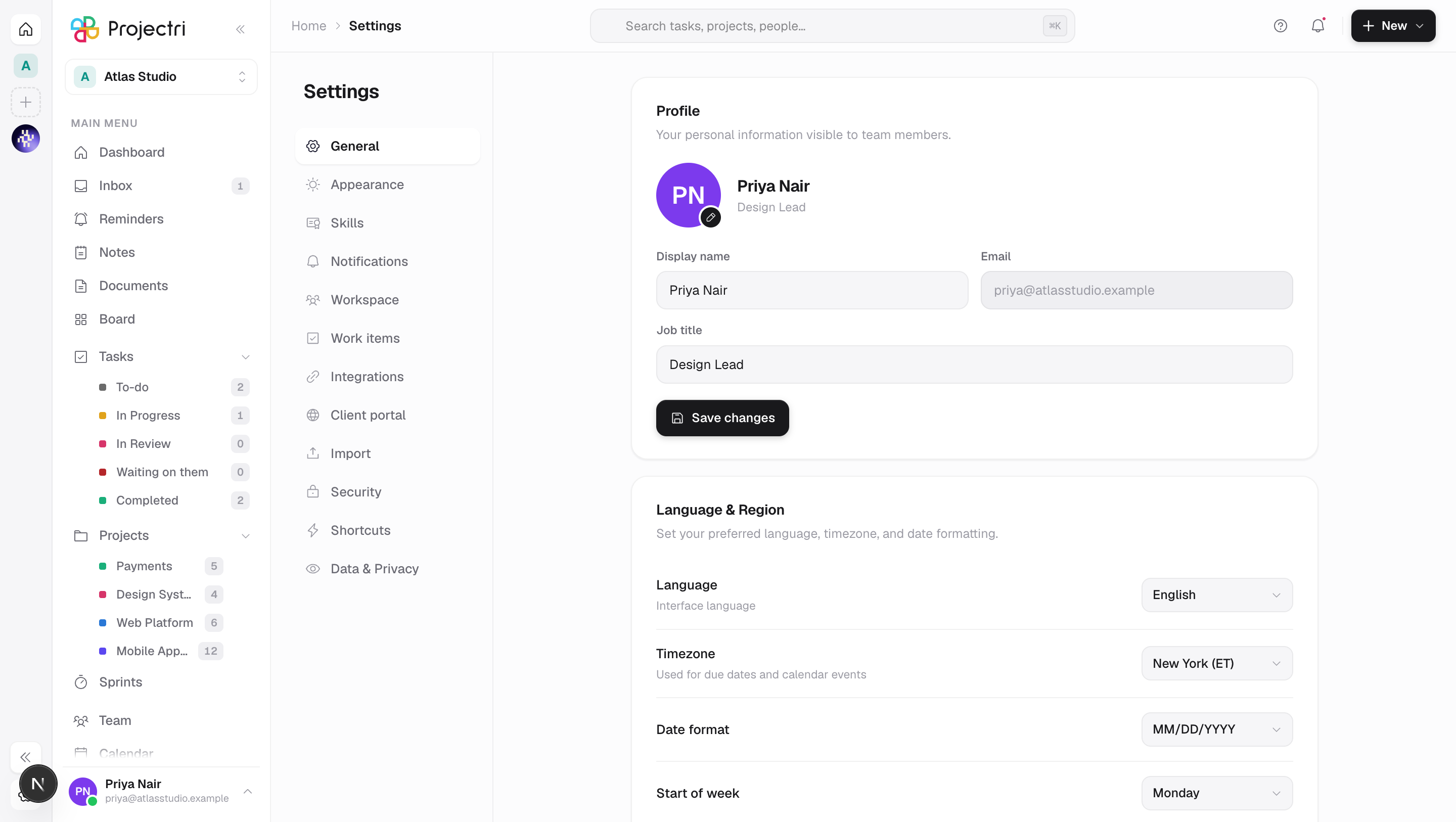
One screen with twelve tabs down the left. About half of them are yours — profile, appearance, skills, notifications, shortcuts, security, data — and the rest configure the workspace for everybody. This page covers the personal half; the workspace half is Workspace settings.
How to get there
Settings from your avatar menu in the sidebar, or Cmd/Ctrl + ,. The tab is in the address as ?tab=general, so a link to a specific tab works. Every tab is listed for everyone — no permission hides a row here — but the workspace-level ones will refuse a save you are not allowed to make.
How to use it
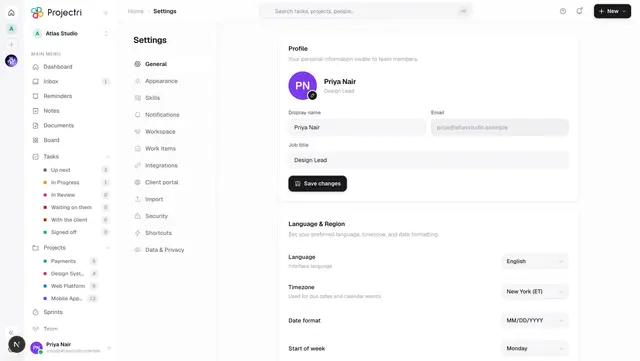
Edit your profile
- Open General.
- Press the pencil on your avatar to pick a photo or build a character. Both halves are saved in one go.
- Set Display name and Job title. Your email address is shown but cannot be changed here.
- Press Save changes. This one button also saves the Language & Region block below it, so a half-applied form is not possible.
Set your language, timezone and date format
Still on General, under Language & Region:
- Language — the interface language. Saving a different one refreshes the page, because the language is resolved on the server per request.
- Timezone — used for due dates and reminders. The list is named zones, so daylight saving is handled for you.
- Date format —
MM/DD/YYYY,DD/MM/YYYYorYYYY-MM-DD. - Start of week — Monday, Sunday or Saturday.
Change how the app looks
Open Appearance:
- Theme — Light, Dark, or System.
- Accent colour — ten choices, each with its own dark-theme variant.
- Display — text size, sidebar on the left or the right, compact mode, and whether animations run.
Pin the projects you always want in the rail
Also on Appearance. The sidebar shows five projects; left alone it shows the five you touched most recently, which is wrong for anyone who runs the same three all quarter.
- Pick a project in Pin a project.
- Reorder pinned rows with the arrows, or remove one.
- Pinned projects sit at the top of the rail in this order, and recency fills whatever rows are left. Pinning from a rail row writes the same list.
Choose how you are notified
Open Notifications:
- Email notifications is a switch. Push and In-app are always on and say so — delivery of those cannot be worth switching off wholesale.
- Desktop notifications asks the browser for permission from inside the click. If the browser refuses, the switch stays off rather than lying.
- Other channels only appears if your workspace has connected any. If one of them is WhatsApp or SMS, a Mobile number field appears — it must be a full international number or nothing is stored.
- Activity triggers are per-event switches: mentions, task assignments, task completions, due-date reminders, the weekly digest and meeting reminders. Meeting reminders carry their own lead time, from Automatic to an hour before.
- Sound & vibration covers the notification chime and Read aloud, where Nia speaks new notifications. Turning read-aloud on demonstrates itself immediately.
Rate your own skills
Open Skills. You can rate yourself and propose new skills; you cannot validate your own levels, so that control is not shown. What resourcing ranks people on comes from this tab.
Look up a keyboard shortcut
Open Shortcuts. Every row is a key something actually listens for, grouped by navigation, tasks, views and general, and rendered with the right modifier for your platform.
Ask for a copy of your data, or its erasure
Open Data & Privacy:
- Request a copy produces a single file containing everything the workspace holds about you. When it is ready the row offers Download, and the file expires after a while.
- Request erasure is reviewed by an administrator first. Nothing is erased immediately and you are told the date before it happens.
- Both come with a statutory deadline, and the row shows where the request has got to — filed, scheduled, ready, refused, on hold, or past its deadline.
Turn privacy switches on or off
Also on Data & Privacy: Analytics and Activity status. The second governs whether colleagues see when you were last online.
Close your account
At the bottom of Data & Privacy. Your account lives inside a workspace whose tasks, comments and documents belong to the organisation, so this is a request rather than a delete:
- Press Request account closure, optionally give a reason, then **Send closure request**.
- Every administrator of your workspace is notified in-app and by push, and our team is emailed so it happens within 30 days even if nobody acts.
- The card then shows the date requested and the date it is due, and offers I've changed my mind.
What it affects
- Timezone, date format and start of week are read across the product — due dates, reminders, the calendar and every date column.
- Language changes the interface only. It does not change what your colleagues see.
- Activity status has a real reader: it decides whether your last-seen time appears in the member roster.
- Pinned projects change the sidebar immediately and on every device.
- The notification switches decide delivery, not existence. Turning off email for mentions does not stop the mention; it stops the email.
- Closing your account removes your profile, credentials, devices, encryption keys and sign-in history. Work you contributed to the shared workspace stays with the organisation.
- Your skills feed the resourcing screens — availability search, staffing requests and the skills directory.
On mobile
Settings in the app covers the same personal ground in a shorter form: edit your name and title, change your avatar, pick a theme, set the notification sound and read-aloud, manage extra channels and your mobile number, and open Legal, Your data and Close my account. It also has the two rows this page sends you elsewhere for — Account security and Devices — plus App Lock, which is phone-only.
Limits and gotchas
- The tab rail shows all twelve tabs to everybody. A tab you cannot act on will let you look and then refuse the save; the row is not hidden.
- Language, region and profile share one Save changes button. The theme, accent, display and notification switches save themselves the moment you flip them.
- A phone number that is not a full international number is discarded, and the toast says so rather than claiming it saved.
- A pinned project you can no longer see is dropped from the list the next time you touch the card.
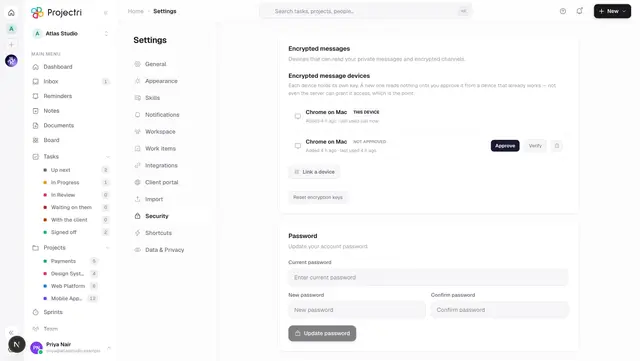
- Session length is not yours — it is a workspace policy, and the Security tab says so rather than offering a dropdown that changes nothing.
Related
- Two-factor authentication — the Security tab's second factor.
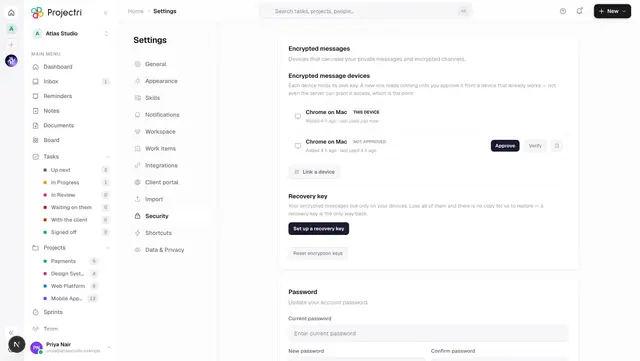
- Linked devices — the Security tab's device and session lists.
- Workspace settings — the tabs on this screen that configure the workspace.
- Notifications — what each trigger actually sends.
- Languages and locale — how language, timezone and formats resolve.