Corporate cards
Everything that was actually spent on company cards, and whether each transaction has an expense against it — the reconciliation queue, the import and the card list.
What it is
Every other expense screen starts from somebody remembering to file something. This one starts from the opposite end — here is everything that was spent, now account for it. Imported card transactions sit in a queue until each has been matched to an expense, turned into one, marked personal, or ignored.
How to get there
Cards is in the main navigation, gated on finance.expense.manage — the key that records a claim rather than a finance reading key, because the endpoint hands a cardholder their own unmatched rows and the person holding the receipt is the person who works this queue.
Scope follows the same rule as Expenses. finance.expense.view shows every card in the workspace; without it you see the cards assigned to you. A card statement is a record of where a person was and what they bought, so the read scope has to match. The badge beside the title says Every card in the workspace or Cards assigned to you.
The Import and Cards tabs appear only for the workspace-scoped reader. They are finance surfaces — a cardholder reaching this page to account for their own four transactions has nothing to do with a column map — and they are absent rather than present-and-refused.
There is no plan gate on this screen.
How to use it
Read the Monday-morning number
- The strip across the top is what is unaccounted for — the amount and the count — how many are accounted for, and how much has been marked personal.
- Beside it, the unaccounted total is broken down by person. A total with no owner is a fact; a list with owners is a set of conversations.
- A transaction on a card with no cardholder is called out in red. Those land in the workspace-wide queue and reach nobody's own screen.
Work the queue
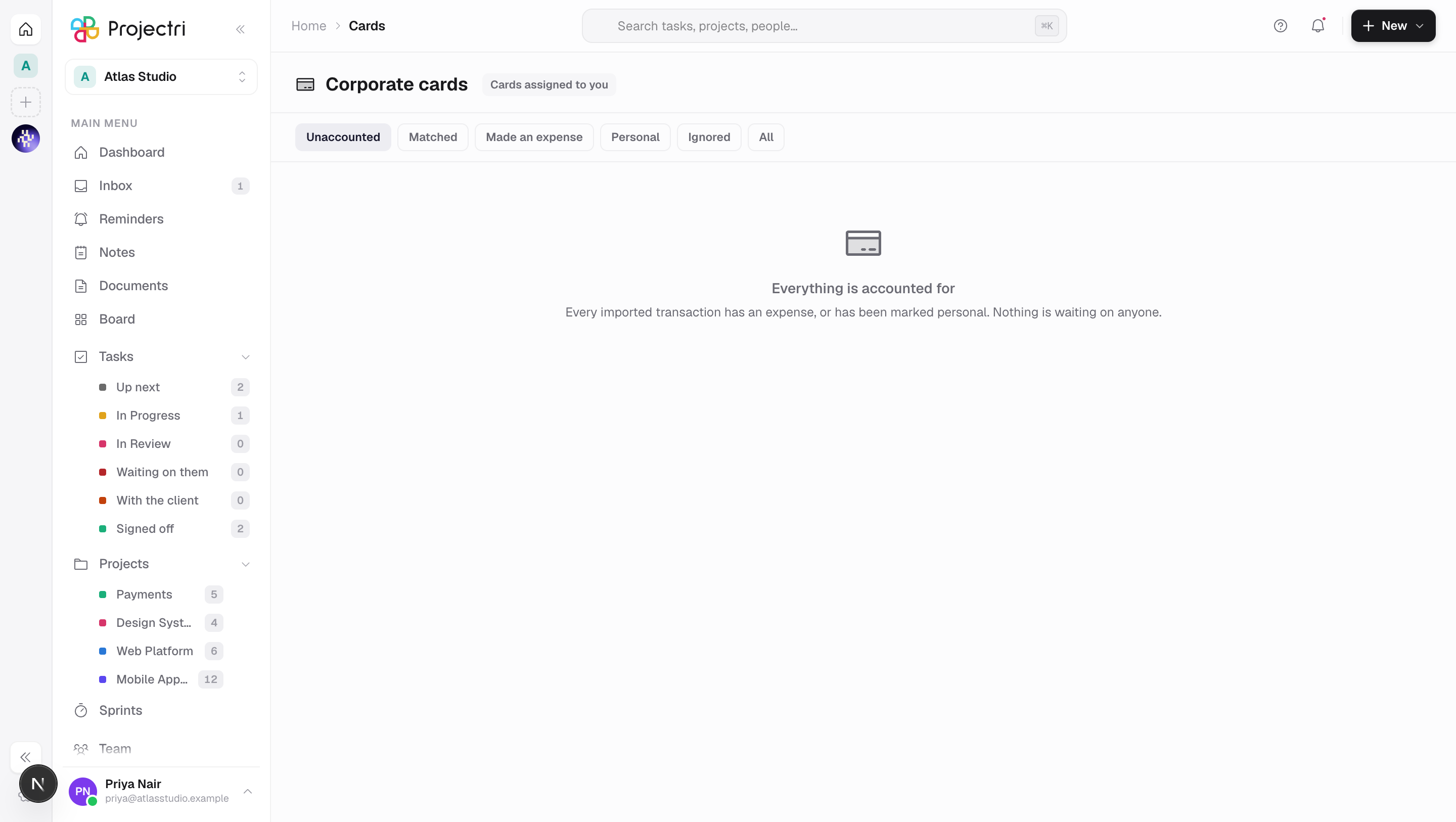
- The status chips filter the list. Unaccounted is where it opens, because importing is a monthly act and working the queue is a weekly one.
- Click a row to expand it. Possible matching expenses are fetched at that moment, not for the whole page — scoring two hundred rows up front is two hundred queries for a reviewer who will open four of them.
- Each candidate shows its score and the reasons behind it. "87" teaches nobody anything; "amount matches exactly · same day" can be agreed or disagreed with in a second.
- Match ties the transaction to that expense.
- Make an expense creates one from the transaction, with a category already suggested.
- Personal marks it as personal spend. Pretending that does not happen is what makes a reconciliation impossible to close.
- Ignore takes the line out of the reconciliation altogether. It is finance's call, so the button is absent for a plain cardholder rather than present and refused.
- Undo returns a resolved row to the queue.
Import a statement
- Switch to Import and drop a CSV exported from the card provider.
- Say which column is which. The mapping is guessed from the header row and shown against real values, because a map that only shows header names lets somebody wire Posted to the billing date and find out a month later.
- The preview says how many rows are in the file, how many are already here, and which lines were skipped and why.
- Import commits. Re-importing an overlapping statement is the normal case, not an error — people download "last 60 days" every month — and duplicates are left alone.
- The map is remembered against the file's own column signature, so the second import of the same bank's export is one step.
Manage cards
- Switch to Cards to add a card with a label, its last four digits and a provider, and to name its cardholder.
- Reassigning a card moves only future imports. Transactions already on the feed keep the holder they were imported against.
- A card can be deactivated and reactivated.
- Where any card has no cardholder, the tab warns how many — their transactions reach nobody.
What it affects
- Expenses. Making an expense from a transaction creates a real claim, which then follows the ordinary Expenses path — policy evaluation, approval, project cost.
- The unaccounted figure. Every action on a row moves the number at the top, which is the deliverable of the whole feature.
- Nothing is imported into expenses directly. A card transaction is its own record that may be matched to an expense or converted into one. Importing straight into claims would lose the reconciliation, which is the point.
On mobile
The Expo app has the queue, and it is not a convenience port. A charge at a restaurant on a Tuesday can only be explained by the person who made it, and that person is the one least often at a desk — which is exactly why the pile grows. The phone carries the three buttons that empty it, with the same scope badge and the same rule that a score is never shown without its reasons. Importing and card management stay on the web.
Limits and gotchas
- Matching is a suggestion. Bad matching erodes trust faster than no matching, which is why the score is never shown without its reasons and nothing is matched automatically from this screen.
- Where a transaction settled in a different currency from the one it was made in, both figures are shown. A foreign charge that only shows its settled amount is unrecognisable against the receipt in somebody's pocket.
- Re-import is safe by design — a transaction is deduplicated on a fingerprint — but a statement whose columns were mapped differently the first time can produce genuine duplicates.
- A refused action is reported above the rows rather than in place of them. Pressing Ignore without the finance key used to make the whole queue look empty.
Related
- Expenses — the other end of the same question.
- Finance setup — currencies, rates and the close periods this reconciles into.
- Exports — getting the reconciliation out of the product.