Business Loci
The workspace's branches and the departments under each one — addresses, contact details and which office is headquarters.
What it is
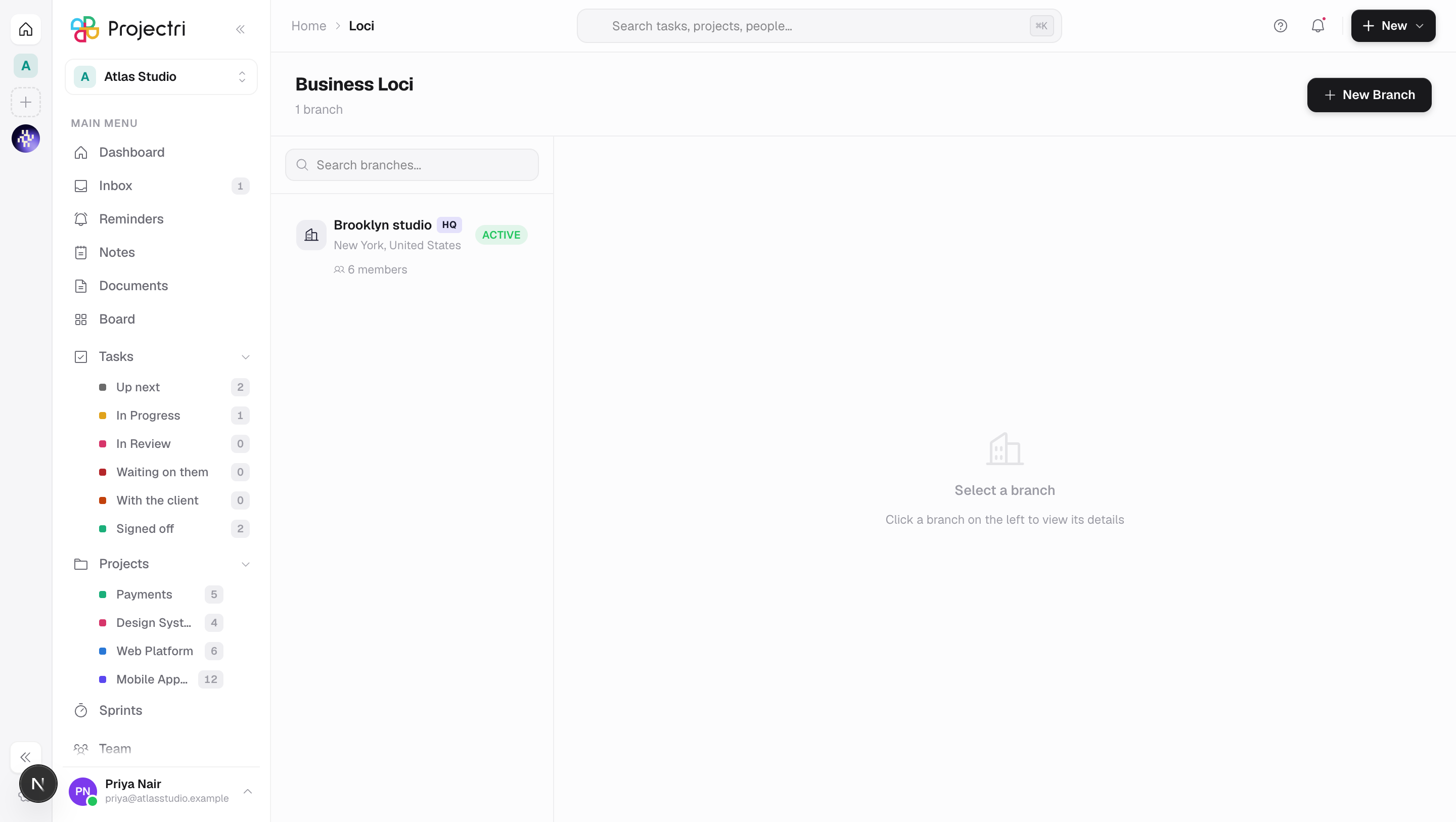
Business Loci is where a workspace records the places it operates from. A branch is an office, with an address, a country, a city, a phone number and an email. Under each branch sit its departments. One branch can be marked as headquarters.
How to get there
Business Loci is in the main navigation. Reading the branch list needs project.view; reading departments needs team.view. Creating, editing and deleting a branch needs project.plan, and doing the same to a department needs team.manage — and in both cases you must also be an admin of this workspace. A member holding the permission key but not the admin role is refused.
How to use it
Add a branch
- Press New Branch.
- Fill in Branch Name and optionally a short Code — e.g. HQ, NYC-01.
- Add the Full Address, then pick a Country and a City. The city list narrows to the country you chose, and the field says *"Pick a country first"* until you have.
- Add a Phone and Email.
- Set Status to Active or Inactive, and tick Mark as HQ if this is the head office.
- Optionally give the branch its own mark. Left alone, it shows the company's.
Find and open a branch
- The left rail lists every active branch, headquarters first and then alphabetically.
- Search branches… filters the list.
- Selecting one shows its details on the right: department and member counts, address, city and country, phone and email.
Manage departments
- With a branch open, press Add Department.
- Give it a Department Name, an optional Code, a Description and a Head Count.
- Departments are listed under the branch and can be edited or deleted from there.
Delete
- Delete this branch? warns *"Every department under it goes too. People stay in the workspace."*
- Delete this department? warns *"Its people stay in the workspace and can be filed elsewhere."*
- Both offer an undo afterwards, and both are soft deletes rather than erasures.
What it affects
- People are filed against a branch and a department. Member records carry both, so the office and department a person belongs to are set from what exists here. Deleting a branch never removes anybody from the workspace.
- A branch's mark is inherited, not copied. Leaving the logo empty means show the company's mark, so rebranding the company updates every branch that never set its own. Setting one freezes that branch's mark.
- The country is stored as a standard country code, not as whatever the field said, so the same value comes back through the API as through the picker.
On mobile
This screen is web only.
Limits and gotchas
- Two branches in one workspace cannot share a name. A second attempt is refused as a duplicate rather than creating a twin, which is also what stops a double-click from making two.
- Only Active branches are listed. An Inactive branch stays on the record but drops off this screen's rail.
- Departments are company-level, so the branch card's department count is not always populated from the branch list itself.
- A multi-workspace admin can read another of their own workspaces here. Membership decides that, not the admin role — being an admin of one workspace gives no reach into another.
Related
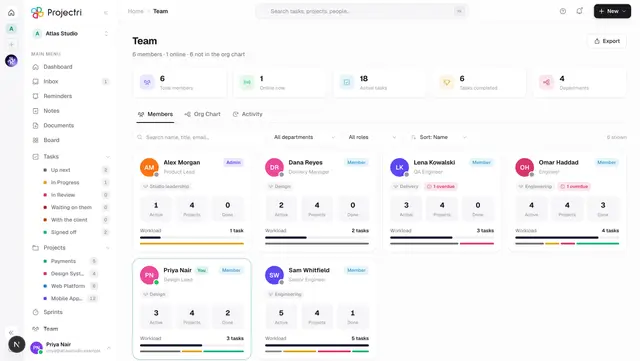
- Team — the people filed under these branches.
- Departments — the admin view of the same departments.
- Members — where a person's branch and department are set.
- Company — the company mark that branches inherit.