Inbox
Everything the workspace has told you — mentions, assignments, review requests and updates — in one list you can filter, mark read and clear.
What it is
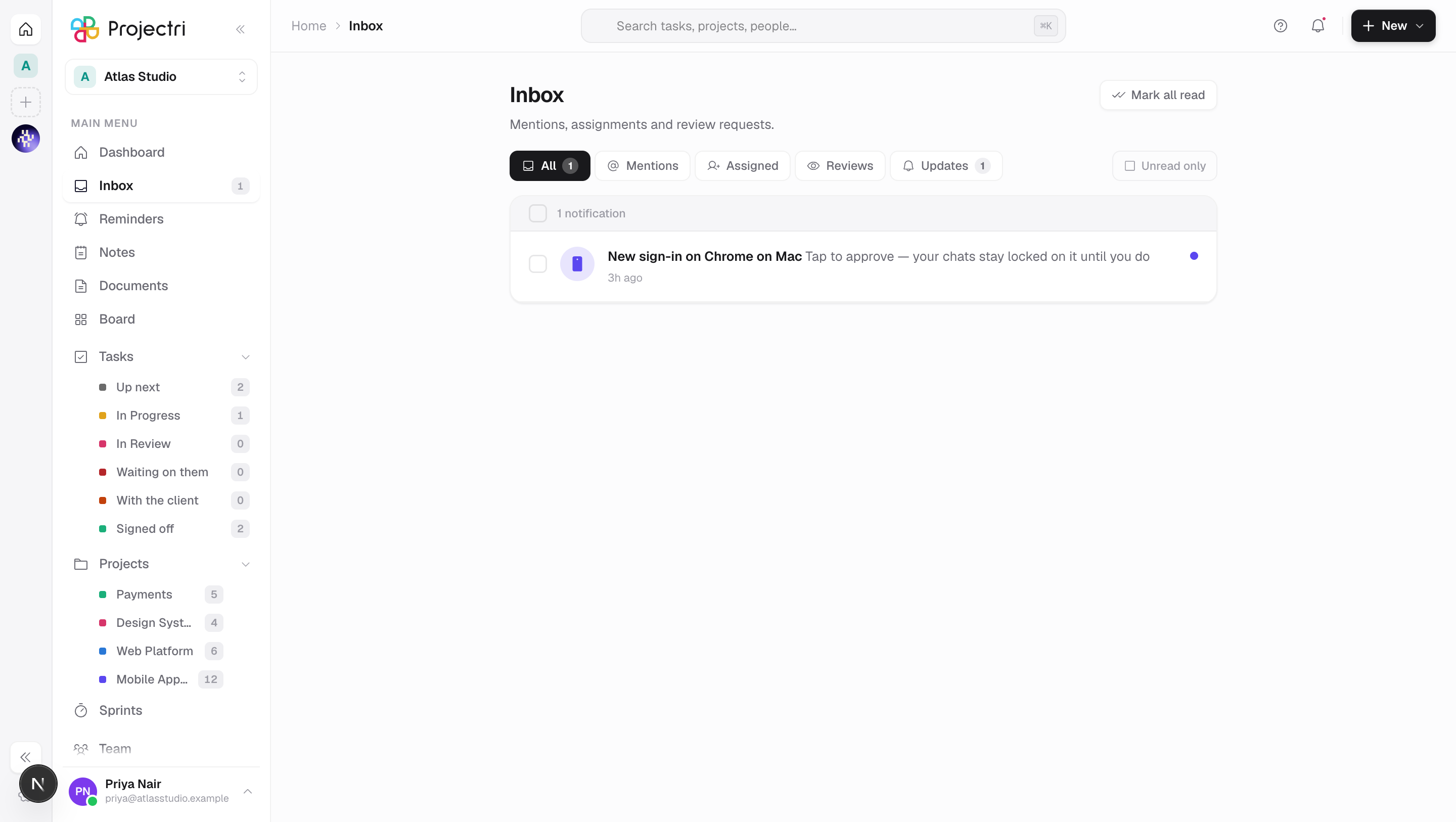
The inbox is every notification addressed to you: someone said your name, someone handed you work, someone is waiting on your answer, and everything else that happened around you. It is the record behind the bell in the header, with tabs, a read state and a way to delete what you have finished with.
How to get there
Inbox is the second row in the main navigation, under Dashboard, and carries the unread count as a badge. Ctrl/Cmd + 4 opens it from anywhere.
There is no permission on it and no plan gate. It is your own row — there is no seat that may sign in and not see what was sent to it. What appears in it is still governed by whatever produced each notification.
How to use it
Filter what you are looking at
- The tabs are All, Mentions, Assigned, Reviews and Updates. Every notification lands in exactly one of the last four, so their unread badges add up to the badge on All.
- Mentions is somebody naming you in a comment. Assigned is a task or ticket handed to you, or taken back. Reviews is being made a reviewer, or an approval asked of you or answered for you. Everything else is Updates.
- Unread only on the right narrows any tab to what you have not opened.
Open something
- Click the row. It is marked read as it opens and the badge in the navigation drops with it.
- Rows that are about a task open the task panel directly rather than only changing the URL, so following a notification from the page you are already on still works.
Clear the list
- Mark all read appears in the header whenever anything is unread.
- Tick the box on a row — or the box in the grey strip to take everything visible — and Delete appears. Deleting removes the notifications, not the things they were about.
Read further back
- Load older at the bottom fetches the next fifty.
- It only appears on All with the unread filter off. Under a filter, "older" would mean older rows of every kind re-filtered, and the count above would not move.
Approve a new device
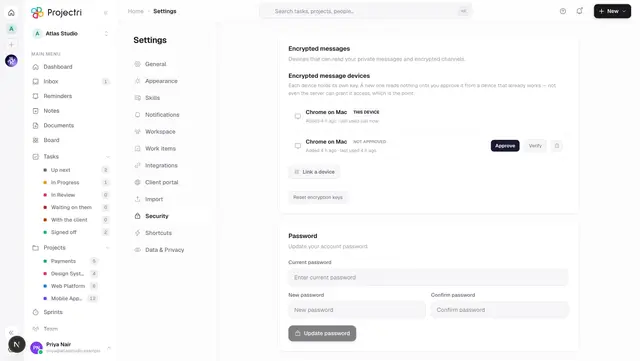
- A notification about a device asking to read your encrypted conversations carries the approval controls in the row itself.
- Answering there is the whole step — there is no settings screen to find first. A line under the header confirms what happened.
What it affects
- Reading is shared with the bell and the navigation badge. Marking one row read, marking all read, or deleting a selection all refresh the header count immediately.
- The list corrects itself while you watch it. A reminder firing from the clock or a colleague mentioning you arrives without a refresh. That refresh reloads the first page only — if you had paged back through history, page back down again.
- Approving a device here changes what that device can read in Discussions and direct messages, permanently, until the device is removed.
- What arrives is set elsewhere. Which events reach you at all, and by which channel, comes from Settings → Notifications; see Notifications.
On mobile
The Inbox tab carries the same five tabs, the same unread filter and the same glyph and colour per row — the taxonomy is a verified copy of the web's, so the two cannot drift. Two things are the phone's own: rows are grouped Today / Yesterday / This week / Earlier, and swiping a row marks it read in place of the checkbox column.
Limits and gotchas
- A page is fifty rows and a single request will never return more than a hundred, however large a limit is asked for.
- A private message and a message in an encrypted channel arrive with no text — the server has none to store. The row reads as somebody having sent you a message; open the conversation to read it.
- Deleting is immediate and has no undo. It removes the notification only.
- A row with nobody behind it — a reminder, an SLA breach, a quote a client accepted — shows the event's own icon rather than a monogram, because there is no person to draw.
Related
- Notifications — what triggers a row, and which channels carry it.
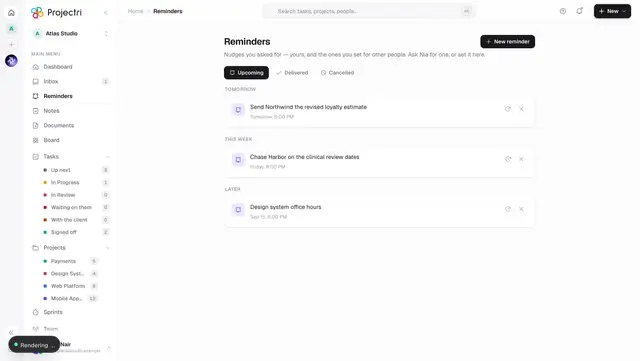
- Reminders — the same bell in the other tense: what has not fired yet.
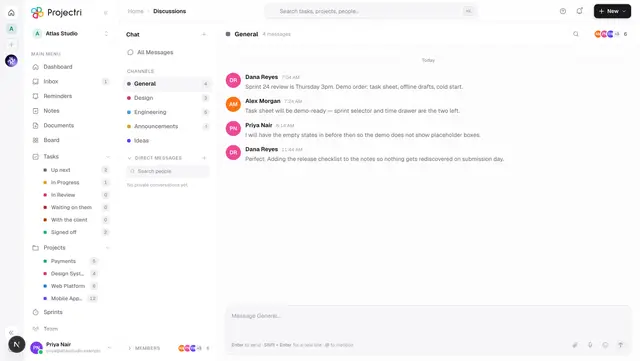
- Discussions — where mentions come from.
- Linked devices — what a device approval request means.