Bench
How much billable capacity is unbooked over the coming weeks, what it is costing, and which people are free.
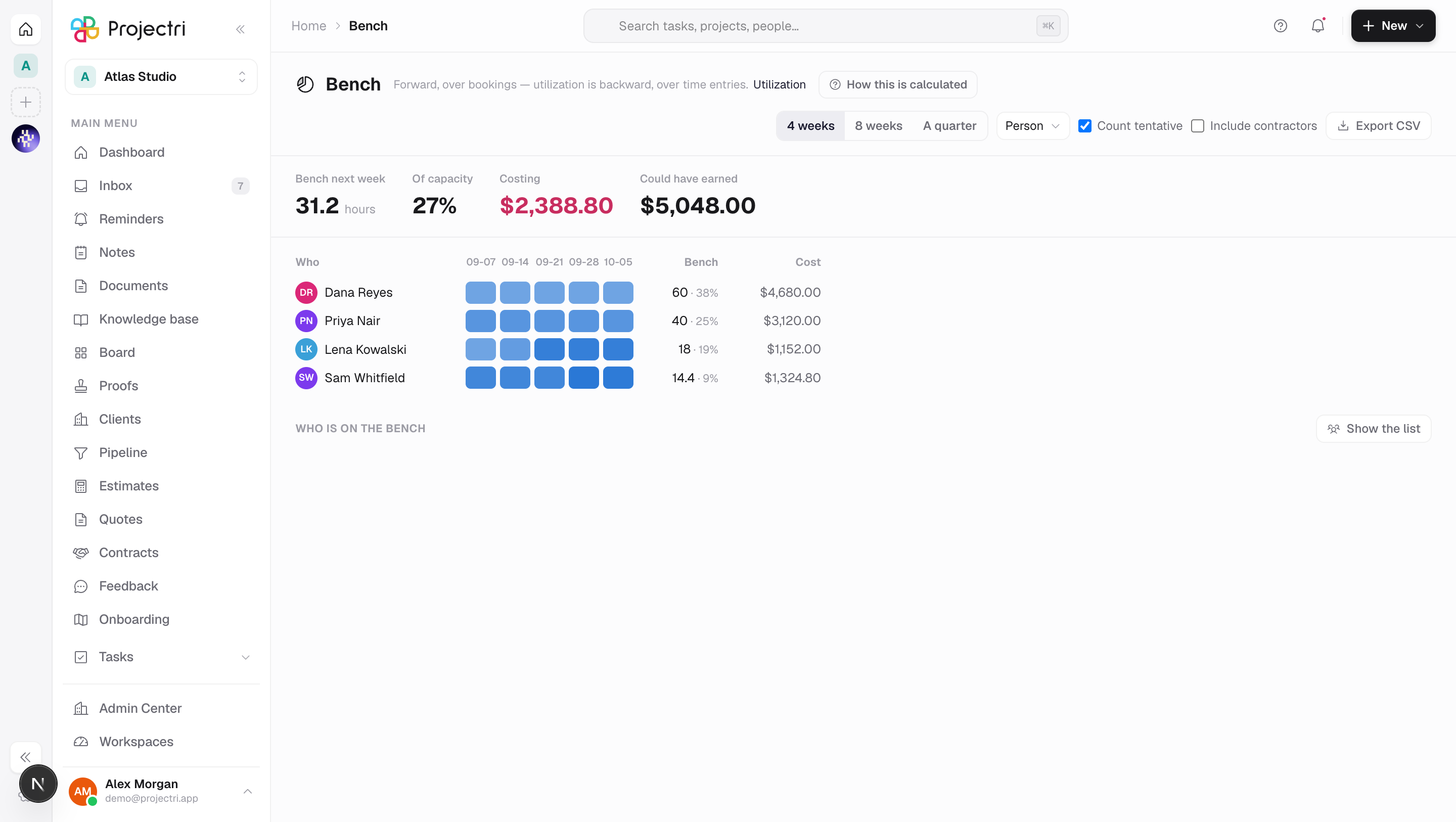
What it is
Bench is unbooked billable capacity, looking forward. It answers how many hours nobody has committed next week, what those idle hours cost, and who exactly is free — the last of which is what a staffing meeting actually runs from.
How to get there
Bench is in the main navigation, gated on report.utilization. Unlike its neighbours it has no personal reading — how much idle billable capacity the firm has is a management question, and the cost columns beside it are salary-adjacent.
Two money columns are gated separately, because a sales leader legitimately holds one without the other:
- Cost — what the idle hours are burning — needs
report.cost. - Could have earned — what they could have billed — needs
report.financial.
Where a key is missing the column is absent rather than blank, so an empty column never reads as the firm having no cost data.
There is no plan gate on this screen.
How to use it
Read the headline
- The strip across the top is bench hours next week, that figure as a percentage of capacity, and — where you may see them — the cost and the opportunity value.
- The arrow beside the percentage compares it with the previous weekly snapshot. Up is drawn in red: a bench figure rising is idle capacity growing.
- The sparkline on the right is twelve weeks of stored snapshots.
Change the window and the grouping
- 4 weeks / 8 weeks / A quarter sets how far forward the grid runs, from today.
- Group by switches the rows between person, role, team, department and company.
- Count tentative decides whether provisional holds cover the bench. It visibly moves the headline — a firm that treats a pencilled-in booking as real has a very different bench number from one that does not.
- Include contractors adds people the firm does not pay when idle. Leaving them out is usually the right number for the cost column.
Read the heat grid
- Rows are worst first — most bench hours at the top.
- A cell is shaded by how full that week is. A week with capacity and nothing booked is drawn as a dashed outline with no fill, because the thing being hunted is the hole, not a slightly paler shade.
- Shading is clamped at full. This grid answers "is there room here", and 140% and 100% are the same answer to that; over-allocation is the timeline's job.
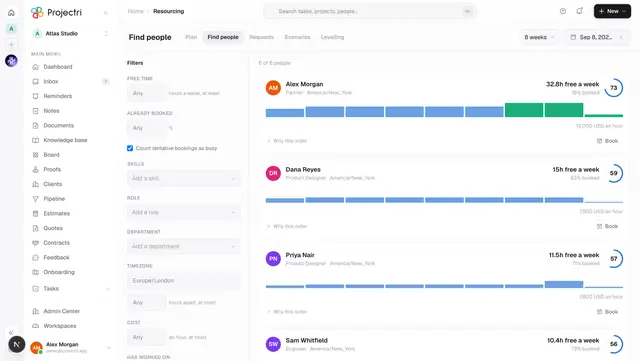
- A person's name links to Find people with their skills already in the filter rail.
Get the list of who is free
- Under the grid, press Show the list.
- Each row is a person with their top skills, when they were last billed, their bench hours and — where permitted — what that is costing.
- Find work opens the search seeded from that person.
- The list is a separate call on purpose. It joins skills and the last billed project for everybody idle, and paying for that on every page load would make the screen slow for the nine readers in ten who only want the percentage.
Export
Export CSV writes the grouped rows with capacity, booked, tentative, leave, holiday, bench hours and bench percentage, plus whichever money columns you are allowed to see.
What it affects
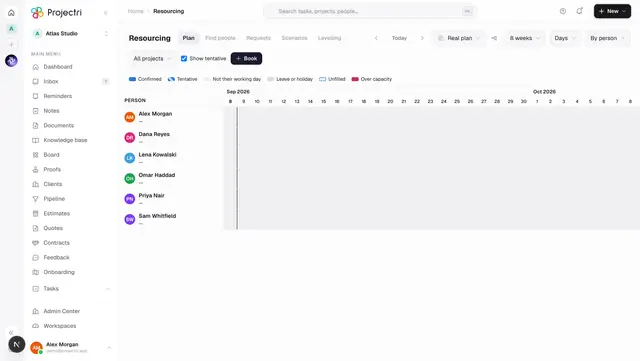
- Nothing is written here. Bench is a reading of the bookings that already exist. It changes when somebody books work in Resourcing.
- The same capacity everywhere. Bench uses the one capacity function the rest of the product uses. The moment two reports disagree by an hour, both stop being believed, so there is no second definition of a working day here.
- Non-billable roles are excluded by default. An unbooked accountant is not idle billable capacity.
On mobile
The Expo app has Bench, carrying the headline, the direction and the list of who is free — the sentence a leader repeats in a Monday meeting, and the people it is about. The heat grid, the grouping control and the export stay on the web, because rows against thirteen weekly columns need width to say anything.
Limits and gotchas
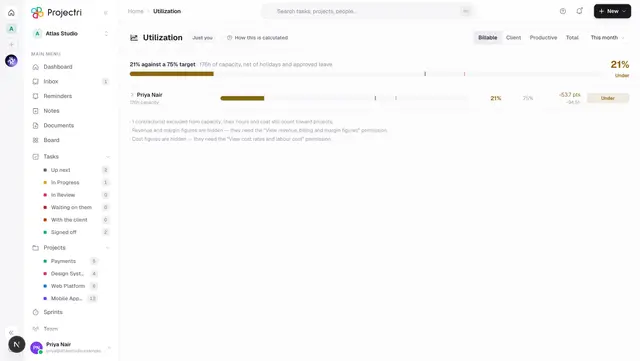
- Bench is forward, over bookings. Utilization is backward, over time entries. The screen prints that distinction next to its own title and links across.
- How this is calculated prints the engine's own formula and assumptions verbatim rather than a re-description. Two prose explanations of one formula always drift.
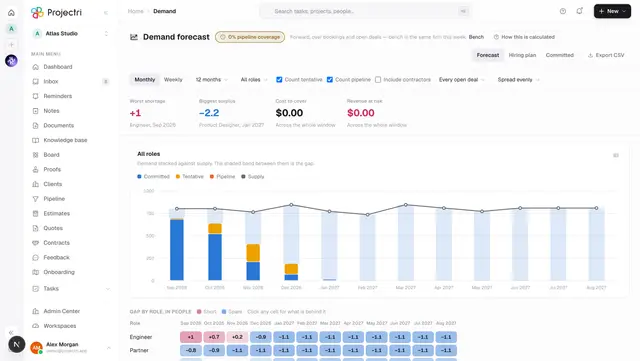
- The window is capped at 400 days. Past that the honest answer is a forecast — see Demand.
- The screen opens with Count tentative already ticked, which is the optimistic view. Untick it for the pessimistic number.
- Capacity subtracts holidays and approved leave, and divides the contracted week across the workspace's working days. Those come from the country the workspace was created with; get that wrong and every bench figure is wrong.
- An empty screen has two causes and the page names both — either the window is fully committed, or nobody in it holds a billable role.
Related
- Utilization — the same firm, measured backwards.
- Demand forecast — the same question past the 400-day cap.
- Find people — where a bench row leads.
- Resourcing — where the bookings behind this number are made.