Client portal
Signing in
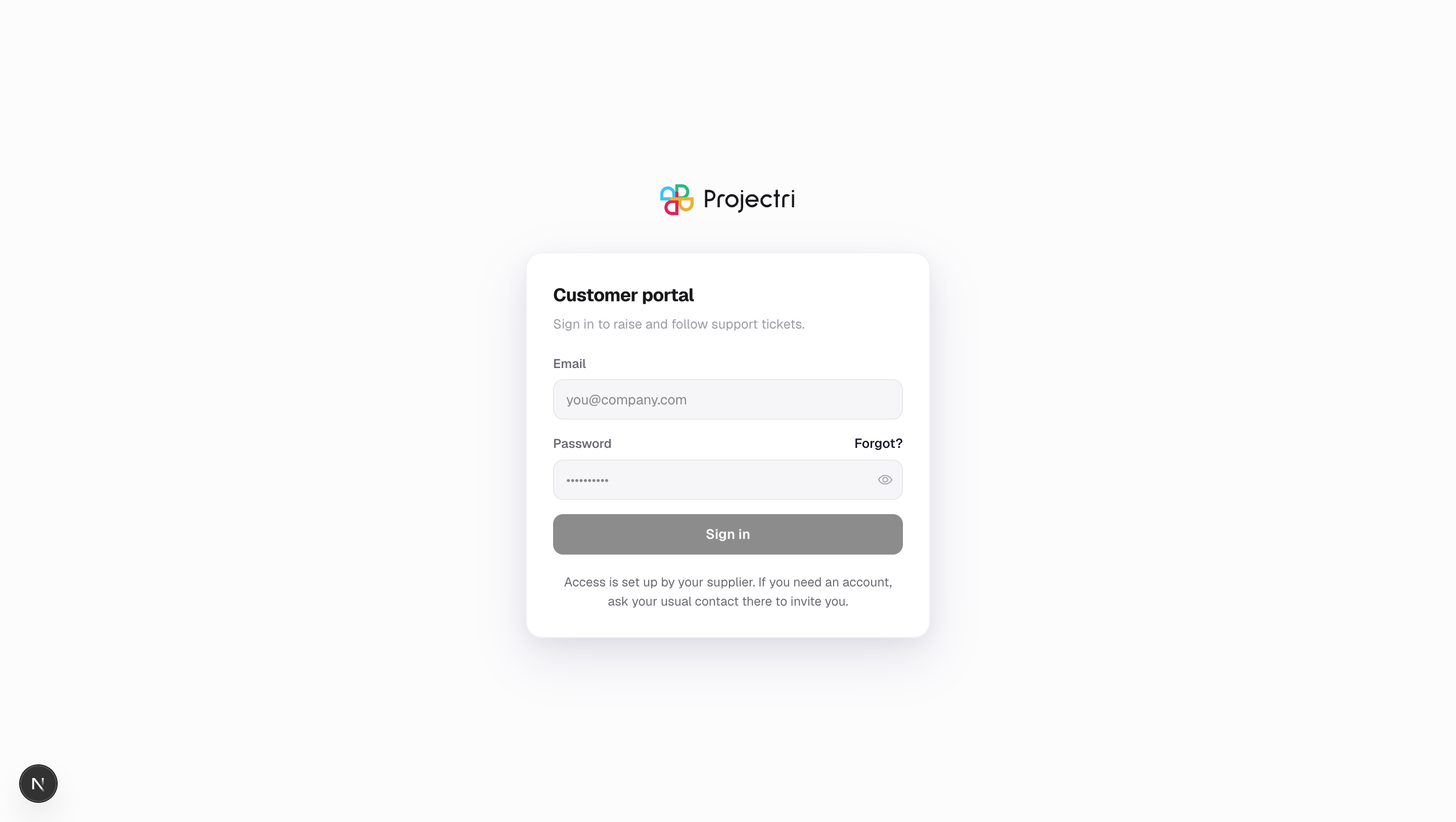
The portal sign-in screen — a separate login from your supplier's workspace, with its own password and its own session.
What it is
The portal's own sign-in page: an email address and a password. It is a separate login from your supplier's workspace, posting to a separate endpoint and setting a separate session, so being signed in to one has no bearing on the other.
How to get there
/portal/login, or the root of your supplier's own portal domain if they have one. Any portal page you open without a session redirects here and brings you back afterwards.
How to use it
Sign in
- Enter the address your invitation was sent to.
- Enter your password.
- Press Sign in.
- If you arrived from a link deeper in the portal, you land back on that page.
If it refuses you
- "Incorrect email or password" is the answer for every failure, including an address the portal has never seen and an invitation that was never redeemed. It does not tell you which, on purpose — the portal is on the open internet in front of a customer list.
- "Too many attempts" is a different message and means exactly that. It is named separately so you do not go and reset a password that was never wrong. Wait a few minutes.
- If you have never set a password, use the link you were emailed — see Setting your password.
- If you have forgotten it, use Forgot? next to the password field.
What it affects
- Your session lasts seven days, then you sign in again.
- Signing in here does not touch a workspace session in the same browser, and signing out of the portal does not sign you out of a workspace. Some people are both a member of a workspace and a contact on the same address; the two are kept independent deliberately.
- You are not evicted from other browsers. Unlike a workspace login, signing in on a new machine does not sign you out anywhere else.
- Repeated failures are throttled by address and, more loosely, by network — loosely enough that a whole office behind one connection signing in on a Monday morning is not affected.
On mobile
The phone app has one sign-in screen for both kinds of account. Enter your address and password: it tries a workspace account first and falls through to the portal, then lands you on the portal's tabs.
Limits and gotchas
- If your address is a contact for more than one client of the same supplier, the portal signs you into the one you used most recently. There is no account picker; the other is a separate sign-in.
- A suspended contact is refused with the same message as a wrong password.
- The "next page" the login honours is always inside the portal. A link that tries to send you elsewhere after sign-in is ignored.
Related
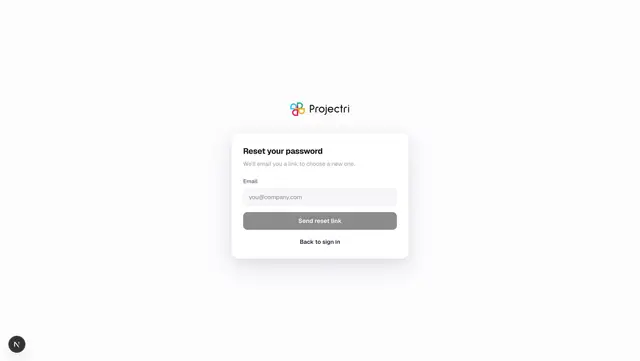
- Forgotten password — how a reset works.
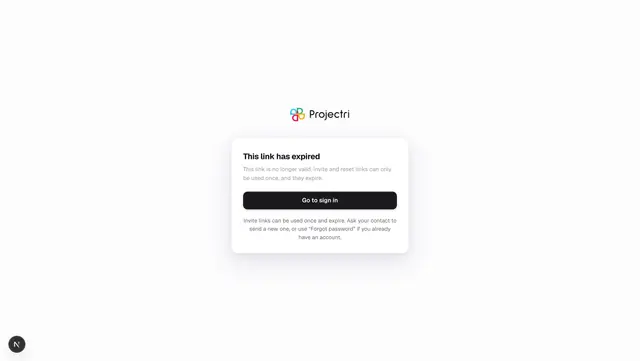
- Setting your password — redeeming an invitation.
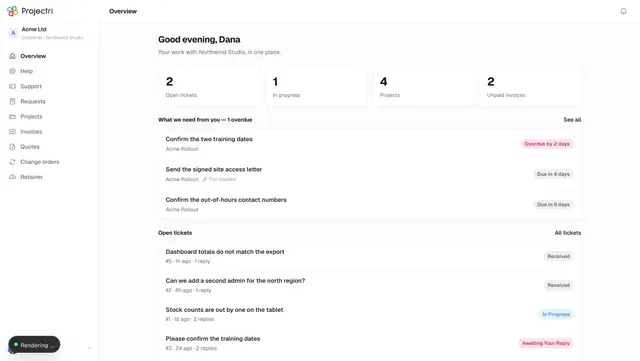
- The client portal — what is behind the login.