Client portal
Retainer
How much of this period's retainer is left, what it started with, what has been carried in, and what has been used.
What it is
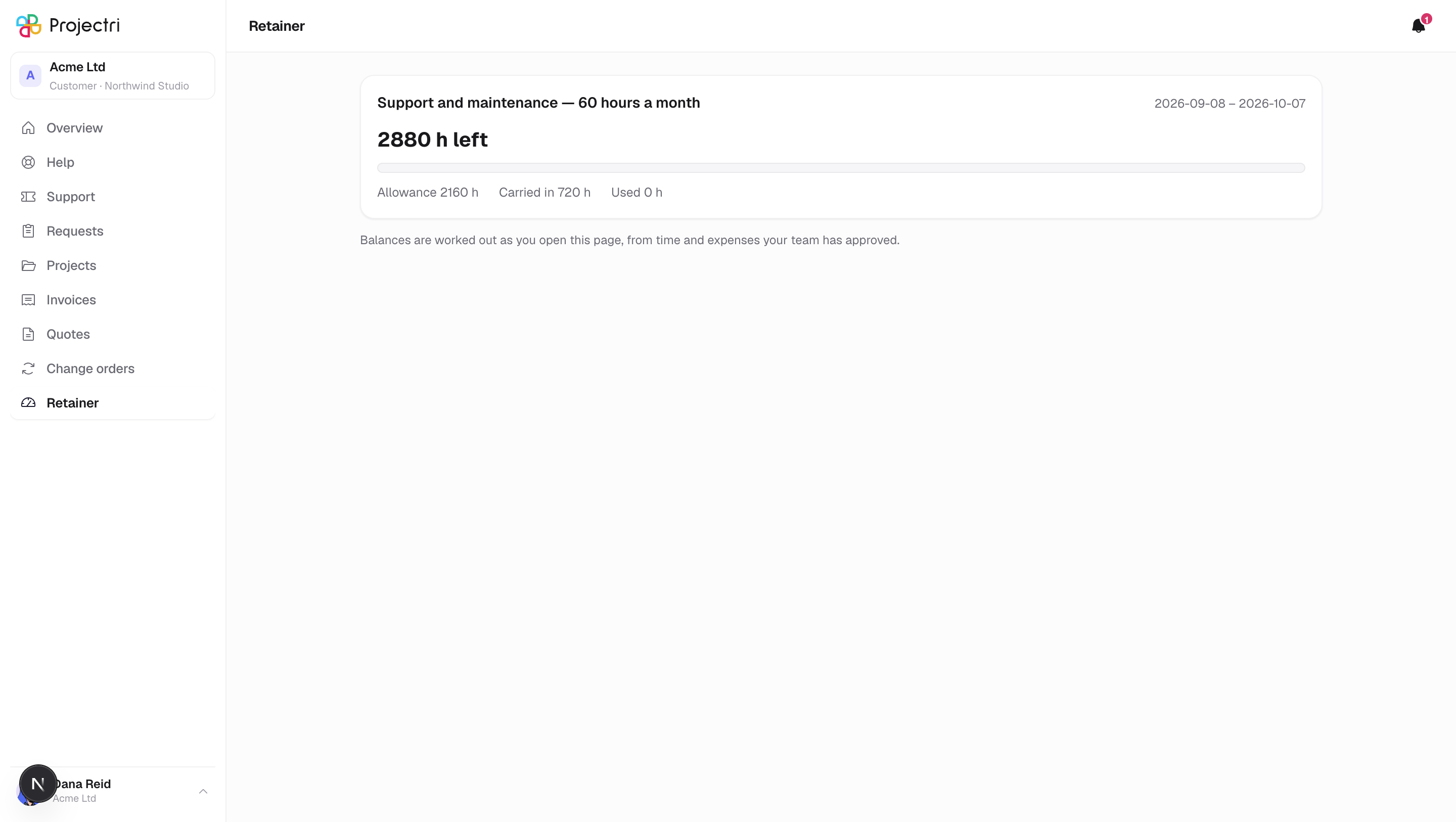
Your retainer balance for the period you are in. One card per active retainer, each with the period's dates, a headline figure for what is left, a bar, and the three numbers that make it up.
It exists so that "how much do we have left this month" is a question you can answer yourself.
How to get there
Retainer in the sidebar. Like invoices, it exists only for primary and billing contacts — a balance is money.
How to use it
Read a card
- The name of the retainer, and the period's start and end dates.
- The headline says how much is left, or — when you have gone past the allowance — how much you are over.
- The bar underneath fills as the period is consumed.
- The row below breaks it down: the allowance for the period, anything carried in from last time when there is some, and how much has been used.
Read the units
- A retainer is measured either in money or in hours, and the figures follow whichever it is. An hours retainer shows hours, not a currency amount.
What it affects
Nothing. This screen reports; it changes nothing and notifies nobody.
On mobile
The phone app has a retainer screen, but nothing in the app's navigation points at it — in practice you check the balance in a browser.
Limits and gotchas
- Only approved work is counted. Time that has been logged but not yet approved is not in the figure, on purpose — it is not a number your supplier has stood behind yet.
- Paused and ended retainers are not shown; only active ones.
- The balance is recomputed as you read it, so it cannot be stale.
- The rules behind the number — what happens to unused balance, what happens when you go over — are in your contract rather than on this screen.
- A retainer whose period window does not cover today simply does not appear.
Related
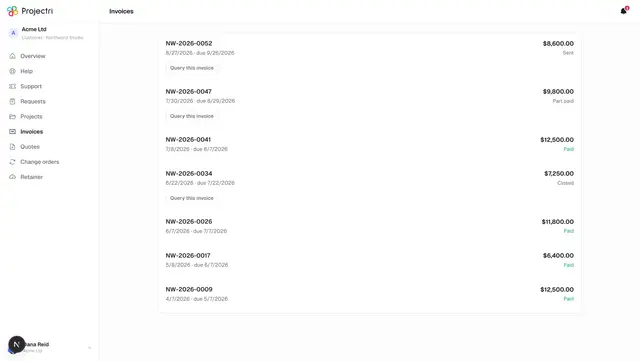
- Invoices — what has actually been billed.
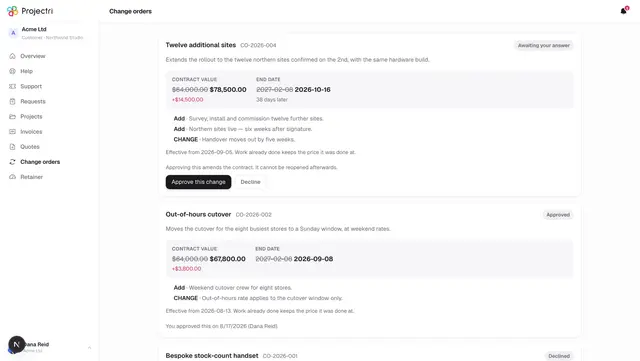
- Change orders — changes to the agreed value.