A single channel
How a channel is addressed by its key, what a pasted discussions link opens, and what happens when the key does not resolve.
What it is
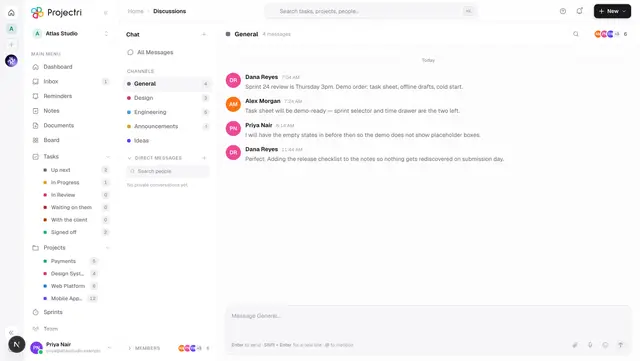
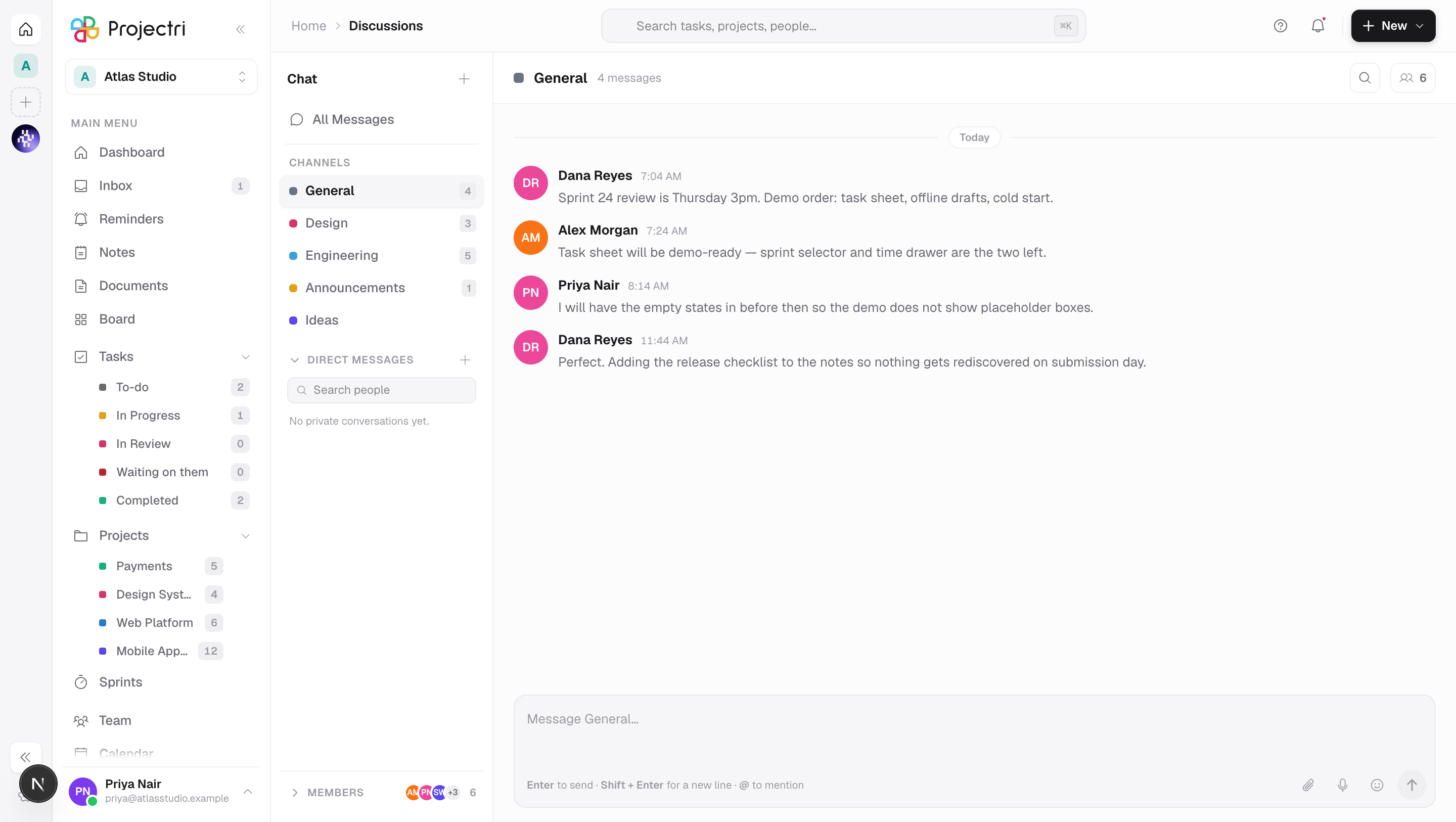
A channel has a readable key — #design, #general — and that key is what appears in the address bar as /discussions/@design. The page behind that address is the same Discussions screen; the key only decides which channel is open when it loads.
How to get there
Switching channels inside Discussions rewrites the address bar rather than loading a new page, so this route exists for the cases that ask the server directly: a refresh, a bookmark, or a link somebody pasted into a task or a message. It needs the same discussion.view permission as the rest of Discussions, and a private channel is only readable by the people invited to it.
How to use it
Link to a channel
- Open the channel.
- Copy the address bar. It reads
/<workspace>/<you>/discussions/@<key>. - Anyone who can see that channel and follows the link lands in it.
The key is used rather than the internal id on purpose: the link stays legible, and it survives the channel being rebuilt.
Link to one message
- Open the message's … menu and choose Copy link.
- That link carries
?c=<channel>&m=<message>instead, and scrolls the reader to that exact message rather than to the newest one.
The special addresses
/discussions/@allopens All Messages, the cross-channel view./discussionswith no key opens#generalif it exists, otherwise the first channel you can see.
What it affects
- Back and forward work. Each channel you click is pushed into browser history, so Back walks the channels you actually visited rather than leaving the page. The first channel resolved on arrival replaces the entry instead of adding one.
- Deep-link parameters are dropped once used. When you arrive from a mention notification the address is rewritten to the plain
/@keyform, so refreshing does not drag you back to an old message. - A private conversation opened over a channel keeps the channel in the address as
/@key?dm=<id>, so closing the conversation lands you back on the channel that was behind it.
On mobile
The phone app addresses a channel by its id rather than its key, and channel links are opened from the Chat tab or from a notification. A /@key web link opens in the browser.
Limits and gotchas
- A key that names no channel you can see falls back to the default channel rather than showing an error — a private channel you were removed from looks the same as one that never existed, which is deliberate.
- The key is derived from the channel name when the channel is created, and two channels cannot share one; creating a second
#designis refused with "#design already exists".
Related
- Discussions — the screen itself and everything you can do on it.
- Direct messages — the
?dm=half of the same address. - Notifications — where mention deep links come from.