Messaging and encryption
How end-to-end encrypted channels and direct messages work, what device approval is for, and exactly what is lost and cannot be recovered.
What it is
Direct messages in Projectri are end-to-end encrypted, and a channel can be created encrypted. Encrypted means the server holds ciphertext: the key that opens a conversation lives only on the devices of the people in it, wrapped for each one, and we have never held an unwrapped copy and cannot make one.
Everything that follows is a consequence of that one fact, including the parts that are inconvenient.
How to get there
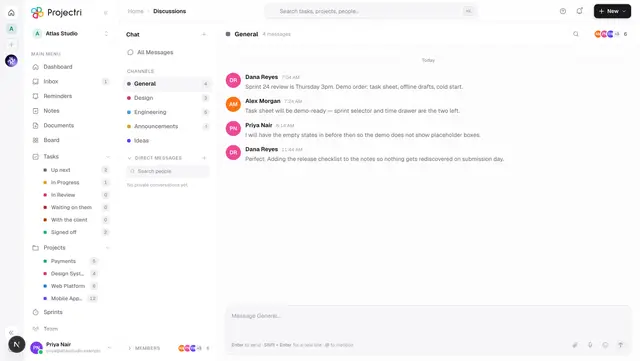
There is no encryption screen. It shows up in four places: creating a channel (an End-to-end encrypted switch), every direct message, the device list in your account settings, and the strip above the composer when your device cannot read something.
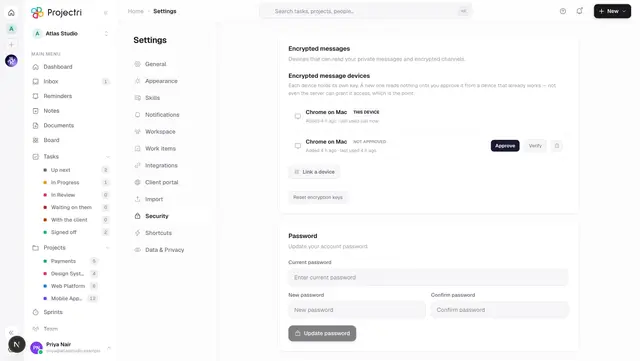
Your devices, and approving a new one, are in your own account settings on both web and phone. No workspace permission is involved — a key is yours, not your employer's.
How to use it
Create an encrypted channel
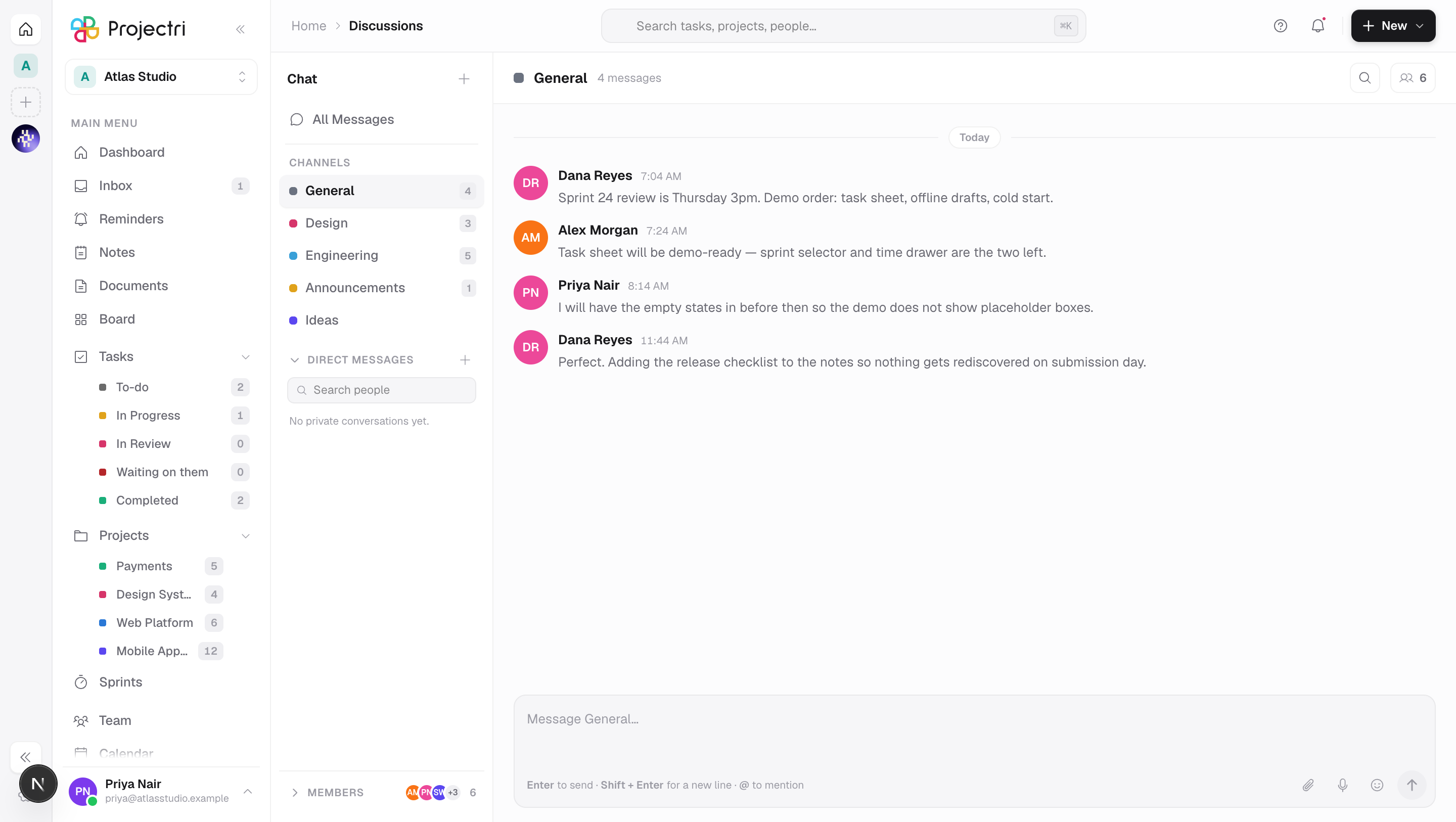
- Discussions → +, name it, and turn on End-to-end encrypted.
- Read the warning first. This cannot be turned off afterwards, and nobody — including an administrator — can recover the contents if everyone holding a key leaves.
- A channel switched on later keeps its earlier history in plain text; only messages written after the switch are encrypted.
Approve a new device
- Signing in on a new machine or a new phone registers a device key. The device is signed in immediately and can read nothing encrypted yet.
- Your other devices get a notification — in the Inbox, with the safety number and an Approve button inline, and as a push. The device that just registered is deliberately excluded from that push.
- Approve it from a device you already trust. Approval hands over history: every conversation key that device holds is re-wrapped for the new one in one batch, so the new device can read the backlog immediately rather than collecting keys one conversation at a time.
- You are asked again about the same device at most once an hour.
Link a device by scanning a code
- On the new device, choose to link. It shows a QR code and an eight-character code.
- On a device that is already approved, scan it. The machine compares the new device's key fingerprint against what came off the screen, and refuses if they differ.
- The new device ends up signed in and holding every conversation key, without a password being typed on it.
- Typing the eight characters instead is the fallback and is weaker — eight characters cannot carry a fingerprint, so the check degrades to reading the safety number aloud. The screen says which guarantee is in force.
Set up key recovery
- From a device that already works, turn on recovery. A separate recovery identity is generated and its private half is wrapped under a generated 20-character code.
- Write the code down. It is the only thing that opens the blob.
- Restoring adopts that identity rather than registering a new device, so it is already approved and already holds every conversation key — history is readable at once with nothing to approve.
- Fetching the blob asks for your account password again, because a live session alone being enough would weaken the whole point of device approval.
Recover a revoked device
- A revoked key is dead permanently — but the machine is not. A revoked device is told so when it registers.
- Rotate generates a fresh keypair on that device and registers it as a new, unapproved one. It grants nothing; it restores the existence of a next step, and the new key still has to be approved from a device that works.
What it affects
- Nia cannot read it. An encrypted channel or conversation cannot be summarised, quoted or acted on by the assistant.
- Search cannot index it. It is absent from the index by construction, not by a filter — there is nothing readable to index. The in-channel search box only filters what your own device has already decrypted.
- Exports do not contain it. A data export says so in words, lists your device key fingerprints and points at the device-side path, rather than quietly omitting it.
- Sessions and keys are separate systems. Ending a session never revokes a device key, and being your only remaining session never makes a device your first device. A stolen password therefore still buys an account with an empty chat.
- **Signing out everywhere, and a password reset, end sessions and touch no keys.** Those are access actions, not a way into a conversation.
- Linked devices are their own pool, capped at three, counted separately from the one-per-platform session limit. A full linked pool never blocks an ordinary sign-in and vice versa.
- Unlinking removes both halves. A linked browser that is "removed" while still holding every conversation key would be a lie of omission, so unlinking ends the session and revokes the device.
On mobile
The phone registers its device key when you sign in, shows the same approval prompt in the Inbox, and can both scan and display a linking QR code. Scanning needs the camera, which is a native capability — an older build shows the typed code only rather than a dead button.
Search on the Chat tab covers channel names, conversation titles and people, and never message text, because an encrypted body is unreadable on the device until that thread's key has loaded.
Limits and gotchas
- Three states appear above the composer, and they mean different things. Encrypted — this device does not have the key is ordinary for anyone who joined late or is on a new machine. Waiting for a key means somebody else in the conversation has to open Projectri before your device can be handed one; the server holds no keys and cannot do it itself. *This device is not approved* will never resolve on its own — approve it from a device you are already signed in on.
- An encrypted message has no title. The composer does not offer one, and a title sent anyway is dropped rather than stored in the clear.
- **A pairing code is single-use, lasts two minutes and dies after six wrong attempts.** Re-scanning from the same account is fine; a claim by anybody else is terminal.
- Whoever can see the QR can claim the pairing. That is what "scan this" means. The token that completes it travels on a second secret that is never displayed, so a photograph of a screen can burn the pairing but cannot become a session.
- Key recovery is a trade, stated plainly. The server then holds a blob that is offline-attackable by anyone who obtains the database, so a weak code makes the encryption weak. It is opt-in; skipping it leaves the previous behaviour exactly as it was.
- The recovery code keeps working after a restore until you replace it.
- A device you previously revoked can be revived by linking it. That is the one place the rule loosens, and deliberately: it is not the device talking its way back in, it is you holding an approved device and pointing a camera at it.
Related
- Discussions — channels, and the encryption switch.
- Direct messages — private conversations.
- Linked devices — the device list, approval and revocation.
- Search — why encrypted messages are absent from it.
- Data and privacy — what an export can and cannot contain.