Client portal
Help centre
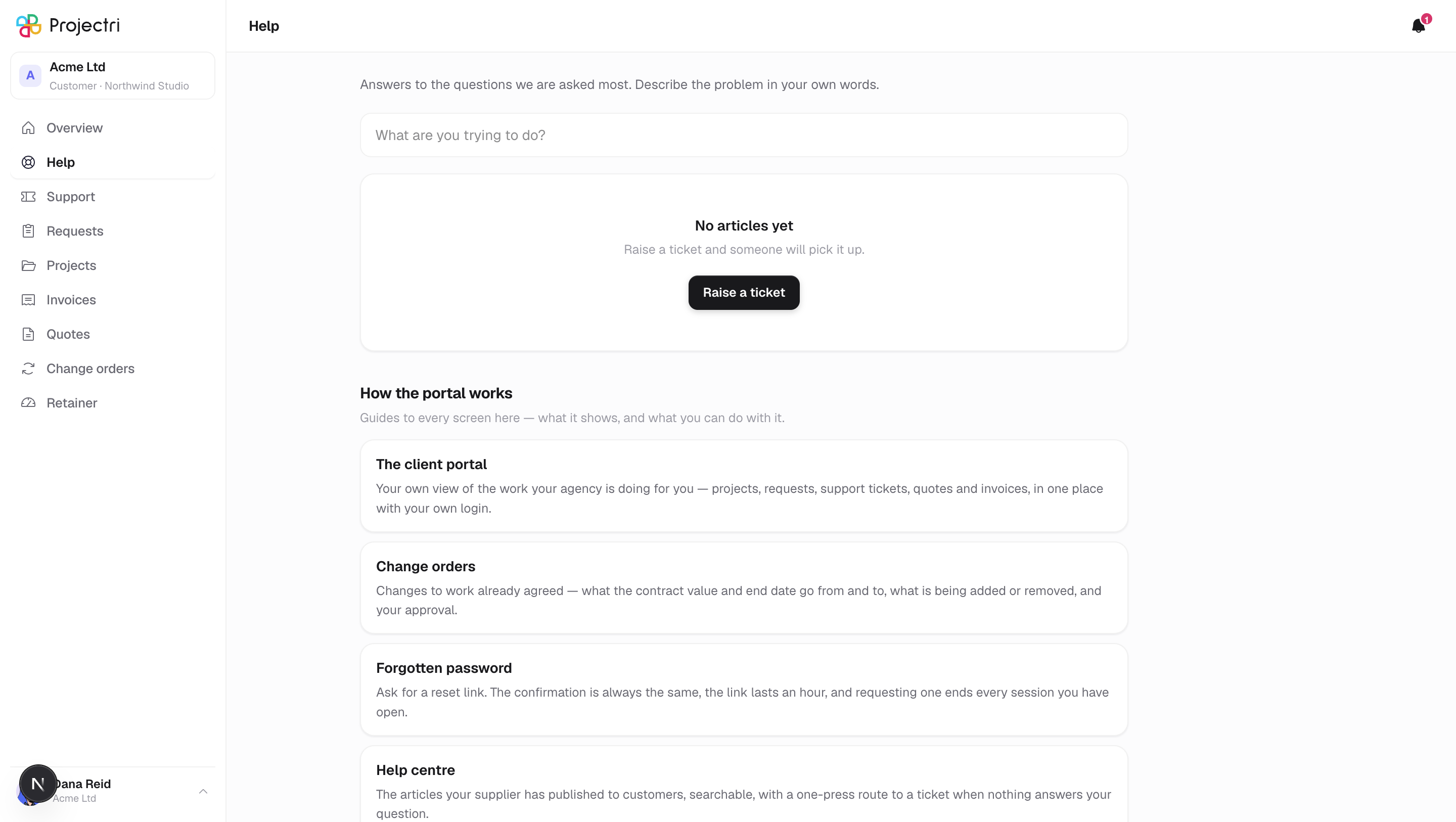
The articles your supplier has published to customers, searchable, with a one-press route to a ticket when nothing answers your question.
What it is
A searchable set of articles your supplier has deliberately published for customers. Each result shows a title, a two-line extract and its category; opening one shows the summary, the article body, and a card at the bottom that raises a ticket if it did not help.
How to get there
Help in the sidebar, above Support. Every contact can read it, including view-only contacts.
How to use it
Search
- Type in the box. Results update about a third of a second after you stop typing.
- An empty box shows what is available.
- Queries are capped at 300 characters.
Read an article
- Click a result.
- The header gives the category and when the article was last updated.
- All articles at the top returns you to the list.
Raise a ticket from here
- At the foot of an article, Still stuck? offers Raise a ticket.
- The same button appears on the "Nothing matched" card when a search finds nothing.
- Either one opens the new-ticket form directly rather than dropping you on a list to find it.
What it affects
- A ticket raised from here is an ordinary ticket and behaves exactly as one raised from the Support screen.
- Nothing else. Reading an article records nothing about you and notifies nobody.
On mobile
The phone app has the same help centre, reached from the Account tab.
Limits and gotchas
- Only published articles marked for customers or for the public reach this screen. Everything internal is absent, and there is no filter here that could be pointed at it.
- There is no author line and no rating on a customer-facing article.
- A search returns up to twenty articles.
Related
- Support tickets — when the article does not answer it.
- Overview — the front page of the portal.