Notifications
What Projectri tells you about, on which of the five channels, what you can turn off, and the difference between a channel and a subscription.
What it is
Every change somebody should hear about is written once as a notification row, and that one row is what feeds the bell, the Inbox, the phone's push banner and — where the event asks for it — an email. One write, every surface, so nothing can reach one and miss another.
Reminders and meeting nudges are the same rows with nobody behind them: the thing that happened is the clock, not a person.
How to get there
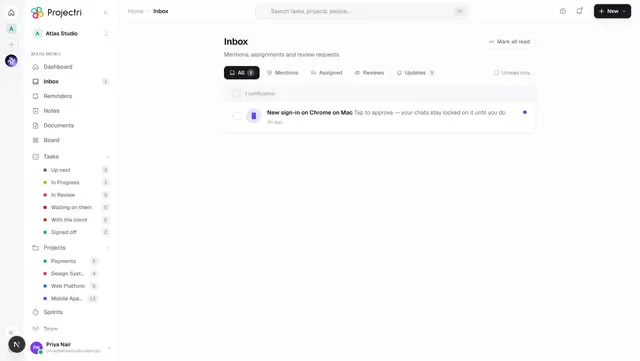
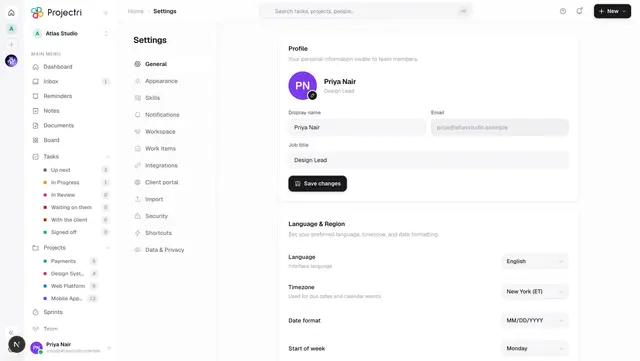
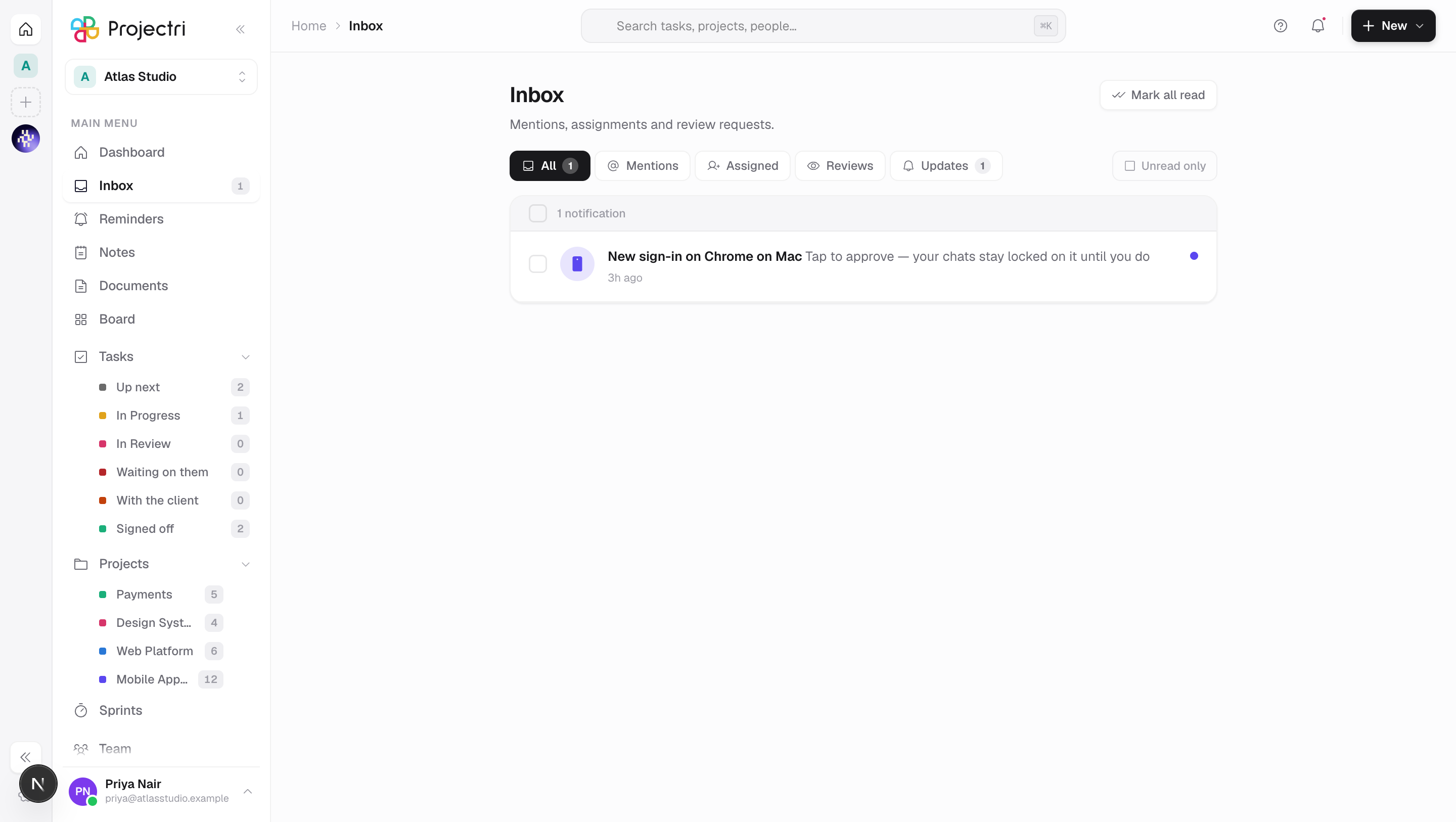
The bell is in the header on the web and the Inbox tab on the phone; the navigation rail carries the unread count. Your own switches are at Settings → Notifications. Nothing here needs a permission — a notification is addressed to you personally.
How to use it
Choose what you hear about
Settings → Notifications has two kinds of switch, and the distinction is the whole design.
Activity triggers decide which events are worth telling you about. Turning one off drops the row before it is written, so it never reaches the bell, the Inbox or a phone.
| Trigger | Covers |
|---|---|
| Mentions | being named in a comment |
| When work is assigned to me | a task assigned or unassigned, a review requested, a support ticket assigned |
| When work is completed | a task reaching Done |
| Remind me before a task is due | the clock's own "this is due tomorrow" |
| Meeting reminders | the nudge before a meeting starts |
| Weekly digest | the Monday summary email |
Channels decide where a notice is delivered. Email is on by default. WhatsApp, SMS and Microsoft Teams are off by default and only work if your workspace has configured a provider account; the number they reach is set separately from the phone number in the team directory, because being listed in a directory is not consent to be messaged out of hours.
Turn a channel off
- Settings → Notifications.
- Email, WhatsApp, SMS and Teams can all be switched off.
- The in-app inbox and push cannot be. A workspace works by telling people things, and a person who has silenced the channel everything arrives on is a person the rest of the team believes they have told. Which events you hear about is still yours to choose, and your operating system still owns whether a banner may draw.
Set the meeting lead time
- Settings → Notifications → Remind me.
- Auto is the default and is not a number — the server picks per meeting: 30 minutes for something in person, a workshop, or anything 90 minutes or longer; 5 minutes for a stand-up; 15 minutes for everything else.
- Two rules override the number. A reminder that would land inside another meeting slides to the moment that one ends, and one due between 22:00 and 07:00 local slides to 08:00 — unless the meeting itself is in those hours, where the alarm is the entire point.
- Picking a fixed number overrides all of it.
Read aloud
- Settings → Notifications → Read aloud has Nia speak notifications as they arrive, in her own voice.
- A burst is coalesced: the first is spoken immediately and the rest are collected into one summary over about a second and a half.
- It is per install, not per person — the voice can be on for the handset on the desk and off for the tablet in a meeting.
What it affects
- Push follows the bell exactly. A push is the shadow of a notification row, so anything that notifies pushes and anything that does not, does not. Turning push off in Projectri is not offered; turning it off in your phone's settings is, and the row still lands in the Inbox.
- The iOS badge is the real unread count, and it goes down when you read something — reading one, reading everything, or dismissing an unread row all push a smaller number down.
- Email is opt-in twice. The event has to be worth an email — being added to a project, given a board, handed a document — and you have to still want them. A card moved between columns is worth a row and a buzz and is not worth an inbox.
- Notices are in the reader's language, not the actor's. A thread with an Arabic client and a French owner produces two emails, not one.
- You are not told about your own edits. Anything addressed to the person who caused it is dropped — with one deliberate exception: mentioning yourself is a reminder to yourself and is delivered.
- The weekly digest is a Monday email with four counts and two short lists, every figure from its own query rather than from the length of a capped list. It needs both the digest switch and email to be on; there is no in-app version, because a digest is an email.
On mobile
The Inbox tab is the same list, with the same unread count, and push notifications reach the handset from the same rows. Tapping one opens the thing it is about. With Read aloud on, Android speaks a notification as it lands even with the app closed, and iOS delivers Nia's voice as the notification's own sound — which works with the app force-quit, because a separate system process plays it.
Coming back after a while, the app reads out and shows what was missed on the home screen only. It is a "welcome back" moment, and interrupting a task you deliberately opened would defeat the point.
Limits and gotchas
- A notification's link is scoped. Links are stored relative and prefixed with your workspace slug and your handle when they are opened, so an
/admin/...link written relative resolves to a route that does not exist. Approval notices point at your own approvals queue rather than the admin console for exactly this reason. - Reminders are never suppressed by a trigger switch. You asked for one yourself. With push off, it lands in the Inbox instead; cancelling is the honest way to stop one.
- Late reminders are still delivered. After an outage, "you asked me to remind you about the invoice" an hour late is worth having. Meeting reminders are the exception — they are dropped after twenty minutes, because "starts in 15 minutes" arriving forty minutes late is worse than silence.
- Nothing is scheduled for a meeting. Every pass recomputes what is due from the meetings themselves, so moving a meeting re-arms its reminder and cancelling one leaves nothing behind.
- Back-to-back meetings get no lead reminder, only the "starting now" ping. There is nothing to warn you about.
- **A push that arrives while you are looking at the app does not draw its own banner** — the same notice appearing twice is worse than once late.
- In a browser with no tab open, nothing of ours runs. You get the banner and nothing more; a service worker has no audio.
- WhatsApp, SMS and Teams are extra buzzes on top of a row, never instead of one. They cannot prevent an Inbox entry from existing, and they fail independently of each other.
Related
- Inbox — the list itself, and marking things read.
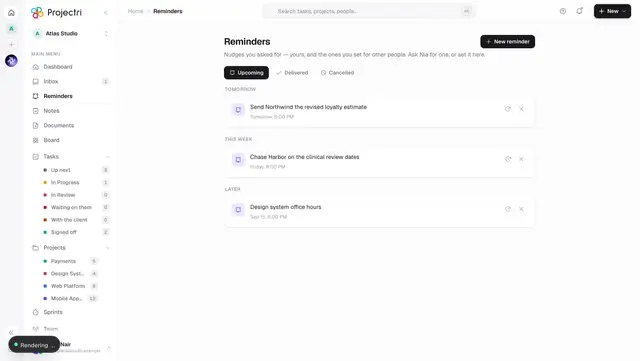
- Reminders — setting one, snoozing it, repeats.
- Your settings — where every switch above lives.
- Approvals — the one notification with a clock running behind it.