Core concepts
Workspace, project, task, client, time entry — the eight words the rest of the product assumes you already know.
Eight words carry most of Projectri. They are worth five minutes now because every other page uses them without explaining them again.
Workspace
A workspace is one company's Projectri. It owns everything inside it — projects, people, clients, money, settings — and nothing crosses between workspaces. Its web address begins with the workspace slug and your own handle, so a URL looks like /acme/anwar/my-tasks. That second segment is why two people can send each other a link and each still land on their own view of a shared screen.
You can belong to more than one workspace with the same sign-in. The switcher is at the top of the left rail.
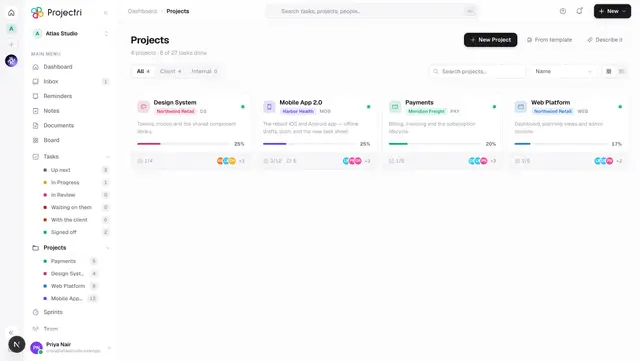
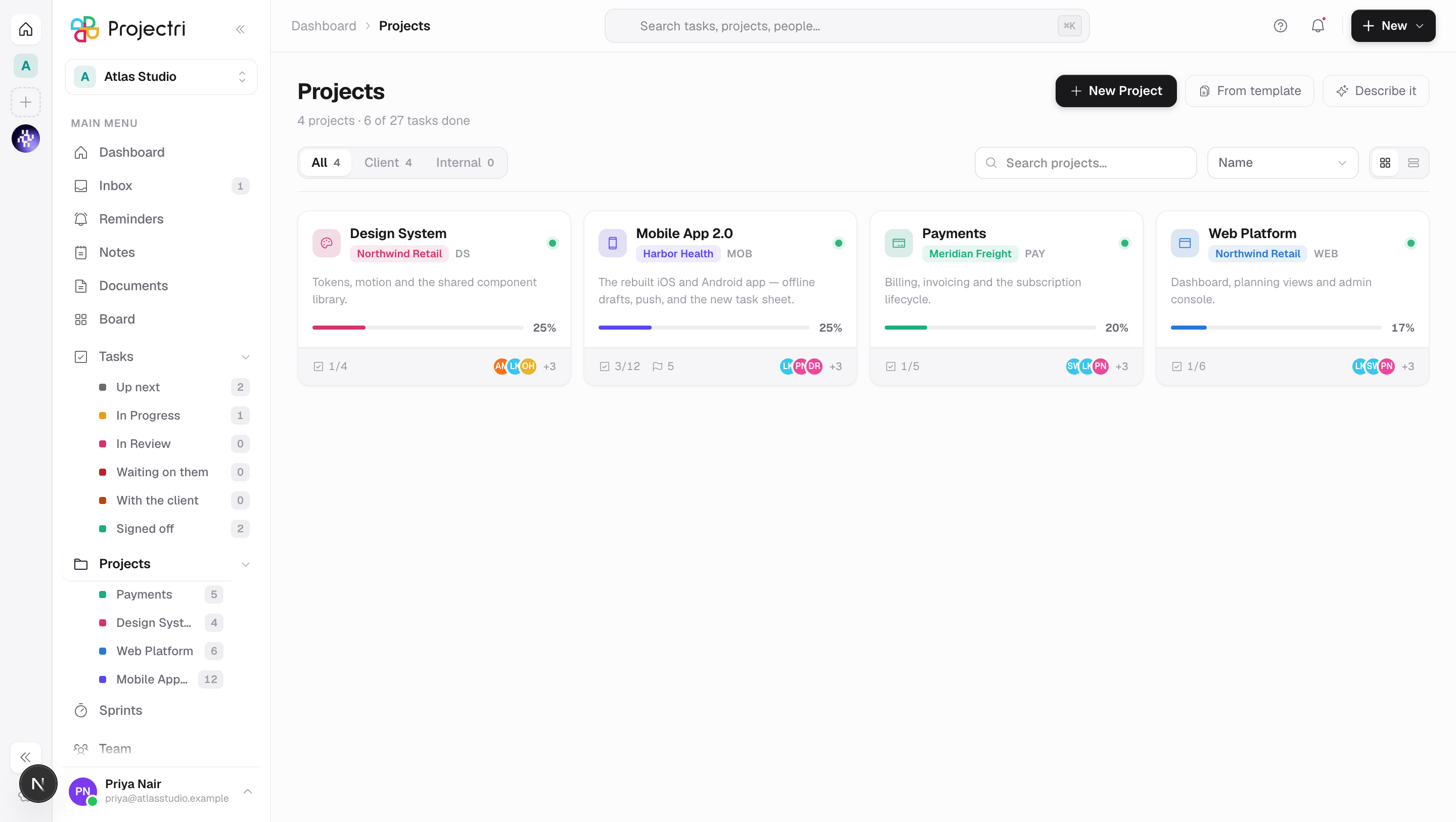
Project
The container for a piece of work. A project has a key — two to five letters, like APO — and every task in it is numbered from that key, so a task is APO-42 for the life of the project even if it is renamed, moved between columns or reassigned.
Projects are either client projects, which are attached to a client record and can be published to that client's portal, or internal ones, which cannot. That choice is made when the project is created and drives what the finance and portal screens do with it.
Task
The unit of work. A task has a status (Backlog, To do, In progress, In review, Done, Cancelled — plus any custom stages your workspace has added), a priority, an assignee, dates, and whatever else your workspace has configured: estimates, checklists, custom fields, dependencies, followers.
Statuses are workspace-wide, not per-project, which is what lets My Tasks, reports and automations mean the same thing everywhere.
Client
A company you do work for. A client record holds contacts, contracts, quotes, invoices and the projects done for them, and it is the thing a portal login is attached to. A contact in the portal sees their client's data and nothing else.
Time entry
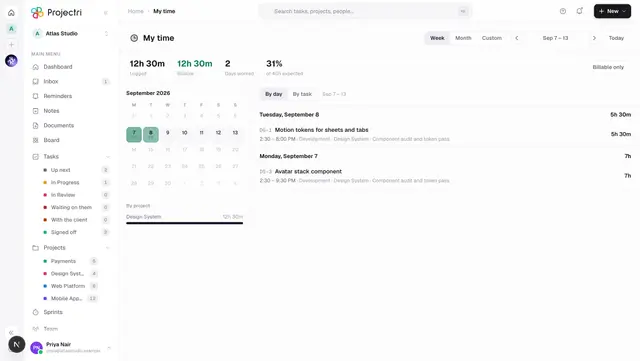
Hours logged against a task or a project on a date, marked billable or not. Everything downstream of "how did the week go" is built on these: timesheets, approvals, utilisation, capacity, budget burn, invoices. A time entry that has been approved is a fact the finance screens will use; one still in draft is not.
Permission
A named capability, like task.create or finance.invoice.view. Your role carries a set of them, an admin can grant or revoke individual ones per person, and every screen and API call checks the key rather than the role. That is why "can Sam do this" has a real answer rather than a guess — see Roles and permissions.
Entitlement
What your workspace's plan includes. Where a permission asks are you allowed, an entitlement asks does this workspace have the feature at all. A screen you cannot reach is one or the other, and the message tells you which — see Plans and entitlements.
Nia
The assistant. She can read what you can read, do what you are allowed to do, and explain the product from this documentation. She is in the right-hand dock on the web, in the Nia tab on mobile, and on this site — see Nia, the assistant.