Resourcing
The staffing timeline — people down the side, days across the top, bookings as bars you can drag, resize and fill.
What it is
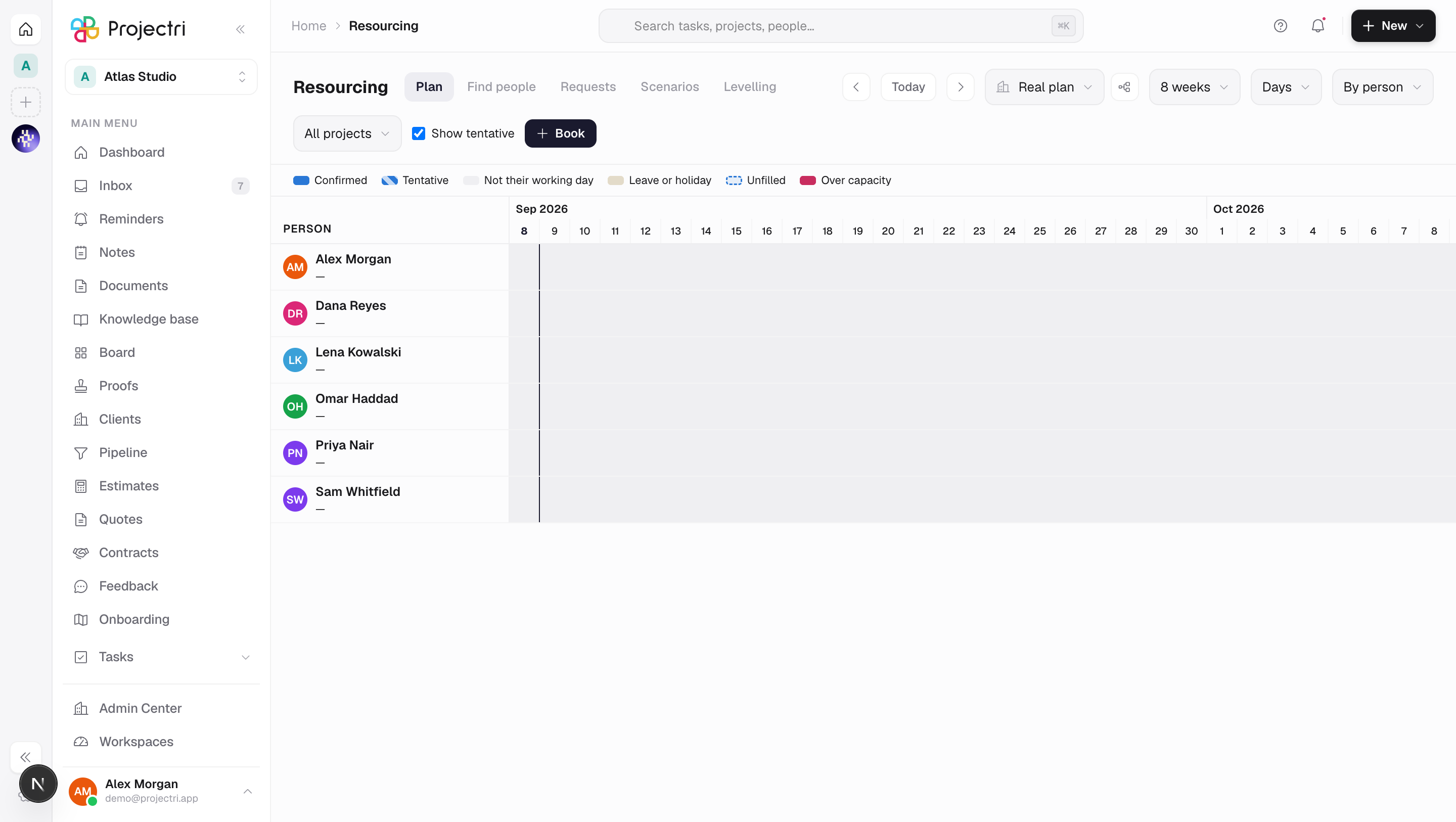
Resourcing is the plan — who is committed to what, and where the gaps are. Rows are people or projects, columns are days, and each bar is a booking. Under each person is a lane showing their real capacity for that day, so an over-booked Tuesday is visible rather than derived.
How to get there
Resourcing is in the main navigation, gated on booking.view. That key is excluded from the blanket viewer grant — who is booked on which client is commercial intelligence — so the row disappears for a viewer rather than leading to a refusal.
Making changes needs more:
booking.manage— create and move bookings for your own team.booking.manage.all— do the same for anyone, and raise a levelling run.booking.confirm— turn a tentative booking into a confirmed one. Separated because confirming is the moment capacity is actually spent, and that is often somebody else's call.
The grid needs the **resourcing.bookings entitlement. The capacity lane under each row carries a second one, resourcing.availability** — a workspace entitled to bookings but not to availability still sees its bars, and the lane simply does not draw.
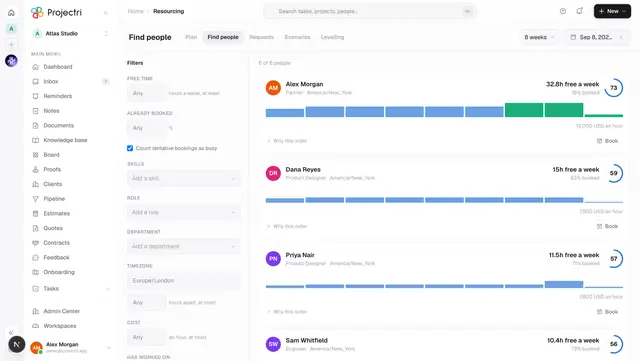
Five sibling screens share the strip of links at the top — Plan, Find people, Requests, Scenarios and Levelling.
How to use it
Read the grid
- The legend under the header names every convention on the screen. Solid is confirmed, hatched is tentative, a shaded column is **not that person's working day**, amber is leave or a holiday, a dashed outline is an unfilled role, and red is over capacity.
- The header stats are the booked percentage, how many people are over capacity, how many are entirely free, hours remaining, and how many distinct vacancies are open. The vacancy figure counts roles on projects, not bars — two stretches of the same open role is one person to find.
- Clicking the vacancy count scrolls to the unstaffed rows at the top of the grid.
- Range offers 4 weeks, 8 weeks or a quarter; Zoom switches between days and weeks; Group by switches the rows between people and projects. Show tentative hides the provisional bars.
Create a booking
- Press Book, or drag across empty space on a person's row.
- Name a person, or leave it empty and name a role to open a vacancy instead. A vacancy can carry a label, a seniority and required skills.
- Effort is held as hours a day, not as a total, so a holiday or a day of leave costs the booking nothing.
- Confirming on creation is offered only to somebody with
booking.confirm.
Move or resize a booking
- Drag a bar sideways to move it, or drag its edge to change the dates.
- A drag keeps the calendar span. If the new span covers a different number of that person's working days, the effort changes — and the screen says so, at the moment it happens, rather than leaving it to be discovered in a margin report.
- Dragging a bar onto a different person's row moves it to them.
- Over-allocation is reported, never blocked. Nothing in the drag path consults it; the resource manager decides.
Fill a vacancy
- Drag an unfilled bar onto somebody, or open it and choose Find someone.
- The dialog ranks who could take it and shows how much of the required effort each person actually has free, on their own calendar.
- Where the best candidate is short, it offers to split the booking — they take the first part, and the remainder stays on the board as demand.
- Assigning rebuilds the day-by-day plan on the new person's calendar, tells them, and records who decided.
Ask somebody else to staff it
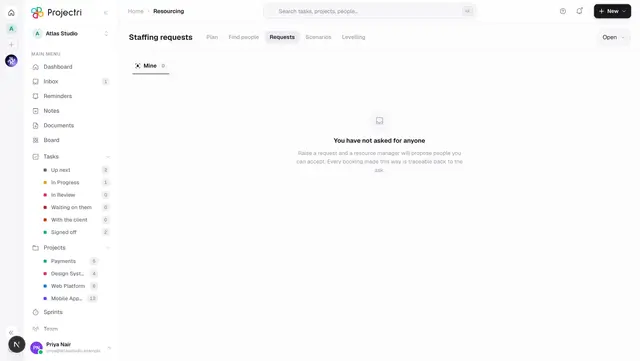
From an open booking, Request staffing raises a staffing request seeded from that vacancy — its role, dates, hours and required skills. See Staffing requests.
Resolve over-allocation
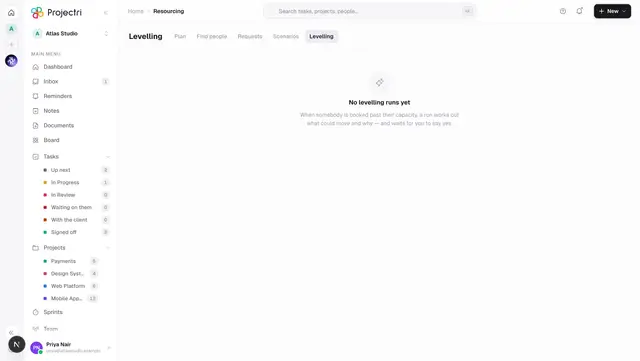
Where anyone is over capacity and you hold booking.manage.all, the over-capacity figure in the header becomes a button. It opens Levelling with the window — and the project filter, if one is on — already carried across.
Work inside a scenario
- The scenario switcher in the header is the most dangerous control on the page — everything below it accepts edits either way, and this is the only thing that decides where they land.
- Inside a scenario the URL carries
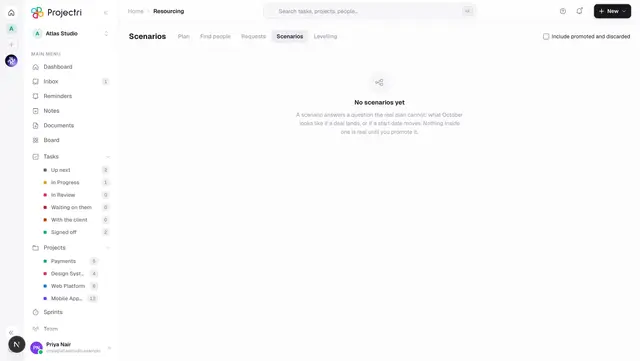
?scenario=, a striped mode bar appears with the scenario's name and its change counts, and every edit is written to the scenario rather than to the real plan. See Scenarios. - A drop onto a person inside a scenario is a proposal, reversible by dragging it off again. It does not tell anybody they have been staffed and does not write an audit record — a scenario must never do either.
What it affects
- Bench and Demand. Every booking made here is what Bench subtracts from capacity and what Demand counts as committed.
- The person's own diary. A booking appears on their bookings list on the phone immediately, and fulfilling a vacancy notifies them.
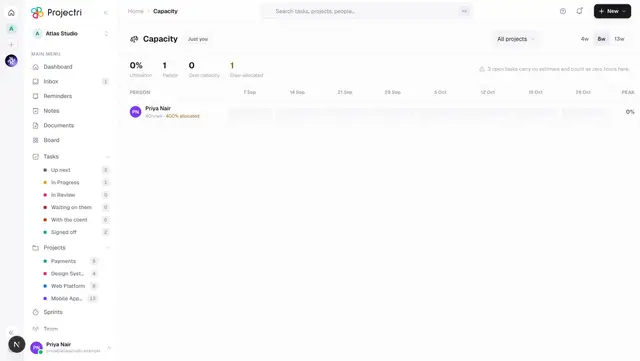
- Capacity is not affected. Capacity is built from task estimates, not from bookings. They are two separate commitments to the same week.
- Cancelling, not deleting. Promoting a scenario cancels removed bookings rather than deleting them, so their history survives.
On mobile
The phone deliberately does not carry the timeline. Moving a booking needs the rest of the team's availability beside it, and a mis-drag on a small screen moves somebody's month. What it has instead is My bookings — what am I on, this week and next, read-only and needing no permission at all, because your own diary is not commercial intelligence. Unstaffed carries the one write that does belong on a phone, which is filling a vacancy from a ranked list the server has already computed.
Limits and gotchas
- A weekend is absent, not zero. The availability lane has no row at all for a non-working day, and the grid shades an absent day as off. That is what makes one screen correct for London, Dubai and Bangalore with no configuration — nothing on the client asks a date whether it is a weekend, only the map the server sent.
- The working week comes from the country the workspace was created with. If that is wrong, a Gulf team's Friday reads as an unexplained gap and every effort figure derived from working days is wrong with it.
- The window is capped at a quarter. Past that the honest answer comes from the forecast's aggregates rather than a per-person per-day expansion.
remainingin the lane subtracts both committed and tentative hours, because pessimistic is the safe default for "can I staff this".- A booking's total is never span × hours-a-day. Open the booking to see the real total, computed over that person's working days.
- Only 2000 bookings are loaded for a window.
Related
- Find people — who could take this work.
- Staffing requests — asking for a role rather than booking a person.
- Scenarios — the same plan asked as a question.
- Levelling — proposed moves that clear an over-allocation.
- Capacity — the other commitment on the same week.