Knowledge base
The workspace's written answers, searched by meaning rather than keywords, with a reader and a helpful/not-helpful vote.
What it is
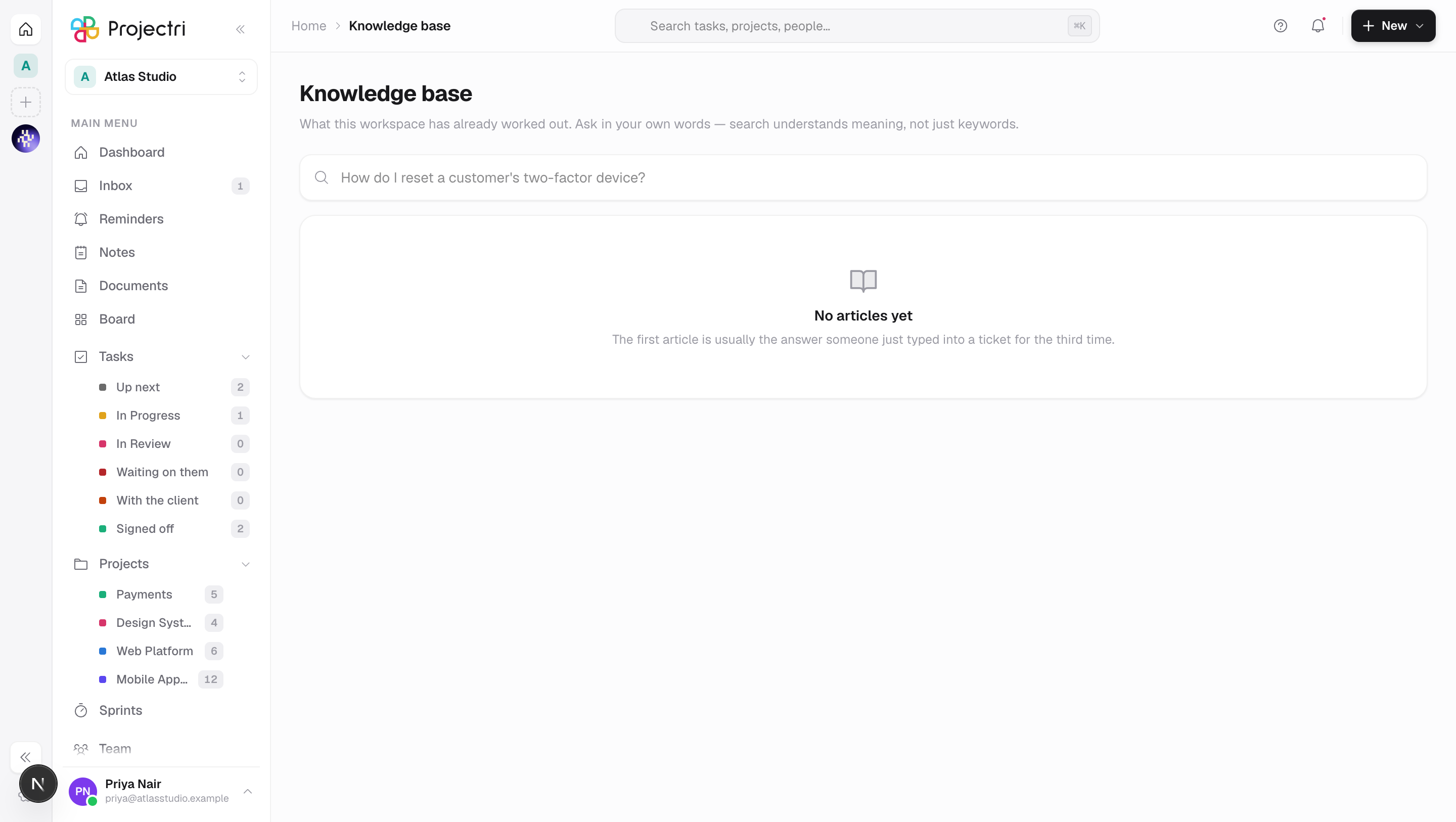
The knowledge base is what this workspace has already worked out, written down once so the answer does not have to be retyped into a third ticket. This screen reads and votes. Writing, publishing and deciding who may read an article happen in the admin console.
How to get there
Knowledge base is in the main navigation. Reading needs kb.view, which every role that can view anything holds. Write an article appears only if you hold kb.create, and links across to the admin screen. There is no plan gate.
What you can see depends on your keys. If you hold none of kb.create, kb.update or kb.publish you see published articles only. Writers also see drafts and articles in review; archived articles need kb.update or kb.publish.
How to use it
Search
- Type the problem into the box — *"How do I reset a customer's two-factor device?"* is the placeholder, and it is the right shape. Search understands meaning, not just keywords.
- Results are ranked by combining a meaning-based search and a keyword search. Where both agreed, the row is badged Strong match.
- The snippet shown is the passage that matched, not always the article's summary.
Browse
- Everything shows all articles you can see.
- Each top-level category is a chip carrying its published article count. Clicking one reveals its subcategories as a second row.
- Tags on a result or in the reader are clickable and filter the list; the active tag appears as a chip you can clear.
Read an article
- Click a result. The article opens in a panel from the side; Close or Escape shuts it.
- Under the title you get the author, when it was updated, whether it came from a support ticket, and how many times it has been read.
- The summary sits in its own card above the body.
- An article you opened has a stable address — the panel can be linked to directly.
Say whether it helped
At the bottom of the reader, Did this answer it? with Yes and No. Pressing the one you already chose clears your vote. One vote per person per article; the counts on the search results come from these.
What it affects
- Article counts and "found this helpful" on the search rows come straight from these votes.
- View counts are only recorded on published articles, so an author previewing their own draft does not inflate the figure.
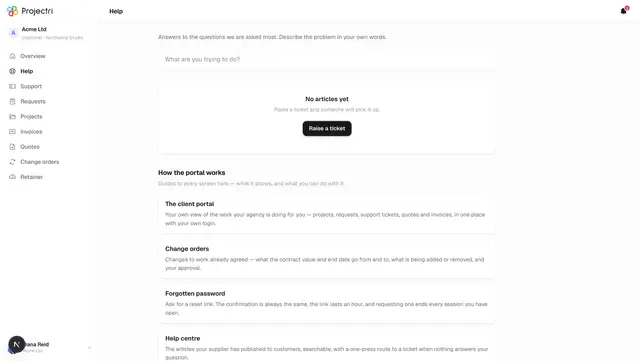
- A published article can reach customers. Its visibility decides: **Internal only is staff in this workspace; Customers** adds people signed in to the client portal; Public is anyone with the link, without signing in. The portal help centre only ever shows the last two, and only published ones.
- Nia reads the knowledge base by searching it, not by holding it. She is told how many published articles exist and what the categories are called, and nothing of their text, so she has to look an article up before quoting it.
- A resolved support ticket can become an article. On a resolved ticket, Turn into an article drafts one from the conversation — problem and resolution, with the internal messages left out — always as an internal draft for somebody to check.
On mobile
The phone has a Knowledge base screen for reading and voting, with no authoring. Two things it does differently on purpose: an article you have opened recently stays readable for a week without signal, and it says plainly when what you are reading may be out of date rather than hiding it. Search is debounced harder than on the web, because every query costs a lookup.
Limits and gotchas
- Meaning-based search can be unavailable. When it is, a banner says so — *"Meaning-based search is unavailable right now — these are literal keyword matches only. An article may exist that this misses."*
- An article body is Markdown, and the reader supports headings, lists, code fences, quotes, horizontal rules, links, bold, italic and inline code. **No images and no tables.**
- Categories nest one level deep, and an article does not need one. Deleting a category leaves its articles unfiled.
- Global search is broader than this screen. Anyone holding
kb.viewcan reach drafts and archived articles through global search, because that index does not filter on status. Treat a draft as visible to the workspace. - An article's web address is fixed at the moment it is first published; editing the title afterwards does not change it.
- There is no route from Archived back to Published — an archived article has to go back to draft first.
Related
- Managing the knowledge base — writing, publishing and categories.
- Support — where an article is often born.
- Portal help centre — what customers see.
- Search — the global search that also finds articles.