Estimates
The list of priced work — every estimate with its client, status, value, margin and validity date, revisions folded away by default.
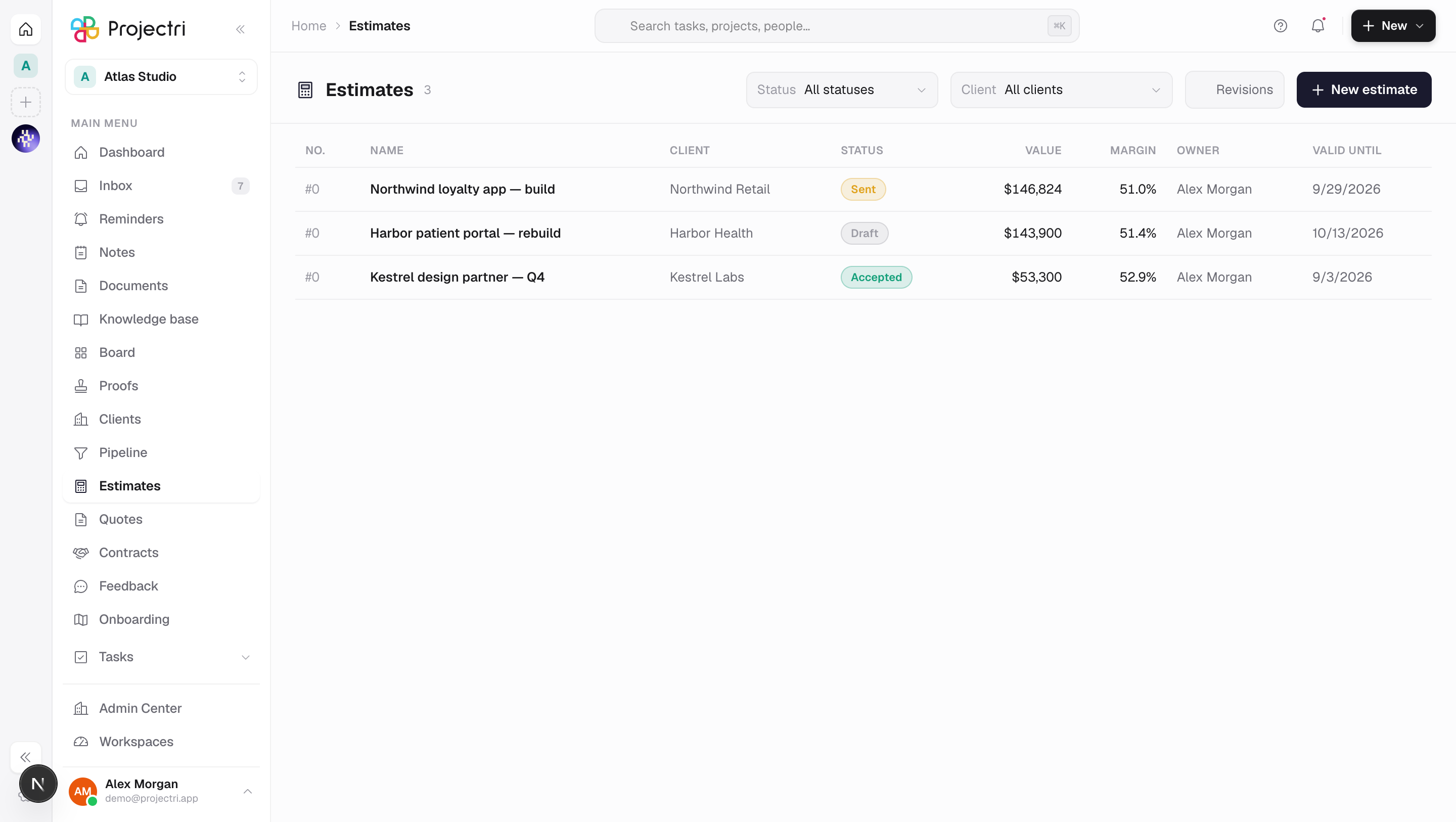
What it is
An estimate is a piece of work priced before it exists — roles, hours and a rate card. This screen lists them: number, name, client, status, value, margin, owner and the date the offer stops being valid. It is the internal arithmetic; Quotes is the document a client reads.
How to get there
Estimates is in the main navigation and needs the estimate.view permission. That key is deliberately excluded from the blanket viewer grant — the pipeline of unsigned deals with the price offered on each is commercially sensitive — so an administrator grants it per role at Admin → Permissions.
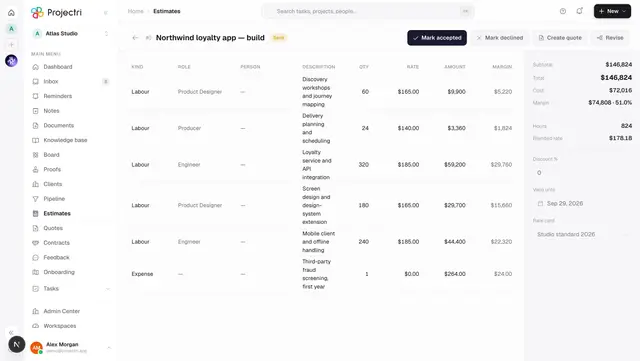
The Margin column exists only for readers with estimate.margin. The API deletes the cost keys from its response rather than zeroing them, and the screen keys the column off their absence, so there is one source of truth for whether a number exists to render.
Creating and editing needs estimate.manage; marking one sent needs estimate.send; turning an accepted one into a project needs estimate.convert. Every write is gated on the commercial.estimates plan feature — reading the list is not.
How to use it
Read the list
- Filter by Status and by Client with the two pickers in the header.
- Revisions are folded away by default; Revisions shows every version. The question "how many live offers are out" gets asked far more often than "what did v2 say".
- A row past its Valid until date is marked lapsed beside the date. Nothing sweeps an estimate to Expired, so a Sent row whose date passed last month is still Sent — the word beside the date is what tells you.
- Click a row to open the builder.
Create an estimate
- Press New estimate, or use the New menu in the app header.
- Four fields: Name, Client, Expected start and Rate card.
- There is no currency picker. The API takes the client's currency, falling back to the workspace's reporting currency — offering the choice here is how a firm in Dubai quotes dollars to a UAE client by accident. It is editable on the estimate afterwards, next to the numbers it moves.
- Expected start is the date the work is priced at. A card that takes effect in January is the right card for a January project, and this is the one field that changes the numbers before any line exists.
What it affects
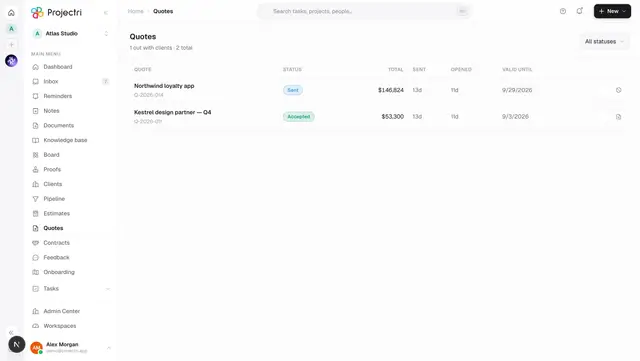
- Quotes. An estimate is the only source a quote can be made from, and making one freezes a snapshot of the lines as they stand.
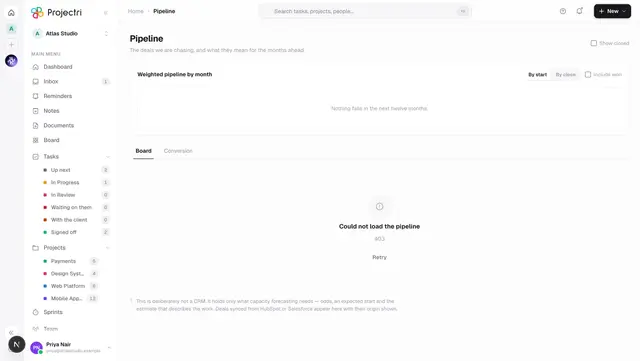
- The pipeline. A deal links estimates, and exactly one of them is primary — the one capacity forecasting turns into hours by role. Accepting or declining a quote also moves its estimate to Accepted or Declined, so the pipeline does not go on showing an open deal the client has already answered.
- Projects. An accepted estimate can be converted into a project. That is a deliberate step somebody inside the workspace takes; a client accepting a quote never provisions delivery on its own.
- Rate cards. Every line's rate is resolved from a card at pricing time and frozen onto the line. Changing a card afterwards does not move a stored price.
On mobile
The Estimates tab in the Expo app is read-only and answers the corridor question — what did we quote them, and is it still live. Revisions are collapsed by the server, and the version chip appears only when the row is not v1. Pricing happens on the web, where the grid has room for a rate column.
Limits and gotchas
- Lapsed is not a status. Nothing expires an estimate. A Sent estimate past its validity date is still Sent, and its quote is what actually refuses a signature.
- Margin absent is not margin unknown. A reader without
estimate.margingets a response with the cost keys deleted, and the screen drops the whole column rather than printing a dash — a dash reads as "we do not know our cost", and finance acts on that. - Money on the wire is in minor units. The list divides by the currency's own exponent; a three-decimal currency rendered with two is a thousandfold error in a number somebody is about to sign.
- The value shown is what the estimate stored, never a figure the screen recomputed. A number the client is holding and a number the screen calculated are two numbers, and only one of them is on the offer.
Related
- The estimate builder — lines, sections, rates and margin.
- Quotes — the client-facing document made from an estimate.
- Pipeline — the deals estimates are linked to.
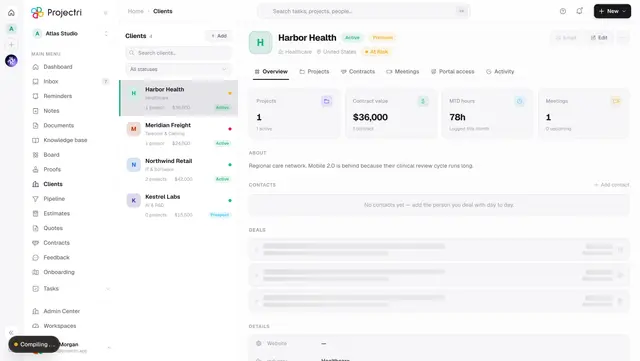
- Clients — where the currency and credit terms come from.