The mobile app
What the iOS and Android apps do, how to sign in, App Lock, push notifications, and what still works with no signal.
What it is
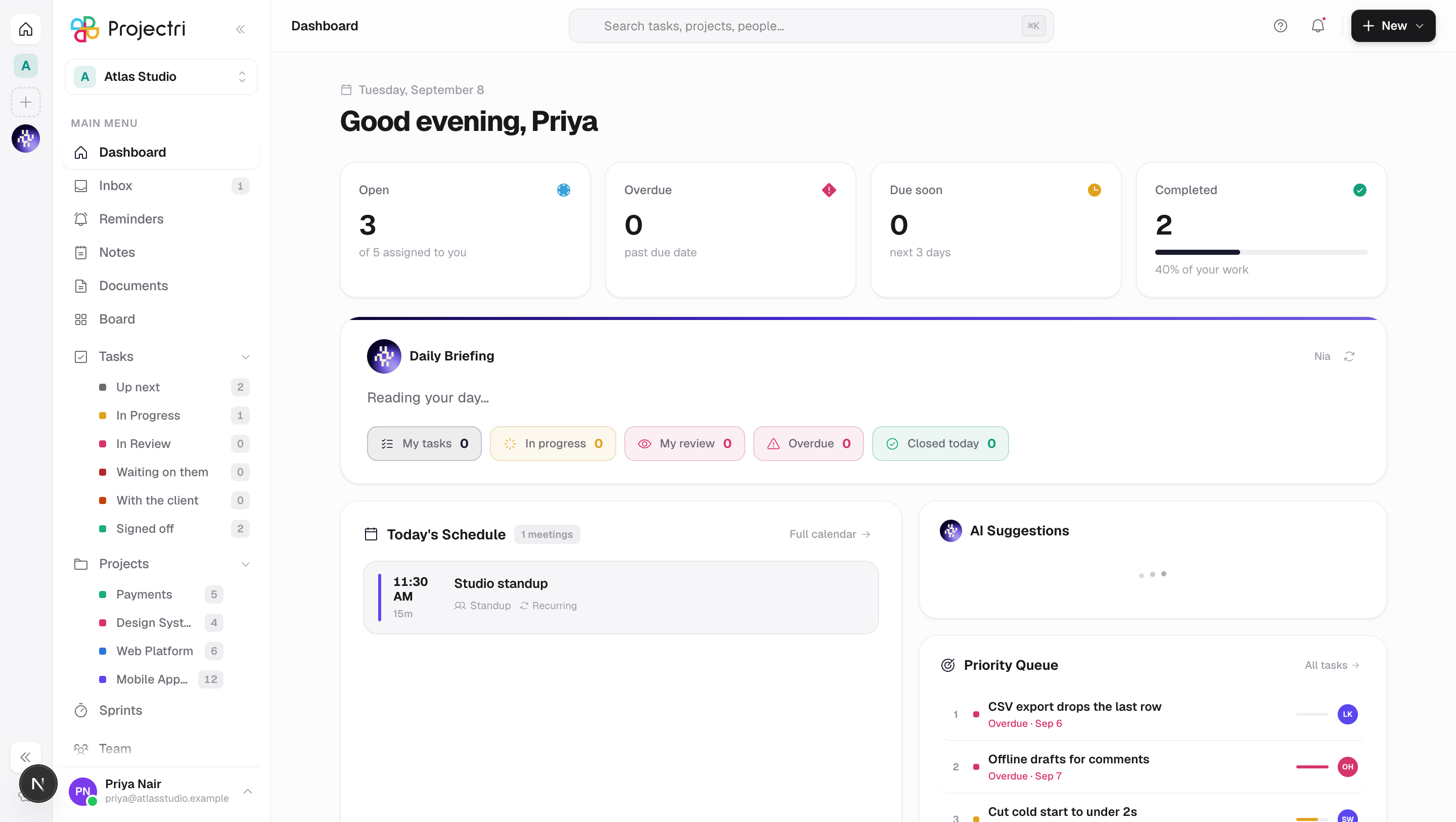
Projectri has native iOS and Android apps built from one codebase. They are not a cut-down companion: the same tasks, projects, discussions, time, approvals, reports and finance screens are there, filtered by the same permissions as the web, with Nia on her own tab. The apps are included on every plan.
How to get there
Install Projectri from the App Store or Google Play, open it, and sign in. There is nothing to enable in the workspace first.
How to use it
Sign in
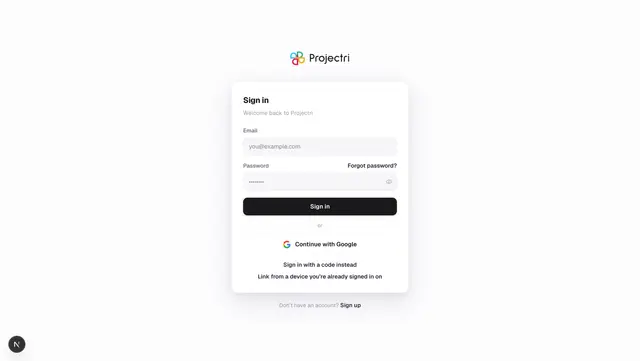
- Enter your email and password on the sign-in screen.
- If your account holds a second factor, the six-digit challenge is the next screen. If you belong to more than one workspace, the picker follows it.
- Sign in with a code emails you a six-digit code instead of using a password.
- Link this device shows a QR and an eight-character code that a device you already trust can scan or type — you are signed in without typing a password, and the phone can read encrypted messages immediately. See Linked devices.
Google sign-in and single sign-on are web-only; use one of the paths above.
Find your way around
Six tabs across the bottom:
- Home — your workspace dashboard.
- Tasks — everything assigned to you.
- Inbox — notifications, with an unread badge.
- Nia — the assistant, including voice.
- Chat — channels and direct messages together.
- More — everything else, grouped into Work, Content, People, Money and the rest, with a row per screen. Rows you do not hold the permission for are not listed.
Turn on App Lock
- Settings → App Lock.
- Confirm with Face ID, Touch ID or your fingerprint.
- From then on the app asks for biometrics before showing anything, on top of the session you already have.
Agree to the terms on first launch
A consent gate appears before any workspace content on a fresh install, and again if the terms or privacy policy materially change. The full documents open inside the app. It cannot be dismissed by going back.
Deal with work that has not sent yet
More → Waiting to sync shows two lists: what needs you — a closed period, an entry approved while the phone was offline, anything stuck for over a week, each with the reason and a retry or discard — and what is still on its way. Empty is the normal state.
Close your account
Settings → Account → Close my account. It records the request, notifies every administrator of your workspace in-app and by push, and emails our team so it completes within 30 days even if nobody acts. It can be withdrawn.
What it affects
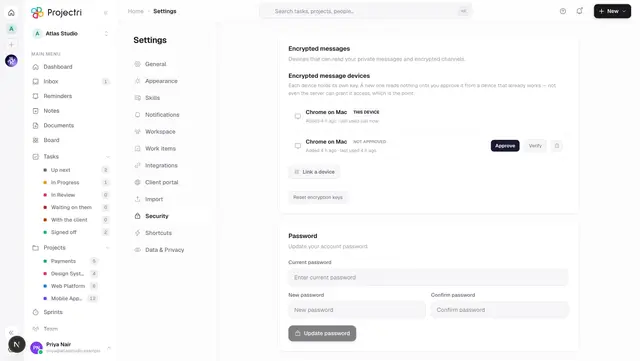
- The phone is its own session. One browser, one iPhone and one Android are three separate slots, so signing in on a phone does not sign your laptop out. Every session appears in the list on Settings → Account security.
- Push notifications carry mentions, assignments, reminders and channel messages, including when the message is only a voice note or a file. Which events reach you is set per account and applies to every device — see Your profile and preferences.
- The phone counts as a device for encrypted messages, and has to be approved from a device you already use before it can read them. Approving it hands over history, not just new messages.
- Time logged offline is queued on the device, with an id the device generated, so a flaky connection, a background wake and a manual retry cannot produce three copies of the same three hours.
- The read cache is persisted, so a cold start with no signal shows last night's data rather than a spinner.
Limits and gotchas
- Google and single sign-on are not in the app. Use a password, an emailed code, or link the device.
- **Direct messages and encrypted material are never written to the device's cache.** They are readable in the app while it is running and are not part of what survives a cold start.
- App Lock is a gate in front of a valid session, not a second credential. Signing out is what ends the session.
- The apps ask for the camera (scanning a linking QR, taking a photo), the photo library (avatars and attachments), the microphone and speech recognition (Nia and dictation), Face ID (App Lock), notifications, and local network access if you are pointing the app at a development server. There is no location, contacts, calendar or tracking, and no advertising identifier.
- Nia's replies carry a disclaimer that output can be wrong, and a flag on every reply for reporting something offensive, harmful or inaccurate.
Related
- Signing in — the same doors, on the web.
- Linked devices — linking the phone without a password, and approving it for messages.
- Mobile — what the app can and cannot do, screen by screen.
- Notifications — what gets pushed, and when.