Form submissions
Everything that has come in through every form in the workspace, newest first, with the task each submission became.
What it is
One list of every form submission in the workspace, newest first, with each answer labelled and a link to the task it became. It is the screen for the pile nobody has triaged — the submissions that arrived but never turned into work.
How to get there
Open the Forms caret in the main navigation and choose Submissions, or press All forms on this page to go back the other way.
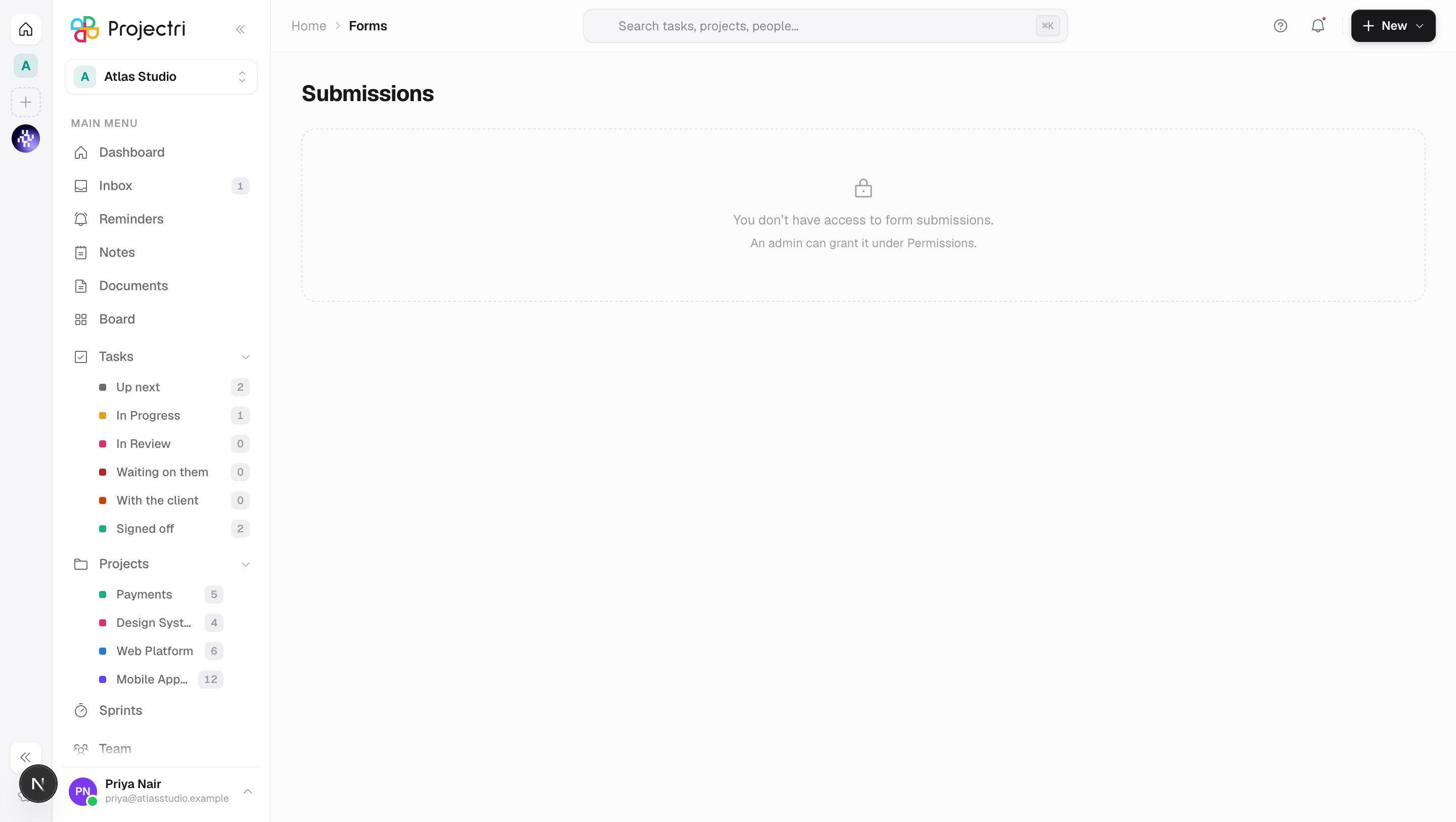
The whole page needs form.submission, which is separate from form.view and from form.manage. Without it the row is not drawn in the rail, and reaching the URL directly shows "You don't have access to form submissions." rather than an empty list — "nothing came in" and "you may not see what came in" look identical otherwise, and only one of them is worth asking an admin about.
How to use it
Narrow the list
- The chips along the top are one per form that has received anything, with its count. All forms clears the choice.
- The second group of chips is All / Became a task / No task. *No task* is the untriaged pile: submissions to a form that does not create tasks, or ones whose task creation failed.
- The search box on the right matches the submitter's name, their email and the form's name. It waits about a third of a second after you stop typing.
Read a submission
- Each card shows the submitter's name and email, when it arrived, which form it came from, and every answer with its question's label.
- Answers are ordered the way the form asks them. An answer to a question that has since been deleted appears last with (removed) beside it.
- If a task was created, the card carries its identifier and title as a button.
Open the task it became
- Press the task chip on the card.
- You land on My tasks with that task's detail panel open.
Load more
- The page holds 30 submissions and a Load more button.
- Paging uses a cursor over created time and id together, so a submission arriving while you page cannot cause a row to repeat or be skipped.
What it affects
Nothing on this screen writes. It reads what the public form endpoints already recorded, and the only action it offers — opening a task — is a navigation.
The form counts on the chips are counted across the whole workspace and are not narrowed by the filters, so selecting one form still shows you the others and their sizes.
On mobile
This screen is web only.
Limits and gotchas
- Search does not read the answers. Answers are stored as a keyed blob rather than in columns, so searching them would be a different query and a different promise. The box searches name, email and form name.
- A submission whose task was deleted keeps the submission — the link is a pointer with no cascade. It then reads as No task.
- Anonymous submissions are normal: the name and email fields on a public form are optional, so a card with neither is not a fault.