Pipeline
The deals being chased, on a board of stages, with a weighted forecast by month and conversion rates behind a second tab.
What it is
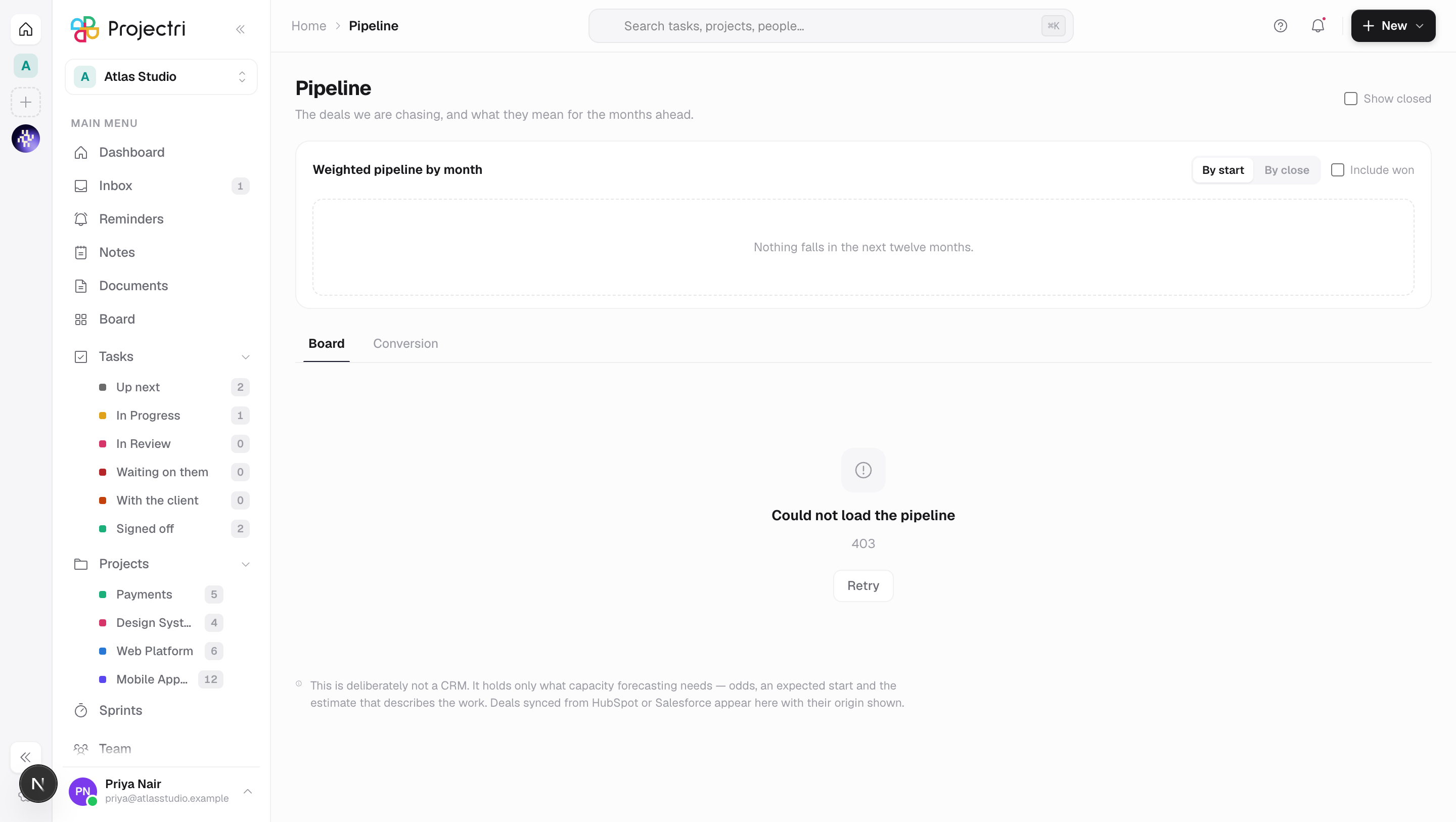
Pipeline is the board of open deals and what they mean for the months ahead. Each card is an opportunity — an account, odds, a value, an expected start and the estimate that describes the work. Above the board a strip shows weighted pipeline by month; behind a second tab are conversion rates and cycle length.
This is deliberately not a CRM. A deal here exists so that capacity forecasting has a left-hand term: odds, an expected start and an estimate, so the gap for the months ahead can be worked out. Sequences, campaigns and lead scoring belong in your CRM, and the empty state says so.
How to get there
Pipeline is in the main navigation and needs opportunity.view. That key is excluded from the blanket viewer grant — a list of unsigned deals with the price offered on each is commercially sensitive — so an administrator grants it per role at Admin → Permissions.
Creating a deal, editing it, moving it between stages and linking estimates need opportunity.manage. Marking one won, lost or reopened needs opportunity.close. Configuring the stages themselves is a third key, pipeline.configure, and lives in Admin → Workflow. There is no plan gate.
How to use it
Read the forecast strip
- The strip buckets weighted value by month across a rolling year from the start of this month.
- Which date to bucket by switches between By start and By close. By start is the default, because that is the resourcing question.
- Include won adds won deals to the buckets.
- Deals with no expected start are counted explicitly under the strip — *"3 with no date · £42,000 weighted, in none of the months above"*. A bucketed forecast cannot draw an undated deal, and the omission otherwise looks exactly like a thin quarter.
Add a deal
- Press New deal, or use the New menu in the app header.
- Name what you are selling them, and either pick a client or type a prospect name for a logo you do not have yet.
- Set the value, the currency and the odds. The stage's default odds seed a deal the first time it lands on any stage and never overwrite odds somebody set.
- Expected start and duration can wait — they become required when the deal moves past the first stage.
Move a deal
- Drag the card to another column, or change Stage in the drawer.
- A card that has not been given an expected start and a duration cannot move past the first stage, and says which fields it needs. The forecast is built on them.
- Moving a card onto a stage that means closes as won or closes as lost closes the deal.
Link the estimate forecasting reads
- Open the deal and press Link an estimate.
- Exactly one linked estimate is primary — the one forecasting turns into hours by role. Nothing linked means the forecast can price the deal but not turn it into demand.
Close a deal
- Mark won in the drawer. Winning records the outcome and stops there: no project, task or baseline is created, so nothing appears that somebody then has to unpick. The dialog offers to open the primary estimate, where quoting it and converting it to a project each live behind their own permission.
- Mark lost asks for a reason from a fixed list — price, timing, scope, competitor, no decision, or something else — plus an optional note. Free text is not reporting. It also states what leaves the forecast: the deal's weighted value comes out of the months ahead immediately.
- Nobody won it files the deal as abandoned rather than lost, kept apart so win rate means what it says.
- Reopen puts a closed deal back.
- Show closed in the header brings closed deals back onto the board. They are off by default — a lost column that accumulates every deal the firm has ever lost is a column nobody scrolls.
Read the conversion tab
- Switch to Conversion.
- Reached counts deals that ever entered a stage, whether or not they are still in it — a deal counts against a stage it ever entered, not the one it is sitting in now.
- Where deals stop names the stage that loses the most.
- Average cycle is created to closed, over won deals.
- A dash in a win-rate cell means nothing has closed from that stage yet. It is not a zero per cent win rate.
What it affects
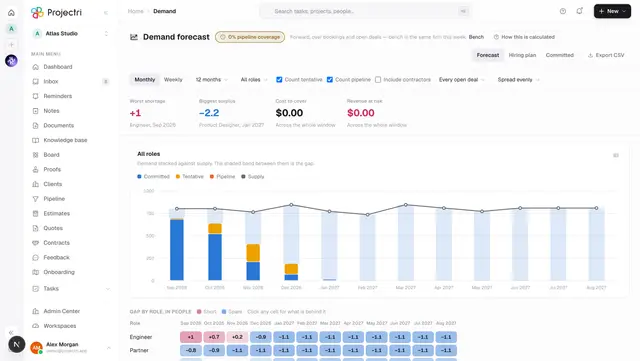
- Capacity forecasting. The weighted pipeline and each deal's primary estimate are the inputs to the demand and capacity screens. A deal with no expected start contributes to no month at all.
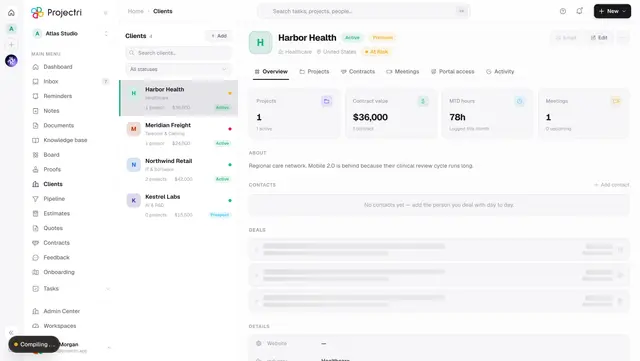
- The client record. Open and closed deals for an account appear on the client's Overview, including the loss record — "we lost the last two on price" is the useful half when you are looking at one account.
- Estimates. The deal is where an estimate is nominated as the one forecasting reads. Accepting or declining the estimate's quote does not move the deal's stage on its own.
- Conversion history. Every stage move is recorded, and that history is what conversion rates and cycle length are computed from. Archiving a stage keeps it, rather than deleting it, for exactly that reason.
On mobile
The Expo app carries the read plus one write: closing a deal, which is a genuinely wanted moment away from a desk. Around it sit the weighted total, the next few months, what is in each column, and the count of deals the forecast cannot see. Creating a deal, re-pricing it, moving it between stages and choosing the primary estimate stay on the web — each is decided with an estimate open in front of you.
Limits and gotchas
- A deal with no expected start is in none of the forecast months. The count under the strip is the only place it appears.
- Winning provisions nothing. If you expected a project, convert the accepted estimate — that is a separate, deliberate step.
- Stage defaults only seed a deal the first time it is given a stage. Raising a stage's default odds does not move the deals already in it.
- Archived stages are kept rather than deleted, because the conversion history written against them would otherwise stop meaning anything.
- Deals synced from HubSpot or Salesforce appear here with their origin shown.
- Money on the wire is in minor units, and each deal's value carries a base amount frozen at the rate in force when the value was set — the drawer says so, so the number does not move when the rate does.
Related
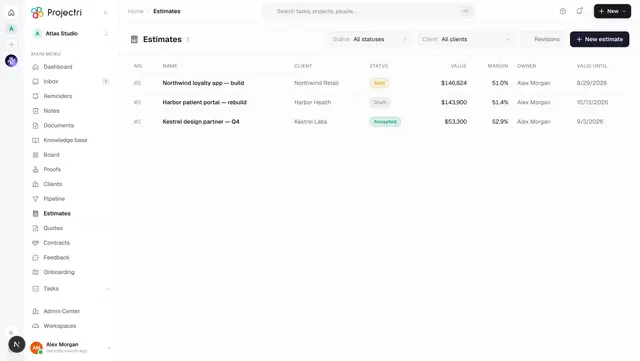
- Estimates — what a deal links, and what forecasting reads.
- Clients — the accounts deals belong to.
- Demand — where the weighted pipeline becomes a capacity gap.
- Admin → Workflow — configuring the stages and their default odds.