Keyboard shortcuts
Every keyboard shortcut in the web app, what each one needs to work, and where to find the list inside the product.
What it is
Nineteen shortcuts, and the list below is the same list the product binds. There is no way for a shortcut to appear on the settings screen without something dispatching it.
Mod is ⌘ on a Mac and Ctrl everywhere else. The product draws the right one for the machine you are on.
How to get there
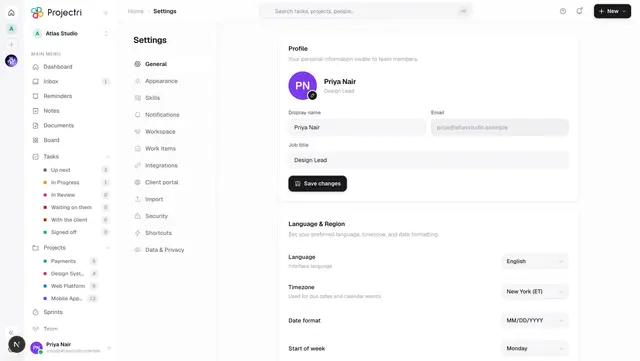
Settings → Shortcuts, or press ? anywhere. Nothing here needs a permission, but the four navigation shortcuts are gated on the same keys as the navigation rail, so a destination you cannot reach does nothing.
How to use it
Navigation
| Shortcut | Does | Needs |
|---|---|---|
| Mod + K | Command palette and search | — |
| Mod + 1 | Go to Dashboard | dashboard.view |
| Mod + 2 | Go to My Tasks | task.view |
| Mod + 3 | Go to Projects | project.view |
| Mod + 4 | Go to Inbox | — |
| Mod + \\ | Show or hide the sidebar | — |
Tasks
| Shortcut | Does | Needs |
|---|---|---|
| N | New task | task.create |
| E | Edit the open task's title | the task panel open |
| Mod + Enter | Save the field being edited | the task panel open |
| Esc | Close the task panel | the task panel open |
| Mod + D | Duplicate the open task | task.create, and a task selected |
| Mod + Backspace | Delete the open task | task.delete, and a task selected |
Deleting asks first, and names the task. ⌘⌫ is one slip away from ⌫, and the thing on the other side of it is somebody's work.
Views
| Shortcut | Does |
|---|---|
| Mod + Shift + B | Board view |
| Mod + Shift + L | List view |
| Mod + Shift + T | Timeline view |
| Mod + Shift + C | Calendar view |
These four only fire on a project page, where the views they switch between are on screen. Elsewhere they do nothing, on purpose: moving a view setting nothing visible is reading looks exactly like a broken shortcut.
General
| Shortcut | Does |
|---|---|
| Mod + Shift + D | Switch between light and dark |
| Mod + , | Open settings |
| ? | Show this list |
What it affects
- Nothing fires while you are typing. A bare N that fired mid-sentence would delete the word you were writing and open a dialog on top of it. The two exceptions are the chorded panel shortcuts — Mod + Enter and Esc — because ⌘↵ to commit an edit is only ever pressed from inside the field it commits.
- Rich-text editors count as typing too, not only plain input boxes, so writing a note or a comment is safe.
- A gated shortcut falls through unhandled rather than being swallowed. It reads the same permission keys as the rail and the command palette, so the three cannot disagree about what is reachable.
- Nothing fires mid-composition, so typing Japanese, Korean or Chinese through an input method is unaffected.
On mobile
There are no keyboard shortcuts in the phone app.
Limits and gotchas
- Mod + Shift + D toggles the theme and Mod + D duplicates a task. They are one Shift apart, deliberately checked separately, so neither fires the other.
- ? is Shift + / on most layouts, so it is the one shortcut that does not care whether Shift is held.
- Shortcuts match the key printed on the cap, not a physical key position, so they follow your keyboard layout.
- Alt or Option cancels a match. A shortcut with Alt held is not a shortcut.
- *Duplicate and delete act on the selected task*, which means a task panel is open. With nothing selected they do nothing.
Related
- Your settings — the Shortcuts tab.
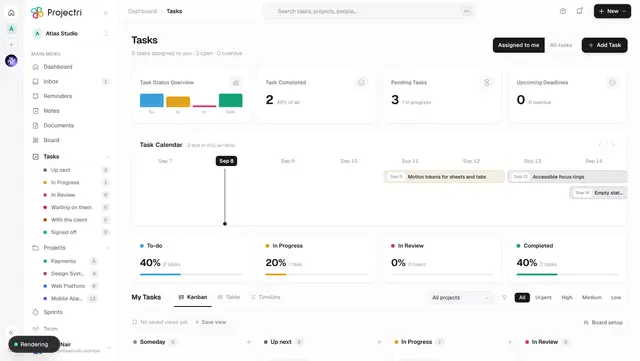
- My Tasks — where most of these act.
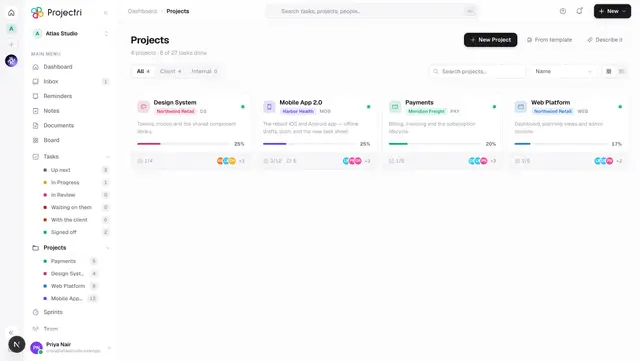
- Projects — where the four view shortcuts apply.
- How permissions work — why a shortcut can do nothing.