Staffing requests
Ask for a role rather than a person — a resource manager proposes candidates, the requester accepts one, and every declined ask is recorded as unmet demand.
What it is
A staffing request is a project manager asking for a role — a senior developer, three days a week, from October — instead of booking a particular person. A resource manager works the queue, proposes candidates, and the requester picks. Every booking made this way is traceable back to the ask, and every ask that was turned down is kept as a record of demand the firm could not meet.
How to get there
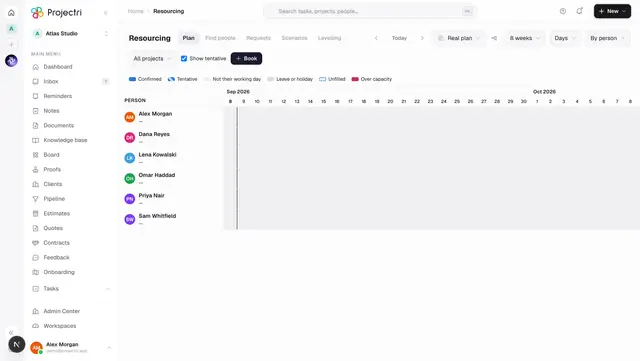
Requests is the third link in the resourcing strip, from Resourcing. It needs the **resourcing.bookings** entitlement.
One screen, two jobs, chosen by what you hold:
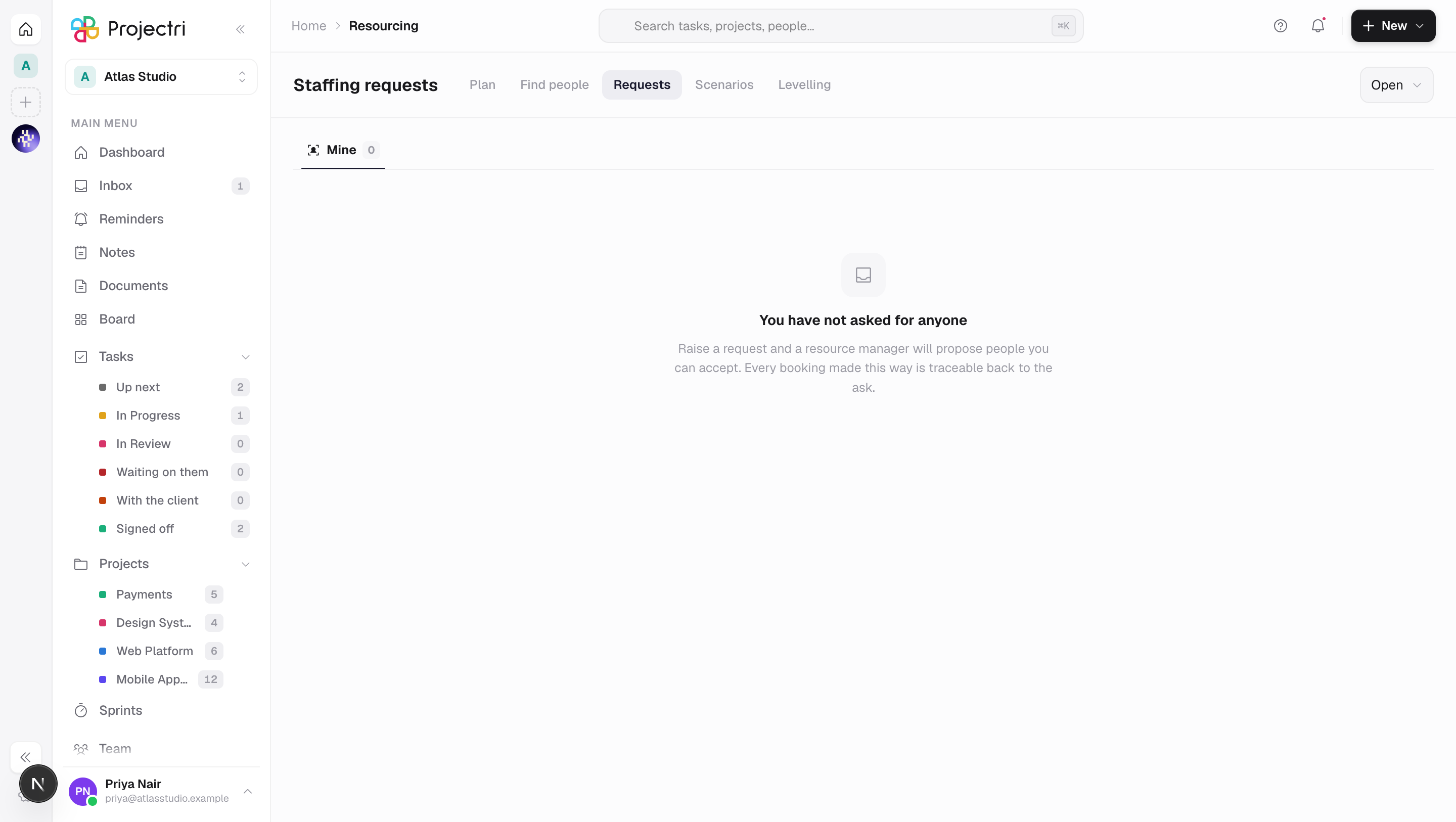
- Mine — the asks you raised. Raising one needs
resourcerequest.create. - Queue — everything waiting on a resource manager. The tab appears only with
resourcerequest.fulfil. - Unmet demand — the declines, read as a hiring argument. Also
resourcerequest.fulfil.
resourcerequest.view is what lets somebody read requests and their candidates at all; it is excluded from the blanket viewer grant, because an open request names the client, the role and the dates of work not yet staffed — the pipeline read sideways.
resourcerequest.configure turns the whole workflow on or off and sets its SLA.
How to use it
Raise a request
- From Mine, press New request — or, from an unfilled bar on the timeline, Request staffing, which inherits the placeholder's role, seniority, dates, hours a day and required skills so nothing is retyped.
- Set the role, the window, hours a day, a priority and a needed by date.
- Save as draft keeps it to yourself. Submit puts it in the queue.
- You can cancel a request you raised. Cancelling withdraws it and any live proposals with it; nothing already booked is affected.
Work the queue
- The strip at the top counts what is open, what has not been acknowledged, what is past the acknowledgement SLA, and what is past its needed-by date.
- The queue is ordered by when the work is needed, not by when the request arrived.
- Acknowledge says a resource manager has picked it up. The SLA is on the acknowledgement, not on filling it.
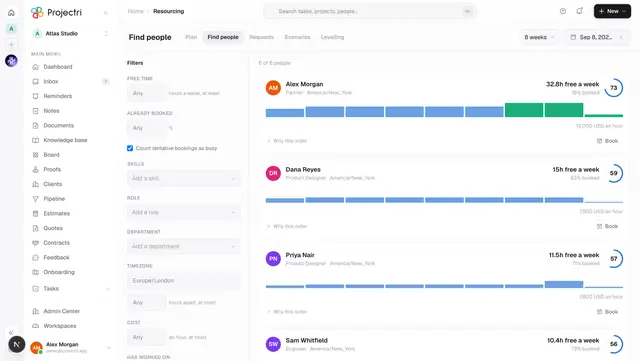
- Find candidates opens Find people with the request's dates, role and required skills already in the rail. Pick several people and propose them in one action.
Accept a candidate
- Open the request. Proposed people are listed with who proposed them, when, and the score they had at that moment.
- Accept fulfils the placeholder, rejects the other candidates and moves the request, all in one server transaction.
- If accepting would book somebody past their capacity, the server refuses once with a sentence naming the overlap. Book anyway takes it on the retry — the resource manager usually does mean it.
- Not this one rejects a single candidate without closing the request.
Decline a request
- From the queue, Decline, with a reason — no capacity, no skill match, cost, deferred, or other — and an optional note for the requester.
- The reason is recorded as unmet demand. It is the only place in the product that captures work the firm could not staff.
Read unmet demand
- The Unmet demand tab covers the last 91 days.
- Hours lead rather than request counts: ten declined one-day asks and one declined six-month ask are the same number of requests and nothing like the same hiring argument.
- It breaks down by role, by reason and by skill.
Turn the workflow off
Where you hold resourcerequest.configure, the gear opens settings — whether the workflow is used at all, whether people may still be booked directly without a request, and how many hours a resource manager has to acknowledge one. A workspace with the workflow off gets a plain sentence explaining that bookings are made directly on the plan, rather than an empty list that reads as a broken feature.
What it affects
- Bookings. Accepting a candidate fills the placeholder on Resourcing, rebuilds the day-by-day plan on that person's calendar and tells them.
- Notifications. The requester is told when candidates are proposed; the queue is told when a request is submitted.
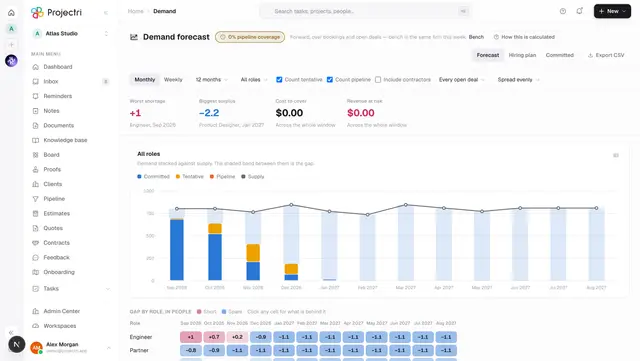
- Demand. Declines feed the unmet-demand report, which is the qualitative half of the argument Demand makes with numbers.
- The list refetches after every write. Accept moves several things at once on the server, so the screen re-reads rather than patching its own copy — the classic bug being a rejected sibling that stays on screen as still acceptable.
On mobile
The Expo app has Staffing requests, carrying the half that is a decision — read the ask, read who was proposed and why, accept one, or acknowledge and decline with a reason. Composing an ask stays on the web: a fifteen-field form typed with a thumb produces asks nobody can staff. Proposing stays on the web too, because it needs the bench beside the ask.
On the phone the colour on a row comes from the needed-by date rather than from the priority. Every ask is urgent to whoever raised it; a date is a fact.
Limits and gotchas
- A candidate's score is frozen at proposal and labelled as such. Silently recalculating it against a world that has moved turns the record into a fiction.
- Proposing and accepting are deliberately different keys. A project manager who could also propose would have routed around the governance the queue exists to provide.
- The acknowledgement SLA is between 1 and 168 hours.
- Unmet demand is a rolling 91 days and cannot be widened from this screen.
Related
- Resourcing — where a vacancy becomes a request.
- Find people — where candidates are proposed from.
- Demand forecast — the numeric half of the hiring argument.
- Approvals — how decisions are routed elsewhere in the product.