Contracts
The register of what the firm is bound to — every MSA, statement of work and order form, its lifecycle state, its value and whether it is still inside its period.
What it is
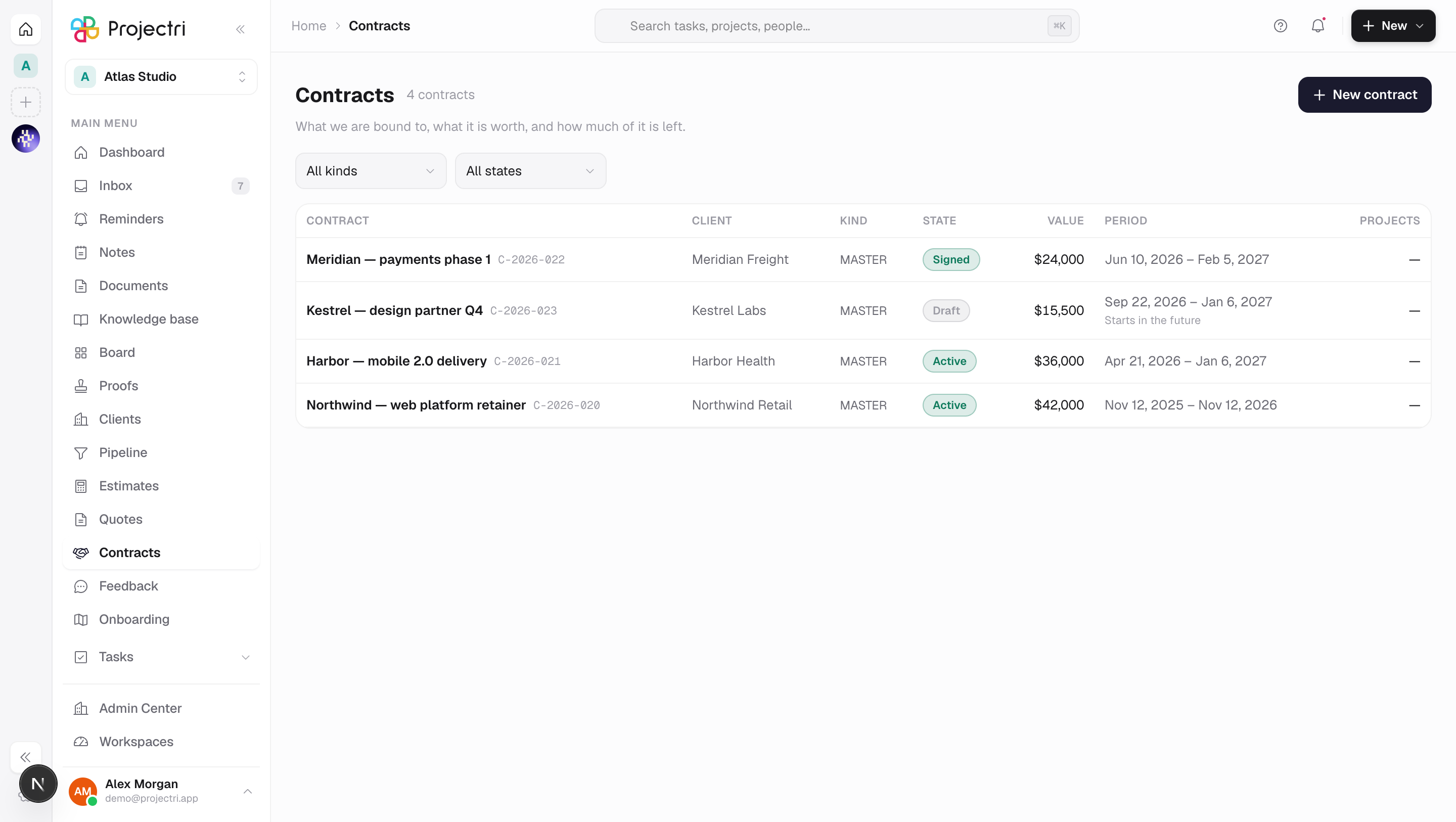
Contracts answers the question that starts the moment a signed quote comes back: what did we agree, and are we still inside it. Each row is one agreement — a master agreement, a statement of work, an order form or an amendment — with the client, the lifecycle state, the value, the period and the number of projects it funds. Statements of work sit indented under the master agreement they hang from.
How to get there
Contracts is in the main navigation and needs the contract.view permission. That key is not on the member floor — an administrator grants it per role at Admin → Permissions.
Creating and editing a contract needs client.contract. The Value column only exists for readers with contract.burn.view; without it the column is absent rather than dashed, because a column of em-dashes still leaks the shape of the portfolio. There is no plan gate on the register itself.
How to use it
Read the register
- The State badge is the contract's
lifecycleState— Draft, With the client, Signed, Active or Closed. That is a different question from whether the contract row is archived, and it is the one this list answers. - The Period column prints the two dates and, underneath, where today sits relative to them — Starts in the future, Period ended, or No end date. Nothing sweeps a contract to Closed, so an Active contract whose end date passed last month still reads Active. The line under the dates is what tells you.
- Filter by kind and by state with the two pickers above the table.
- Click any row to open it.
Create a contract
- Press New contract. It creates an Untitled statement of work in Draft and takes you straight into it.
- Fill in the terms there — a contract created from this button carries nothing but its kind.
Let a signed quote become the contract
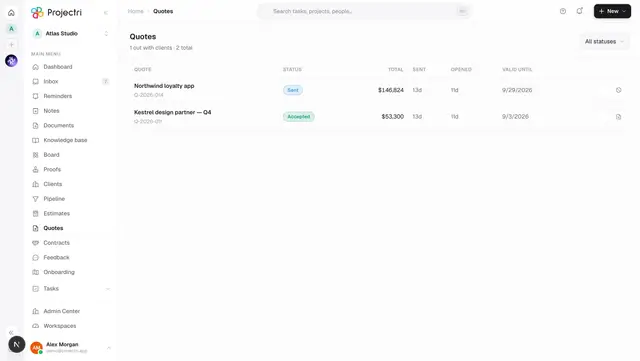
- The supported route is the other way round. On Quotes, an accepted quote offers **Draft the SOW from this quote**.
- It lands as a draft contract carrying the quote's value, currency, rate card, dates and the quote PDF. Nothing is sent to the client, and a quote can only be converted once.
What it affects
- Rate resolution. A contract can bind a rate card, and every hour on a project under it is then priced from that card whatever the project or the company default says — as long as the work is dated inside the contract period. The order is the contract's card first, then the project's own, then the company default effective on the date of the work.
- Time entry. The contract's budget policy decides what happens when the value is spent. Warn lets time go on being logged and tells everyone; Block new time refuses new entries until a change order raises the value; No budget governance does not even compute the burn.
- Billing. A billing schedule row reaching Ready is an instruction a billing run executes. Contracts do not raise invoices themselves — the ERP owns invoicing.
- Revenue. The revenue schedule on a contract is what monthly recognition is recorded against, and what every revenue report sums.
- Retainers. A retainer is configured against a contract and draws down from the work logged under it.
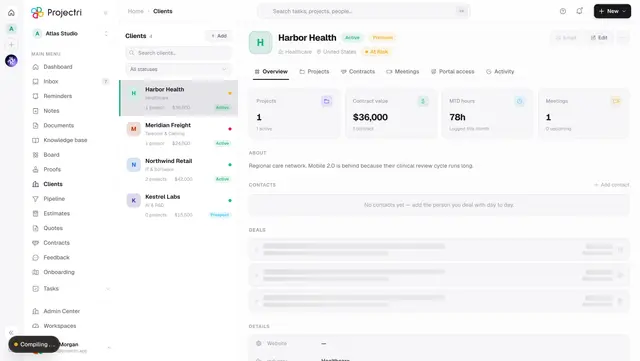
- The client record. A contract's value counts towards the Contract value figure on its client, converted into the workspace's reporting currency.
On mobile
The Contracts tab in the Expo app is the list, its state and its remaining value, and tapping a row opens the burn bar plus what governs the work. It is read-only by design: signing freezes the commercial terms and the exchange rate in the same instant, and that is a decision made at a desk with the paper in front of you. Without contract.burn.view the value column does not render on the phone either.
Limits and gotchas
- Nothing expires a contract. A lapsed statement of work is still Active in the database. Treat the period line under the dates as the truth, not the badge.
- Signed and Active share a colour on purpose, because they share a consequence — the terms are frozen either way. What separates them is whether work has started.
- A master agreement with no end date is ordinary and is shown as No end date, not as expired.
- A statement of work whose parent is hidden by the current filter keeps its own row at the top level rather than vanishing. A filter should hide what it names, not what happens to be related to it.
- Money on the wire is in minor units. A figure read from the API is cents, fils or yen — the screens divide by the currency's own exponent, and a three-decimal currency read as two is a thousandfold error.
Related
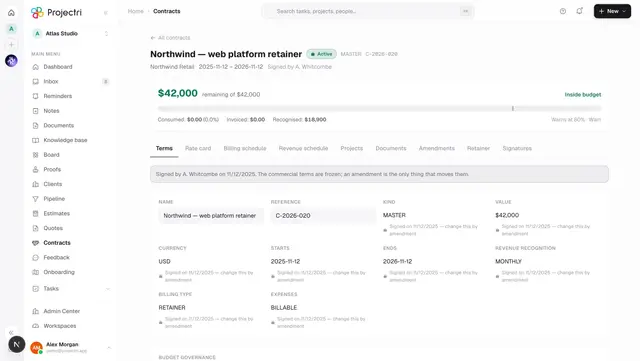
- One contract — terms, burn, schedules, amendments and signatures.
- Quotes — where a contract usually comes from.
- Clients — the accounts these agreements belong to.
- Admin → Finance — reporting currency, exchange rates and rate cards.