Client portal
A ticket
One support ticket — the thread, its attachments, whether the team is waiting on you, and the buttons that close or reopen it.
What it is
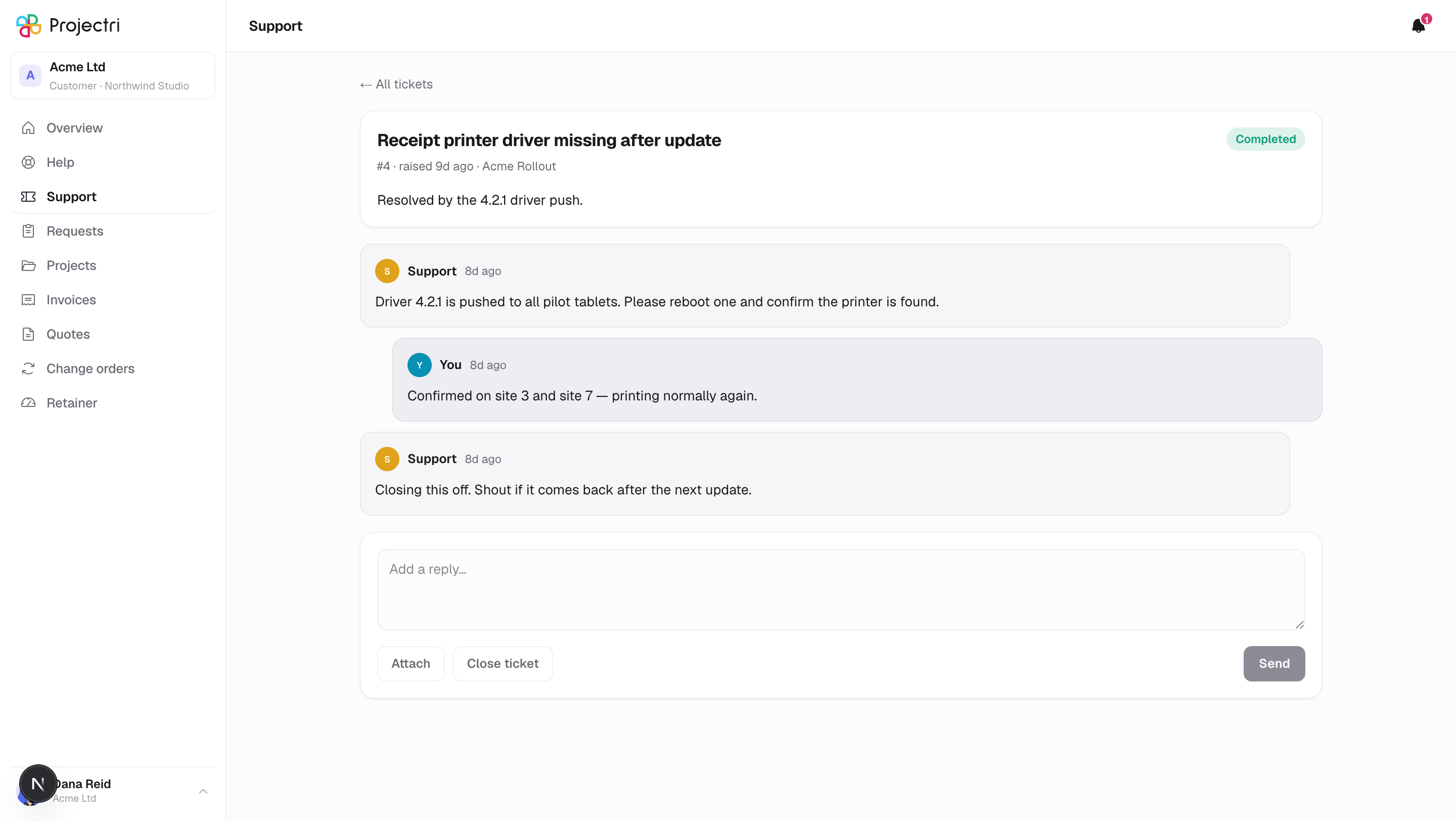
One ticket in full: the original report, every reply that is not an internal note, the files on each, and a reply box. Images appear as thumbnails, voice notes and video get a player, everything else is a link.
How to get there
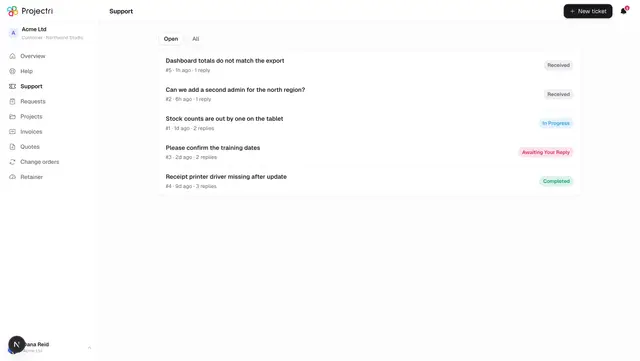
Support in the sidebar, then the ticket. A notification about a reply links straight here.
Any contact at your company can open any of your company's tickets. A view-only contact reads it and gets no reply box.
How to use it
Read the thread
- The header carries the title, the reference such as
#412, when it was raised, the project if one was named, and the status pill. - We are waiting on you appears as a highlighted strip when the ball is in your court. It is driven by the status itself, so rewording does not lose it.
- Waiting for a first response appears until your supplier has replied for the first time.
- Your own side is named — you and your colleagues by name — while the supplier's side is simply Support. Which engineer is on it is not published, on purpose.
Reply
- Type in the box at the bottom.
- Attach adds files, up to 10, each up to 100 MB. They are attached to the reply you are writing; attaching with no text hangs them off the ticket itself.
- Press the send button. If the text sends but a file does not, you are told exactly that rather than losing the message.
Close or reopen
- Close ticket closes it. The thread stays readable.
- A closed ticket shows Reopen instead of the reply box.
- Reopening does not restart your supplier's response deadlines — those record what was promised when the ticket was first raised.
What it affects
- A reply notifies every other active contact at your company, and reaches the phone app if it is installed.
- Closing and reopening are recorded on the ticket's history as actions you took.
- The Overview counts and the Open filter on the ticket list follow whether the ticket is closed.
On mobile
The phone app has the same ticket screen with the same reply box, reached from the Support tab or the Inbox.
Limits and gotchas
- Internal notes your supplier writes to itself are never loaded into what the portal sends, so there is nothing hidden on the page to reveal.
- Closing and reopening are the only two things you can change about a ticket. Title, description and urgency are fixed once sent.
- A thumbnail that will not load falls back to a plain link with the file's name. Attachments recovered from an older support system can carry a signed link that eventually expires.
Related
- Support tickets — the list and the new-ticket form.
- Help centre — worth a look before raising another one.