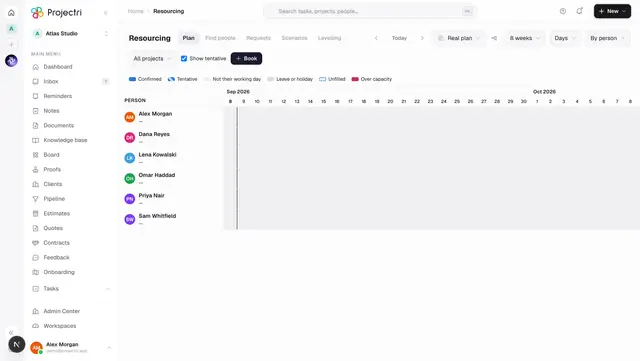
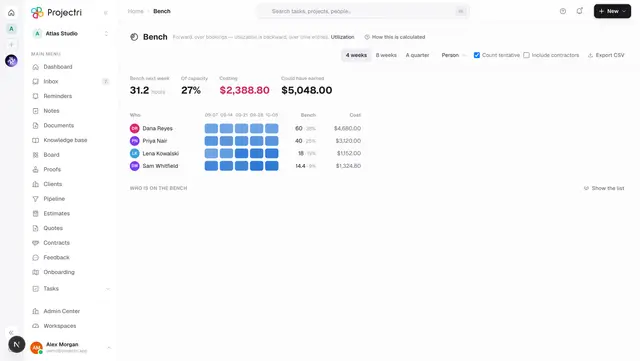
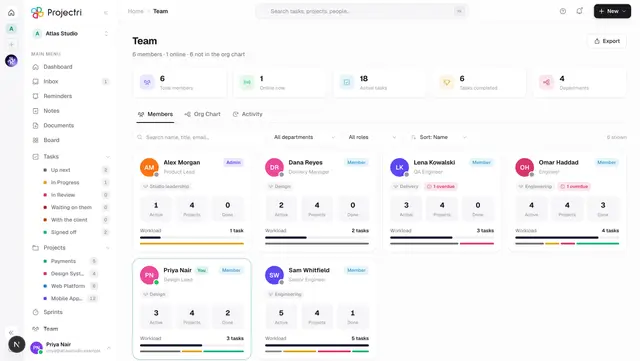
Find people
A structured search for who could take a piece of work — by skill and level, free time, timezone overlap and cost — ranked with the reasons shown.
What it is
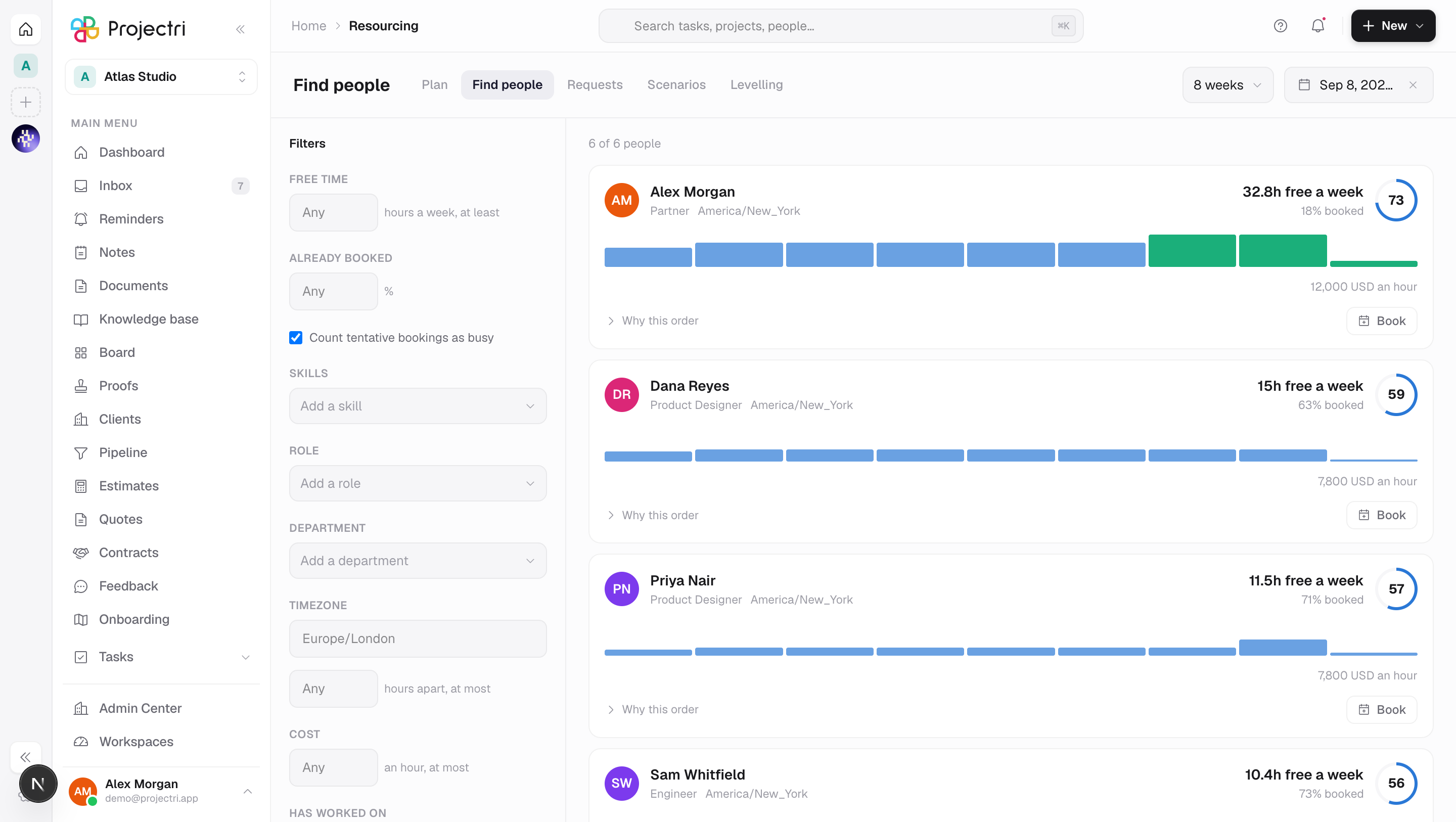
Find people composes one question and answers it — who has React at level 4 or better, is at most 50% booked in October, sits within three hours of London, and costs under 95 an hour. Each result carries a score out of 100 and the components that produced it, so the ranking can be agreed with rather than trusted.
How to get there
Find people is the second link in the resourcing strip, reachable from Resourcing. It is gated on booking.view — the search returns who is on the bench and who is committed to which client, which is the same commercial intelligence the timeline carries — and needs the **resourcing.availability** entitlement.
Two filters depend on other keys. The skills and certifications rails need skill.view; without it those two filters are simply absent rather than the screen failing. The Cost filter appears only once the server has said you may see cost, which is report.cost — a disabled field labelled "cost" is itself a statement about what is behind it.
How to use it
Compose a search
- The search runs itself, about half a second after you stop typing. There is no Search button: tuning a query is level 4, no, level 3, no, and drop the timezone, and a button turns each of those into two actions.
- Free time is a threshold in hours a week rather than a yes/no. "Free" is not a state a booked person is ever in, and a boolean hides the near-misses.
- Already booked is a ceiling as a percentage. An empty box means no constraint;
0means only the entirely unbooked. - Count tentative bookings as busy is on by default — the pessimistic view first, relaxed on purpose.
- Skills are added one at a time, each with a minimum level of 1–5 and an optional Manager-validated only. A skill is a hard gate; the level above the bar is what feeds the score.
- Timezone on its own does nothing — it is the point of comparison. The hours-apart field is what narrows.
- The window is set by the range menu and the date field in the header, and runs 4 weeks, 8 weeks or a quarter from the start date.
Read a result
- Results are ordered by score, highest first, then by user id so two runs of the same data never reorder.
- Why this order opens the components — skill match, availability fit, cost fit, knows the client, timezone overlap — each with its weight and its contribution.
- Skill match rewards being above the bar and penalises a rating nobody has used in two years. Being over-qualified is worth something, not everything.
- Where you cannot see cost, the cost term is **removed and the rest renormalised** rather than scored as zero. Zeroing it would drop every score while leaving the order identical, which reads as broken.
Fix an empty result
- When nothing matches, the screen offers the constraints worth dropping and says how many people each would unlock.
- Clicking one edits the filter rail rather than re-running a hidden query, so the next edit builds on it and the change can be undone.
- Where there are no suggestions it says how many people were considered.
Fill a vacancy from here
- Arriving with
?fulfil=from an unfilled bar on the timeline seeds the rail from the vacancy — its dates, its role and its required skills — and a banner names what you are filling. - Each row's action becomes Assign, which hands off to the fulfilment dialog rather than writing directly. Fulfilment rebuilds the day-by-day plan on the new person's calendar and reports what it over-allocated; a plain change of assignee does none of that.
Propose candidates for a request
- Arriving with
?request=from [Staffing requests](/docs/workspace/resourcing-requests) seeds the rail from the ask. - Rows now offer Propose, and picking several builds a tray at the bottom of the screen.
- Propose sends all of them in one request, so a partial failure is the whole proposal failing rather than three of five candidates landing silently. You are returned to the requests queue.
- Proposing needs
resourcerequest.fulfil. Accepting is the requester's key — a screen that offered both would put the wrong one under the wrong thumb.
Look at somebody comparable
Arriving with ?person= — from a name on Bench — seeds the rail with that person's top five skills, each one level below their own rating. The person is not pinned as a filter: a search that could only ever return one row is a profile page, and the point of arriving here is to see who else is comparable.
Book directly
Where you hold booking.manage, each row also offers Book, which opens the same new-booking dialog the timeline uses.
What it affects
- Bookings. Anything booked or assigned here appears immediately on Resourcing, on the person's own diary, and in Bench and Demand.
- Staffing requests. A proposal moves the request into its proposed state and notifies the requester.
- Scores are frozen at proposal. A candidate on a request keeps the score it had when it was proposed, and the request screen says so — a number silently recalculated against a world that has moved turns the record into a fiction.
On mobile
The Expo app has Find people, carrying the filters that change the answer most — window, skills with a level, free hours, and whether tentative counts — plus the ranked list, the score components and the relaxation suggestions. Teams, departments, timezone and the cost ceiling stay on the web. It is not a smaller copy of the rail.
Limits and gotchas
- The window is limited to a year. Past that the answer is a forecast, and the route refuses rather than answering slowly.
- At most 10 skills per search, each at level 1–5, and at most 200 results.
- Free hours are computed on each person's own calendar, so two people over the same window can legitimately show different figures — a Gulf consultant and a UK one do not share a weekend. Nothing on the screen derives them.
- A day with no capacity is not a free day. The first clear day, and the clear-day count, skip holidays and leave rather than offering somebody a Saturday.
- Conflicts are shown, never blocking. Where a candidate is already booked past capacity the row says on how many days and from when, and lets you decide.
Related
- Resourcing — the plan this search fills in.
- Staffing requests — where a proposal goes.
- Bench — which links names into this screen.
- Team — the directory of who holds which skill.