Client feedback
CSAT and NPS scores from clients, the low ones that still need somebody to pick them up, and the rules for who gets asked and how often.
What it is
Two instruments, kept separate. CSAT asks about one thing just after it happened, on a 1–5 scale. NPS asks about the firm overall, rarely, on a 0–10 scale. The page has three tabs: the scores and what people wrote, an inbox of low scores waiting for somebody to pick them up, and the settings that decide who is asked and how often.
How to get there
Feedback is in the main navigation, at the end of the client run — Pipeline, Estimates, Quotes, Contracts, Feedback — and in the ⌘K page search.
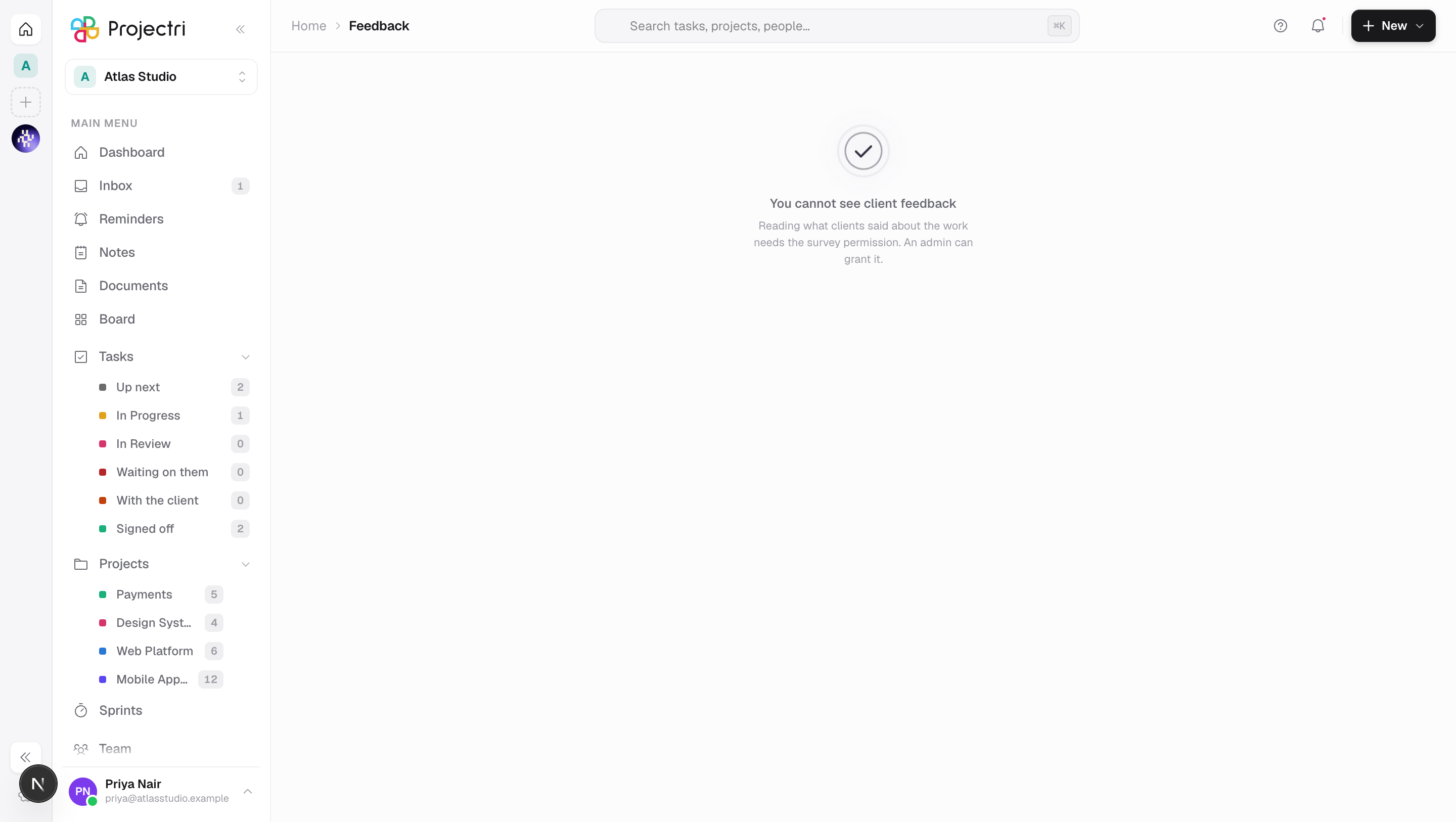
survey.view— read the scores and comments, and acknowledge an alert. Without it the page reads "You cannot see client feedback."survey.viewis deliberately excluded from the blanket viewer grant: what a client actually thinks of the account is not something an outside collaborator should find in a nav bar.survey.manage— configure triggers, cadence and alert thresholds. Without it the Who gets asked tab is not drawn.
The page opens on Needs a reply if anything is waiting, and on Scores otherwise. A #scores, #alerts or #settings fragment on the URL opens that tab, once, on first load.
How to use it
Read the scores
- Open the Scores tab. The picker beside What they said switches between Satisfaction (CSAT) and Recommendation (NPS). The two are never averaged together — the mean of a 1–5 and a 0–10 renders fine and means nothing.
- The first tile is the headline: a CSAT mean out of 5, or an NPS.
- The second tile is the Response rate — how many were asked and how many answered.
- The third is How the answers split: the 5-to-1 distribution for CSAT, or promoters / passives / detractors for NPS. A 4.0 made of all-4s and a 4.0 made of half-5s and half-3s are two different services, and the mean hides that.
- Underneath, every comment with its score, who left it and how long ago. An anonymous response says Anonymous rather than showing a blank name.
- The range is the last 180 days.
Work the alert inbox
- Open Needs a reply. Each row is a score at or below the threshold, with the comment attached and the client named.
- Press Client to open that client's record.
- Press I have this to acknowledge it. The row leaves the inbox.
- If somebody acknowledged it first, you are told so — theirs stands.
- A response with no comment reads "They scored it and left no comment." It still matters; that is the one worth a call.
Acknowledging needs survey.view, not survey.manage — owning a bad score is the account owner's job, while deciding who gets surveyed at all is a different authority.
Decide who gets asked
- Open Who gets asked and pick the instrument.
- Each trigger has its own row: When a support ticket is resolved, **When a milestone completes, When a project completes, On a schedule**. NPS does not offer the ticket trigger at all — it asks about the firm overall, and firing it on every closed ticket both misreads it and spends the once-a-quarter budget on a password reset.
- Tick Ask this to enable the trigger.
- Wait (hours) is how long after the event the invitation is queued — 0 to 720.
- Not again for (days) is the fatigue cap for that person. CSAT cannot go below 7 days, NPS below 90.
- Alert at or below is the score that lands in the inbox. It must sit on the instrument's own scale — 1 to 5 for CSAT, 0 to 10 for NPS. Leave it blank for no alerts.
- Answers are anonymous is offered for NPS only. CSAT is about one ticket and the ticket knows who raised it, so an anonymous CSAT would be a promise that cannot be kept.
- Save. The button is disabled until something changes, and the reason a value is refused is shown underneath before the request is sent.
What it affects
- What clients receive. An enabled trigger queues an invitation for the client contact after the wait, and the scheduled sender emails it. The score buttons are in the email itself — clicking one records the score immediately and only then offers a comment box.
- Fatigue caps are enforced at the point of asking, not at the point of configuring. A contact asked inside the window is skipped, and a second invitation of the same kind that is queued but not yet sent blocks a third — otherwise a ticket resolved, reopened and resolved again stacks three emails that all arrive at once.
- The notification bell. A score at or below the threshold notifies the client's account owner, or every admin if the client has no owner, with the comment quoted and a link to the client.
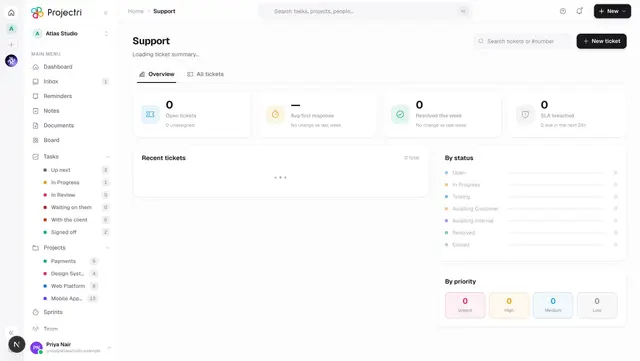
- Support tickets. Resolving a ticket is one of the events that can schedule a CSAT, if that trigger is enabled.
- Nothing here changes a client record. The page reads scores and writes survey configuration.
On mobile
The Feedback screen in the Expo app carries the same three tabs. The alert inbox is the reason it is worth a phone: a CSAT of 1 with a comment attached is a call somebody owes the client today, and I have this is one tap from a notification.
The settings tab writes on mobile too — four numbers and two switches, each refused before a request is sent. The alternative is a firm that leaves surveys off because the decision to turn them on was only available at a desk.
Limits and gotchas
- A rising score with a falling response rate is not a win. When fewer than a quarter of invitations are answered — and at least five were sent — the page says so: the unhappy clients stop replying first, so the mean rises precisely because the people who would have dragged it down have given up.
- 7 and 8 are passives, not mild promoters. Getting the NPS bands wrong inflates the number by roughly the passive share, which is usually the largest band.
- An invitation expires 30 days after it is created — long enough that a holiday does not lose the response, short enough that a year-old mailbox cannot vote.
- An invitation to a contact who has since been removed or deactivated is abandoned rather than retried forever.
- A threshold of 0 on a 1–5 instrument is accepted by the server and can never fire, so the form refuses it: a switch that is on and does nothing is worse than one that will not be set.
- Only company-wide rules are edited here. A per-client override is a setting on the client, not a second list on this page.
- An alert whose subject — the ticket, milestone or project — has since been deleted keeps its row and loses only its link. The client still said it.
Related
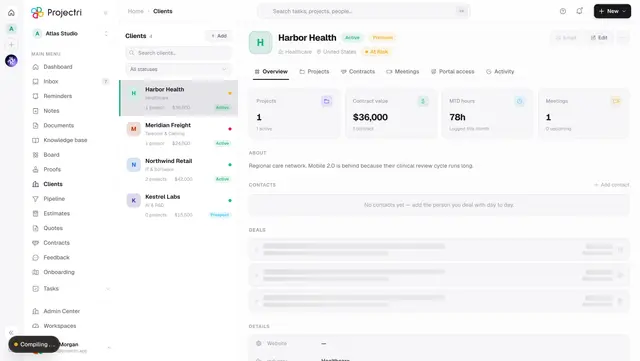
- Clients — where an alert sends you, and where the account owner is set.
- Support — resolving a ticket is the commonest CSAT trigger.
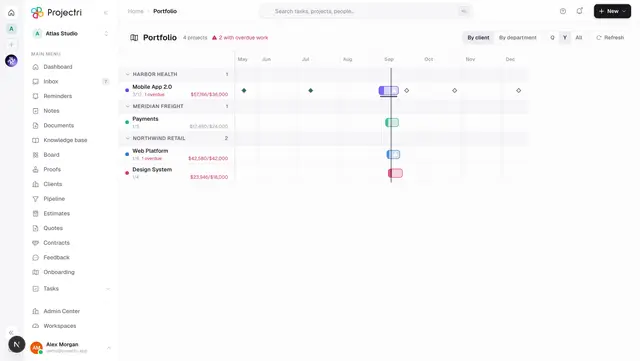
- Portfolio — the delivery view of the same accounts.
- Notifications — how a low score reaches somebody.