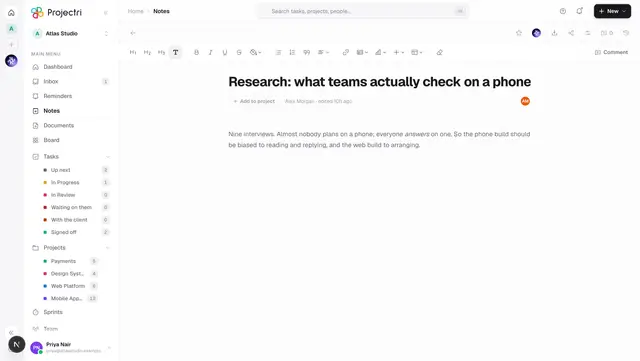
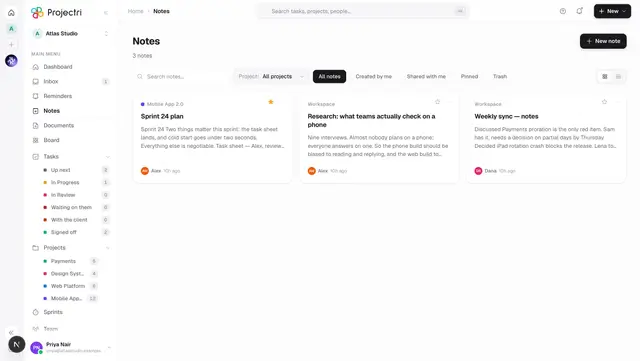
The note reading layout
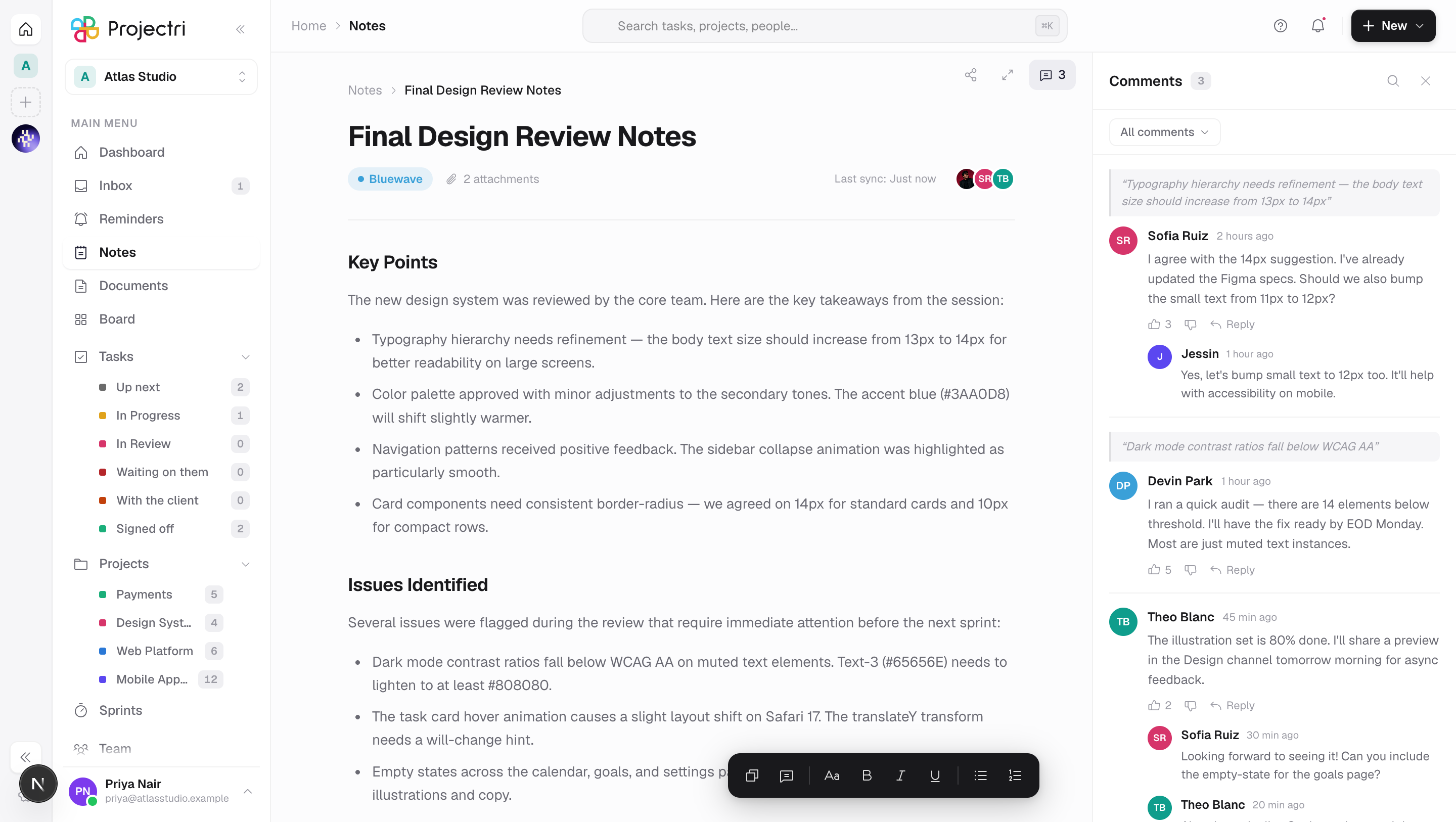
A static design preview of a note laid out for reading with its comments beside it. It is not connected to your notes.
What it is
/notes/view is a fixed layout preview: one sample note called Final Design Review Notes, a comments rail beside it, and a floating formatting bar. The content is written into the page and does not come from the database.
How to get there
By typing the address. Nothing in the product links to it — it is not in the navigation, and no note, notification or search result points at it. It requires no permission because it reads no data.
How to use it
There is nothing to do here. The controls are drawn but not wired:
- The formatting bar at the bottom (Copy, Comment, Font, Bold, Italic, Underline, Bullets, Numbers) does not format anything.
- The comment composer, the like and reply buttons and the All comments filter do not post or filter.
- The share and expand buttons in the top bar do nothing.
The one control that works is the comment count button in the top bar, which opens and closes the comments rail.
What it affects
Nothing. It writes no data and reads none.
On mobile
This screen is web only.
Limits and gotchas
- The sample content mentions projects, people and issues that do not exist in your workspace. Do not read it as a record of anything.
- Because it holds no real note, there is no permission on it — everything on it is visible to anybody who reaches the address, which is safe only because there is nothing real to see.
Related
- Notes — the real list.
- Writing a note — the real editor, with the working versions of these controls.