Search
One box over eight kinds of thing, how the ranking works, the operators you can type, and the one thing search can never find.
What it is
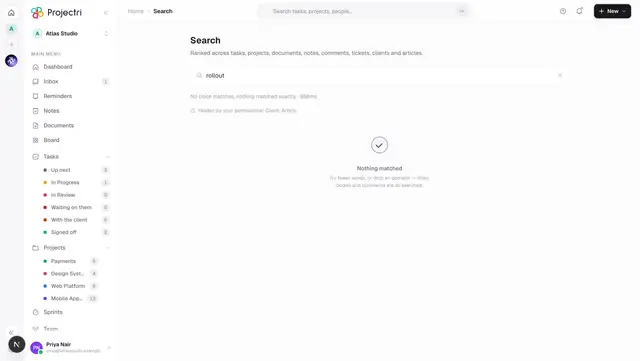
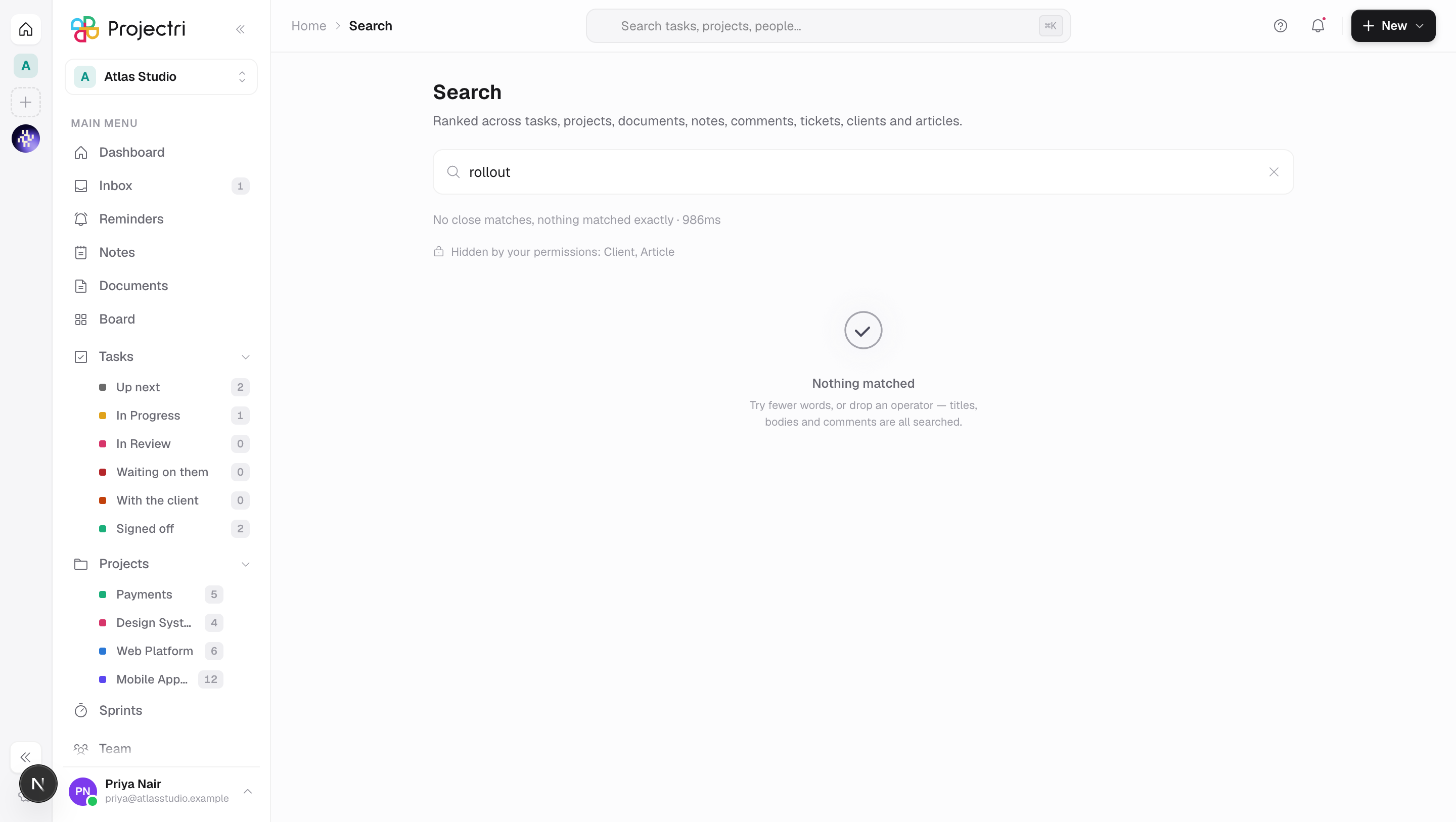
One search over eight kinds of thing, ranked against each other rather than bucketed by type. It matches both the words you type and the words you mean: a full-text search over stemmed, weighted text, fused with a semantic search over the same content, so "the doc about onboarding the Gulf client" can find a document titled "KSA rollout — kickoff notes".
How to get there
The search box is in the header on the web — ⌘K opens it — and there is a Search screen in the phone app. No permission is needed to search; what you can find is decided per entity type by the key you already hold for it.
How to use it
Search
- ⌘K, or the box in the header.
- Results carry a type, a title, a line of context with your match highlighted, and somewhere to go.
- Types you cannot see are excluded before the query runs, not filtered from its results, and the response says which types were withheld.
The eight types, and what each needs
| Type | Needs | Matched on |
|---|---|---|
| Task | task.view | identifier, title, description |
| Project | project.view | key, name, description |
| Document | document.view | title, body |
| Note | document.view | title, body |
| Comment | task.view | body, shown under its task |
| Support ticket | support.view | number, title, description |
| Client | client.view | name and details |
| Knowledge base article | kb.view | title, summary, body |
Operators
The vocabulary is the one Jira, GitHub and Linear already taught you.
| Type this | Means |
|---|---|
"exact phrase" | the words together, in order |
-word | must not appear |
type:task | restrict to a type — issue, doc, file, kb and others alias onto the eight |
project:acme | matched by project key or name |
assignee:me or assignee:sam | resolved against people you can see |
client:acme | one client's work |
is:open is:done is:mine is:unassigned is:overdue is:archived | flags |
created:>2026-01-01 updated:<2026-06-01 | date bounds |
An operator that is not recognised is echoed back rather than swallowed, so a query returning nothing can show you that assignee:jhon matched no such person instead of leaving you to guess.
An unterminated quote is treated as ordinary text. You are still typing, and refusing to search until you close it makes the box feel broken.
Sort
relevance is the default. sort:recent orders by when the thing last changed, which is what history wants.
What it affects
- **Ranking is relevance, then three nudges a person would recognise as reasonable:** how recently it changed, whether it is on one of your own projects, and a small per-type weight so a project outranks a comment that merely mentions it.
- A typo falls back to fuzzy matching, but only when the ordinary query found nothing at all — so a good query is never diluted by approximate hits.
- Permission is part of the query, not a filter after it. A result leaks by its title alone — "Project Falcon — redundancy plan" is disclosive before anybody clicks it — so the rule is built into the query and the row never leaves the database. That also keeps paging and counts honest.
- Private notes stay private. A private note is findable by its author, people it was explicitly shared with, and admins, exactly as in the rest of the product.
- The index follows your edits within a minute or two. A sweep keeps it in step with the source rows; the semantic half is refreshed a few minutes behind that, and only when the words have changed — moving a card between columns does not re-embed anything.
- Nia reads the same index. Her document and knowledge-base searches go through it, so what she can find and what you can find are the same set.
On mobile
The Search screen runs the same query against the same index and gets the same ranked list. The server writes the destination once and the phone converts it, so a hit opens the right screen rather than the inbox.
Search on the Chat tab is a different, smaller thing: it covers channel names, conversation titles and people, never message text.
Limits and gotchas
- Searching inside a channel is a different feature. The magnifying glass in a channel header filters the messages already on your screen, by text, title, author and attachment name. There is no server-side message search.
- Semantic search is a candidate pool, not the whole corpus. Roughly two hundred results from each half are fused, which is about eight pages deep — far beyond where anybody reformulates a query instead of paging. The total reported is the size of that pool, which is honest about what was ranked.
- Long documents are chunked, and an entity ranks on its best passage, so a forty-page document does not outrank a short one merely by having more chances.
- A phrase is matched as adjacent words, so quoting a phrase that spans a paragraph break will not find it.
- The semantic half can be switched off per workspace. With it off, search is still stemmed, weighted, operator-aware full text — the words you typed, not the words you meant.
Related
- Search — the results screen itself.
- How permissions work — the keys that decide what you can find.
- Messaging and encryption — why encrypted messages are absent.
- Nia, the assistant — asking a question instead of typing a query.