Client portal
Quotes
Every quote your supplier has sent you, with its reference, version, date and total — the same documents as the emailed links.
What it is
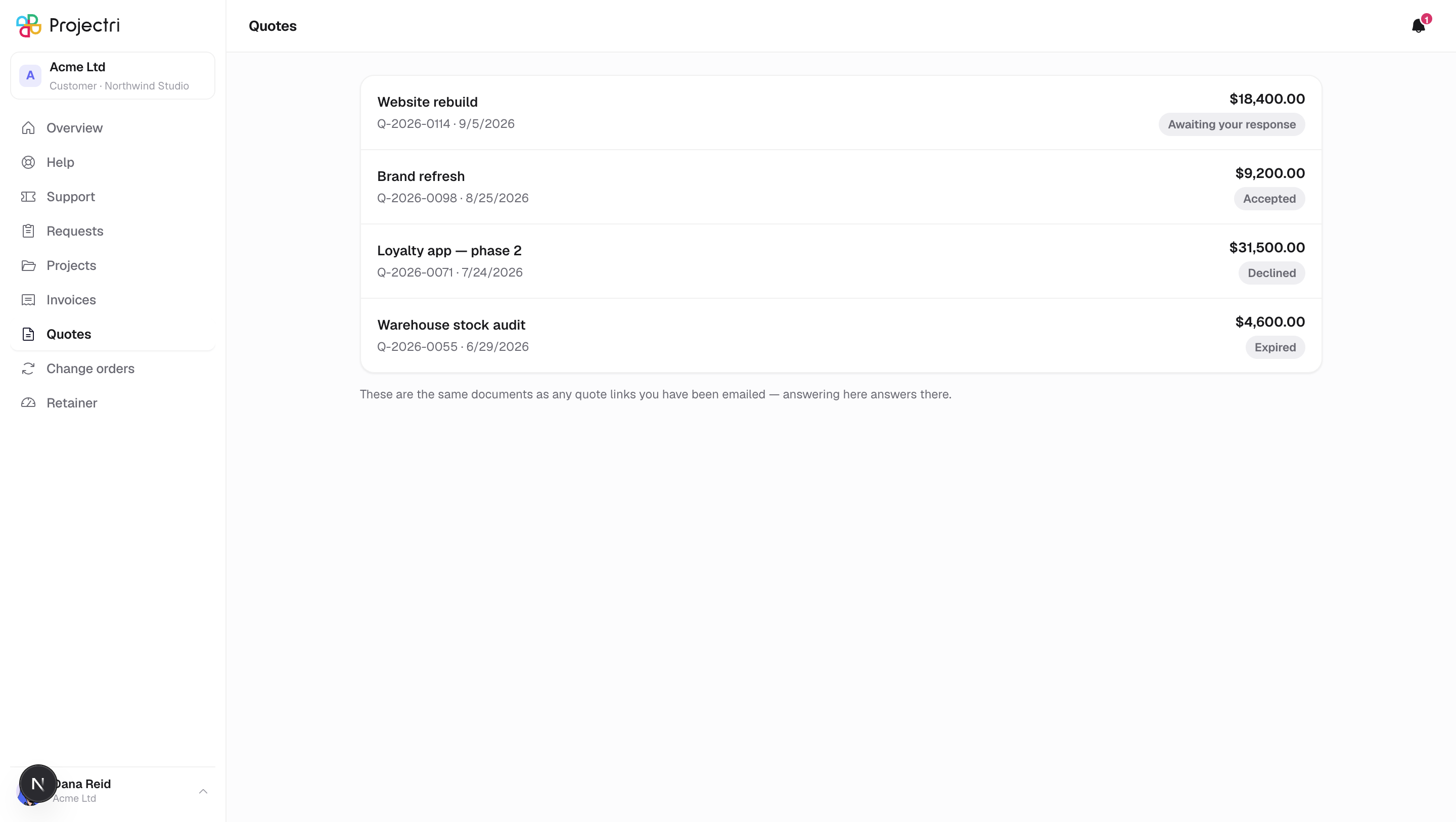
A list of the quotes and proposals your supplier has sent you. Each row shows the title, the reference number, the version when there is more than one, the date it was sent, the total in its own currency, and where it stands.
How to get there
Quotes in the sidebar. The entry only exists for primary and billing contacts — a quote is a price, and a technical or view-only contact does not see the screen at all.
How to use it
Find a quote
- The list opens with the newest first.
- Click a row to read the whole document and, if you are the primary contact, answer it.
Reconcile it with an email
- A quote you were sent a link to and the same quote here are one document, not two offers. The note at the foot of the list says so.
- Answering it in either place answers it in both.
What it affects
- Opening a quote records that it was viewed. Your supplier can see that the proposal was opened, whichever door you came through.
- Accepting commits your company to the price. See A quote for what that means and who can do it.
On mobile
The phone app has a Quotes screen, reached from the Account tab. It is read-only: you can read the document there, but accepting or declining is done in a browser — either here or on the link you were sent.
Limits and gotchas
- Money is shown in the quote's own currency, and different quotes can carry different ones. There is no conversion and no combined total.
- The list holds what has been sent to you. Drafts your supplier has not sent are not here and cannot be.
Related
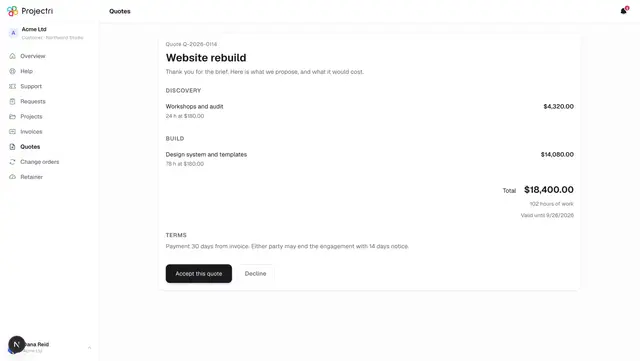
- A quote — reading it and signing it.
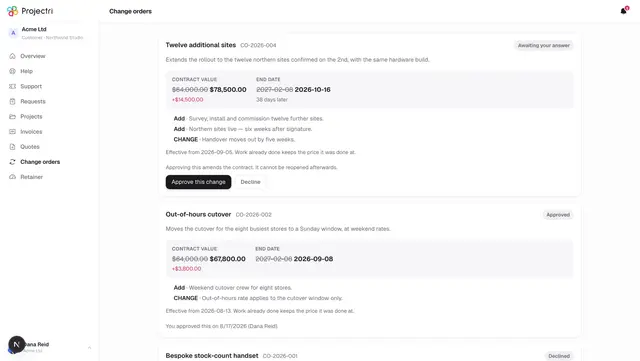
- Change orders — changes to work already agreed.
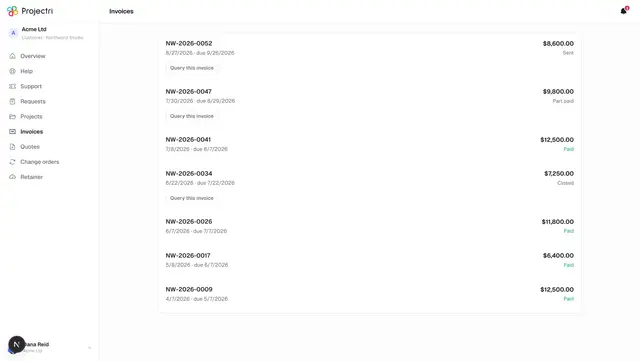
- Invoices — what you have been billed.