A quote, and signing it
One quote in full — the line items, the totals, the terms — and the block where the primary contact accepts or declines it.
What it is
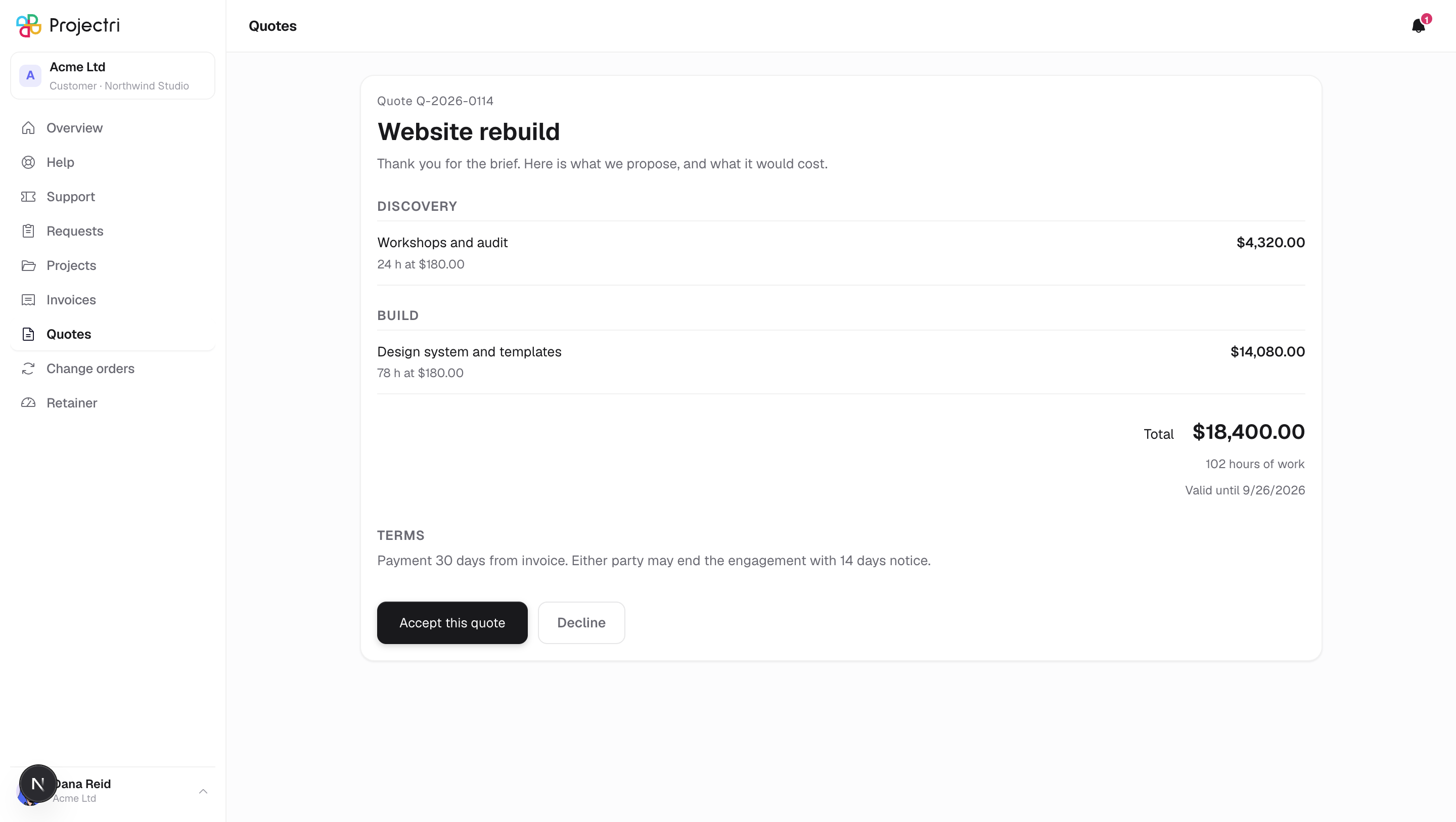
The quote as a document: reference and version, title, introduction, the lines grouped into your supplier's own sections, the totals, and the terms as they were typed. It is the same document as the link you may have been emailed — same grouping, same figures, same words above the signature.
How to get there
Quotes in the sidebar, then the quote. Available to primary and billing contacts.
Only the primary contact can accept or decline. A billing contact reads the document and is told, where the buttons would be, who can answer it. Nobody is shown a form that refuses them on submit.
How to use it
Read it
- Each line shows what it is, the quantity or hours and the unit price, and the line total — so the figure at the bottom can be checked rather than taken on trust.
- A subtotal and a discount line appear only when there is a discount to explain.
- Total hours and a validity date appear under the total when the quote carries them.
- If the quote has already been answered, that is stated at the top, above the document, with the date.
Accept it
- Press Accept.
- Your name is prefilled and remains editable — the typed name is the signature. Your email address is shown rather than asked for: it is the account you signed in with, and the record names that account.
- A job title is optional.
- Read the note above the form. It states what is being recorded, and that a typed name is a record of acceptance rather than a certified electronic signature.
- Press the confirm button. The outcome banner replaces the form.
Decline it
- Press Decline.
- Choose a reason — price, timing, scope, a competitor, no decision, or other — and add a note if you want to.
- Press the confirm button.
What it affects
- Accepting commits your company to the price on the document. It is recorded against the account you are signed into, with the date, and your supplier is notified.
- The address on the record is your account's, not whatever a form carried, so a signature here cannot name somebody else.
- The status shown on the quotes list changes to accepted or declined.
- A quote can go stale while you read it. If it was answered or closed in another window, the confirm button reports that rather than signing twice.
On mobile
The phone app shows the quote and its lines but does not sign it. Accept or decline in a browser.
Limits and gotchas
- A quote past its close date shows the document and says it can no longer be answered.
- The terms are shown exactly as typed, as plain text. Formatting in them is not rendered.
- Reading a quote records the view.
Related
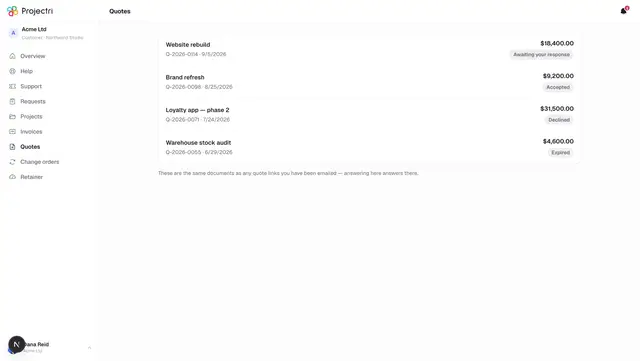
- Quotes — the list, and who can see it.
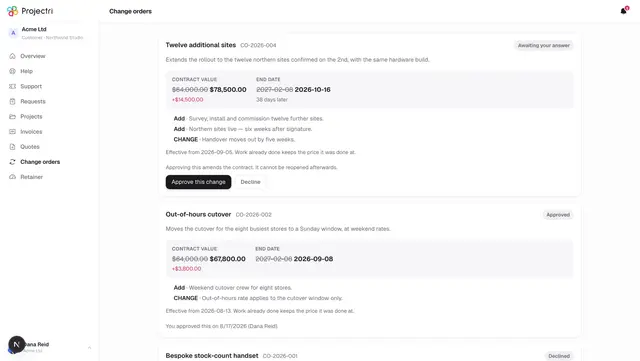
- Change orders — the same act, for work already under way.