Reminders
Nudges you asked for — yours and the ones you set for colleagues — before they fire, with snooze, cancel and repeat.
What it is
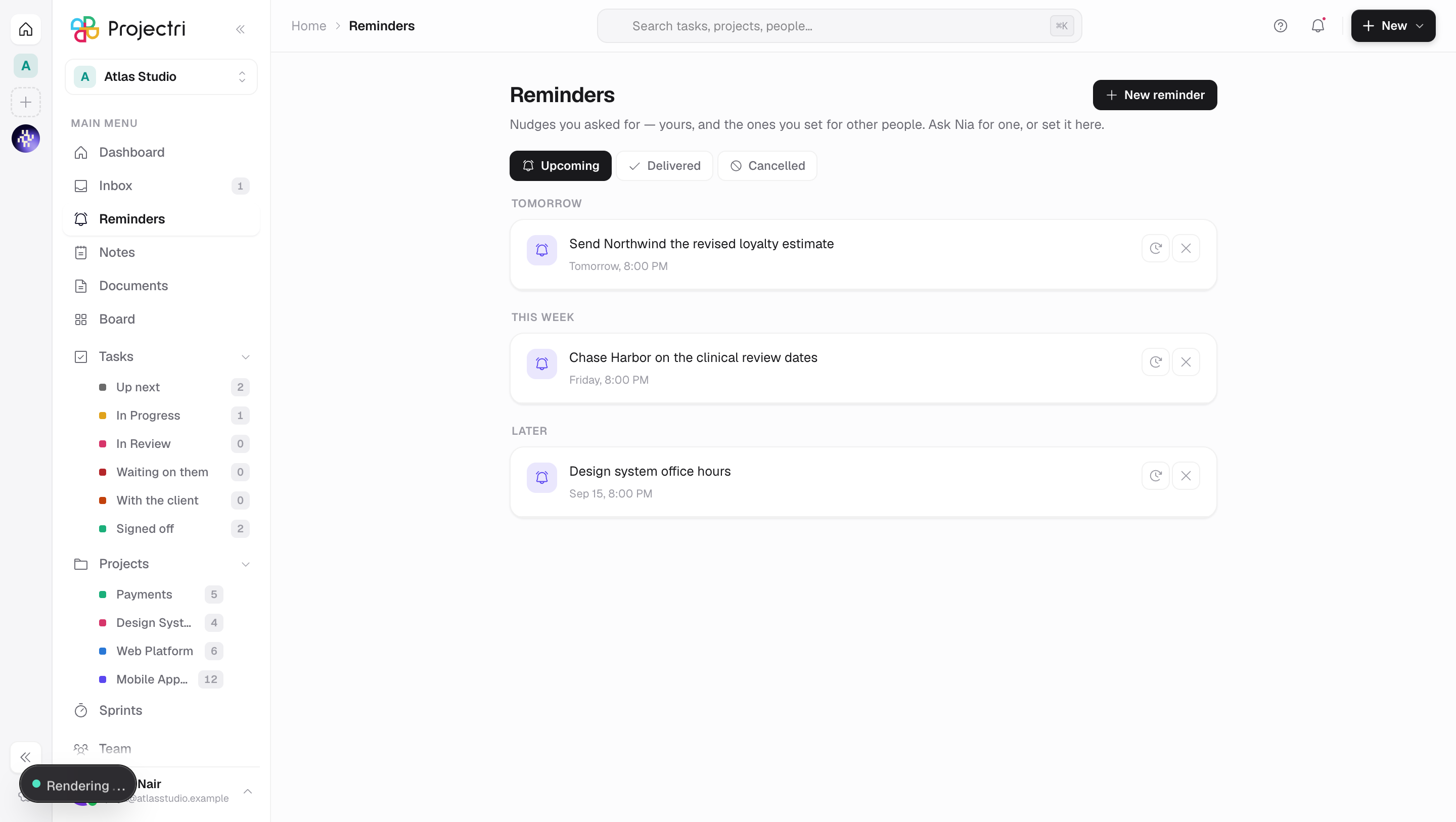
A reminder is a nudge somebody asked for: "remind me at four to send the invoice", "remind Sam on Thursday that the sign-off is due". The inbox shows one after it has fired, which is the moment it is least useful to look at. This screen is the other side — what is still coming, what it is attached to, and the two things you actually want to do about one: not yet, and never mind.
How to get there
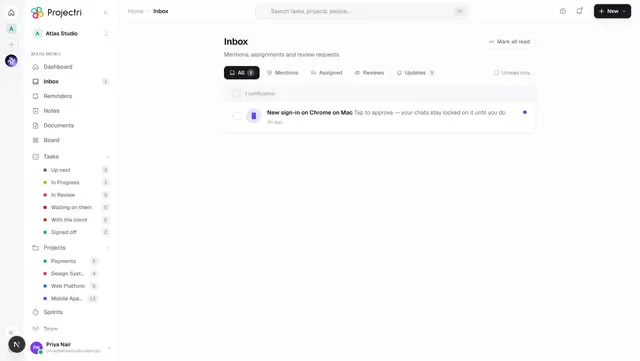
Reminders in the main navigation, directly under Inbox — the inbox is what already arrived, this is what has not. There is no permission on it and no plan gate.
How to use it
Set one
- New reminder opens a single row: the message, a date, a time, how often it repeats, and who it is for.
- The time defaults to an hour from now. If you move it into the past the card says so before you press anything.
- Repeat is Never, Daily, Every weekday, Weekly, Every 2 weeks, Monthly or Yearly. Choosing one adds a line saying it comes back until you cancel it.
- Leaving the people field empty means you. Naming somebody else adds a line saying they will get a push notification with your name on it.
- Times are sent as a wall clock plus your zone, never as an instant — so nine o'clock stays nine o'clock across a daylight-saving boundary, and a reminder set for a colleague abroad means their nine.
Ask Nia instead
"Nia, remind me at four to call the client" sets one. It appears here with her mark rather than your avatar, and the byline says who asked.
Work the list
- The tabs are Upcoming, Delivered and Cancelled. Upcoming reads soonest-first and is grouped; the two histories read newest-first.
- Clicking a reminder attached to a task, a project or a document opens it.
- Snooze offers 10 minutes, 1 hour, 3 hours, tomorrow at 9:00 and next week. Snoozing by an interval is sent as an offset, so it means the same in every timezone.
- Cancel stops it. On a repeating reminder, cancelling the occurrence you can see is what stops the series — there is nothing else queued behind it.
What it affects
- A reminder fires as a notification. It lands in the recipient's inbox, rings the bell and pushes to their phone. It is the one thing in Projectri one person can make another person's phone do, which is why the recipient is named in it.
- A repeat is one row, not a schedule. Exactly one occurrence is ever pending: when it fires, the next is written carrying the same rule. That is what makes cancel mean "stop reminding me" with no second concept to find.
- The recipient is re-checked at delivery. A reminder set for somebody who has since left the workspace is dropped rather than delivered.
- Attaching one to a task does not change the task. It only gives the reminder somewhere to take you.
- The list corrects itself live — the sweep flips a reminder to Delivered on the minute, and a colleague can set one for you while you are looking.
On mobile
The Reminders screen in the phone app is the same three tabs, the same composer and the same snooze presets. It sends the same wall clock plus the phone's zone, and snoozes as a relative offset.
Limits and gotchas
- A reminder can be set at most a year ahead.
- The message is at most 400 characters — it is delivered as the body of a push notification.
- One reminder can be addressed to at most twenty people at once, and one person can have at most a hundred pending at a time.
- The clock runs every minute, so a reminder fires within a minute of its time, not to the second.
- A reminder set for a colleague is theirs. It appears on their list; cancelling it is done from the same place.
- Fifty load at a time, with Load more for the rest.
Related
- Inbox — the same bell in the other tense, once it has fired.
- Notifications — the channels a reminder is delivered on.
- Nia, the assistant — setting one in words.
- My Tasks — where a reminder attached to a task takes you.