
Take the Projectri demo
A private copy of a real-looking agency, full of data, with a guided tour for team members, managers, admins and clients.
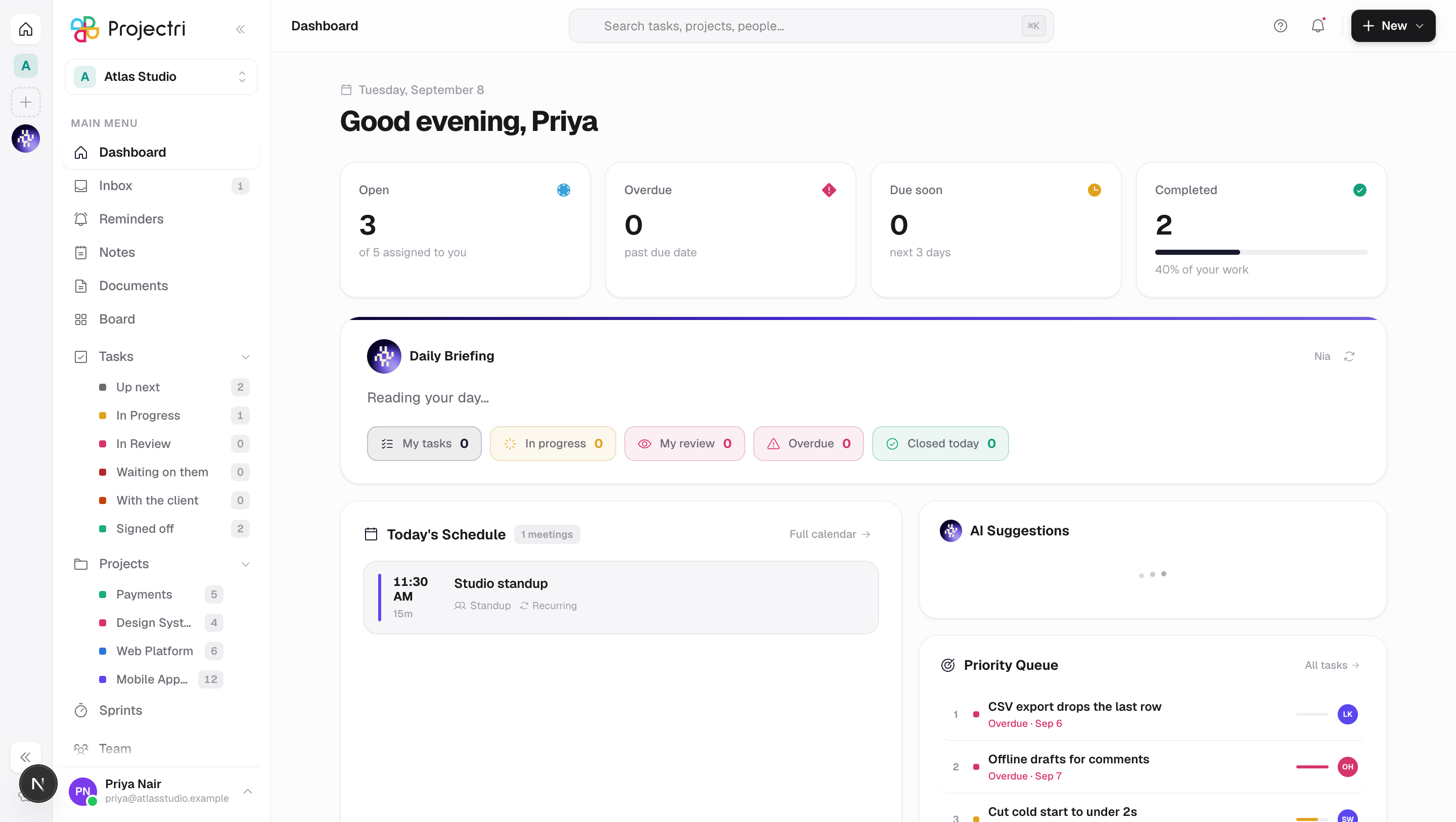
The demo is a private copy of Northwind Creative, a 14-person brand and digital agency with studios in New York and Dubai. It has a year of history: clients, deals, projects, tasks, timesheets, invoices in three currencies, payments, a project that has gone over budget, and a client who is not happy. Nothing in it is empty, and nothing in it is real.
Start the demo
- Go to projectri.com/demo and choose Try the live demo.
- After a few seconds you are signed in as Olivia Bennett, the managing director, and the Guide opens.
- Pick a track and follow the steps. Each step opens the right page, rings the control that matters and tells you what to try.
Your copy is yours alone for 7 days. Change anything you like: nobody else sees it, and it is deleted when the week is up. On the phone, open the Projectri app and choose Try the live demo on the sign-in screen.
Or use the shared login
If someone sent you these, or you want to look around together with a colleague, sign in at projectri.com/login with any of:
| Role | |
|---|---|
| Admin | olivia+demo@northwind.example |
| Project manager | marcus+demo@northwind.example |
| Team member | daniel+demo@northwind.example |
| Client (at projectri.com/portal/login) | rachel.moore+demo@client.example |
The password for all four is NorthwindDemo#2026.
Everyone who uses these shares one workspace, and any number of people can be signed in as the same person at once without signing each other out. It resets to fresh data every night, so during the day you may see what other visitors changed. For a copy nobody else touches, use Try the live demo instead.
Who you can be
The banner at the top of every page has a View as switch. Each person sees the product the way that role would.
| Login | Person | What they show |
|---|---|---|
| Admin | Olivia Bennett, Managing Director | Everything: billing, finance, people, security, automation |
| Project manager | Marcus Reid, Head of Delivery | Portfolio, budgets, resourcing, approvals, sales pipeline, reports |
| Team member | Daniel Kim, Senior Product Designer | Tasks, boards, time, timesheets, expenses, docs, chat |
| Client | Rachel Moore, Harbor & Pine Hotels | The client portal: status, approvals, invoices, tickets |
Logins in the banner lists each person's email address and the shared demo password, if you would rather sign in yourself — for example to try the phone app as a second person.
The guided tracks
Team member — about 10 minutes
- Home. What is due today and what changed.
- My tasks. Open a task: subtasks, checklist, comments, @mentions.
- Projects and boards. Switch a project to the board and drag a card.
- Log time. Add an hour to Aurora Patient App with Billable on.
- Timesheet. Submit the week for approval.
- Expenses. Claim a receipt and bill it to the client.
- Calendar. Meetings, deadlines, time off and your bookings.
- Docs, notes and whiteboards. Write and sketch together.
- Chat. Channels, threads and direct messages.
- Ask Nia. "What's overdue on Harbor & Pine?"
Project manager — about 9 minutes
- Portfolio. Harbor & Pine Rebrand is red and 12% over budget.
- Budget, risks and earned value on that project.
- Resourcing. Daniel is booked at 120%; see how levelling fixes it.
- Approvals. Approve one timesheet, reject another with a note.
- Pipeline. Deal → estimate → quote → contract, all linked.
- Quotes. The public link a client uses to accept.
- Status reports shared with the client.
- Utilization and reports.
- Goals. The one key result that is off track.
Admin and billing — about 12 minutes
- The admin console.
- Rate cards in USD, EUR and AED, and the four billing models.
- Billing run. Review the draft run and issue its invoices.
- Receivables. An overdue invoice with reminders sent, a part-payment, a credit note and a write-off.
- Financials. Margin per project and client, converted to USD.
- Purchasing. Purchase orders and supplier bills.
- People and permissions. What a Viewer cannot see.
- Security and the audit log.
- Automations and AI agents, including an action waiting for approval.
- The client portal, as the client sees it.
- Integrations, and connecting an AI assistant.
Client portal — about 3 minutes
- Project status and the latest status report.
- Approve a quote, a change order or a milestone.
- Invoices. Paid, open and overdue.
- Support tickets.
Every other page is under Explore every feature in the Guide, grouped by area, with one card each.
How the money fits together
The demo is built so you can follow one piece of work from sale to cash:
deal → estimate → quote accepted online → signed contract → rate card → bookings → time and expenses → approved timesheet → billing run → invoice → payment, reminder, credit note or write-off → receivables → profit per project and client → revenue report.
Harbor & Pine's booking site has a fixed-fee milestone waiting for the client to sign it off in the portal, and Kite Mobility's retainer shows hours used and rolled over.
What the demo will not do
So that a demo can never reach anything real, a few actions are switched off. You will see a short message if you try one.
- Nothing is sent. Emails, notifications, Slack messages and webhooks are recorded inside the demo, not delivered. Every address in it ends in
.example, which cannot receive mail. - No money moves. Changing the plan, buying AI credits and paying an invoice in the portal are disabled.
- The logins stay as they are. Passwords, two-factor sign-in, security policy, single sign-on and directory sync cannot be changed.
- No outside accounts. Connecting a real calendar, GitHub, accounting system, data warehouse or MCP server is disabled.
- The workspace cannot be deleted. It expires on its own after 7 days.
Nia and the AI agents work, with a small daily limit.